Variables in Email Templates
- template
- action
- variable
- field
- dollar variables
- $ variable
In this guide we will cover:
- Using variables in Ticket Templates
Related Guides:
Configuration Settings Guides:
Note: Any variable written in this guide is written with a hyphen between the $ sign and the word. This is so there is no replacement of them if this guide is shared through any Halo action. When used, they should be used without a hyphen (-).
Using variables in Ticket Templates
The $-variable you will see in email templates and action field default values can be used in actions. This includes private, public, hidden, system and quick actions. They are perhaps the quickest way of displaying information relevant to the ticket in an action.
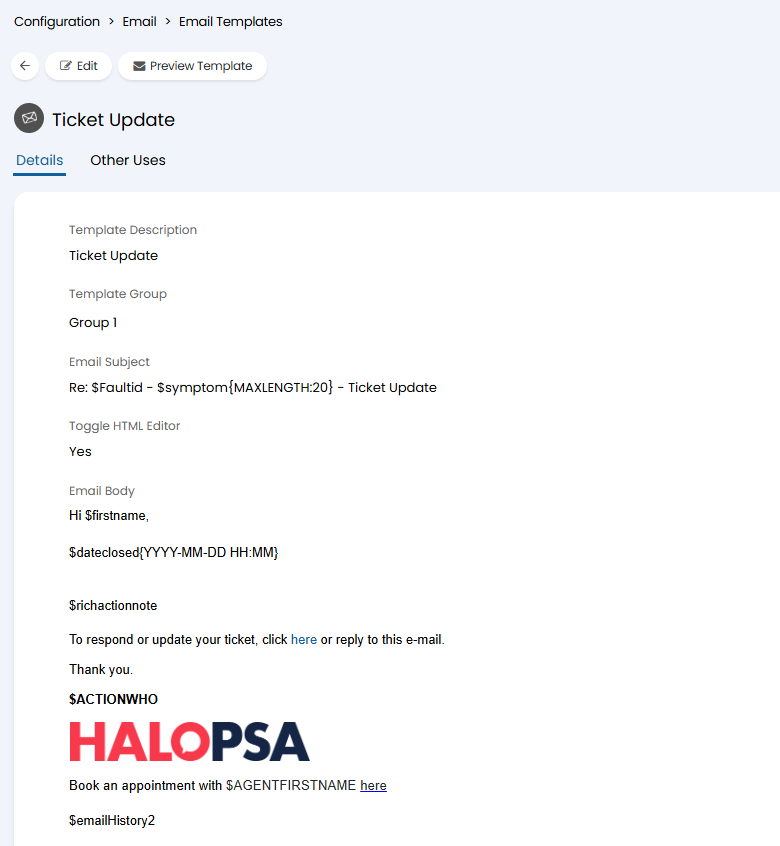
Head to configuration and to email, under outgoing click email templates and select a template to edit. Click "Edit" in the top left of this screen and scroll down to the text boxes.
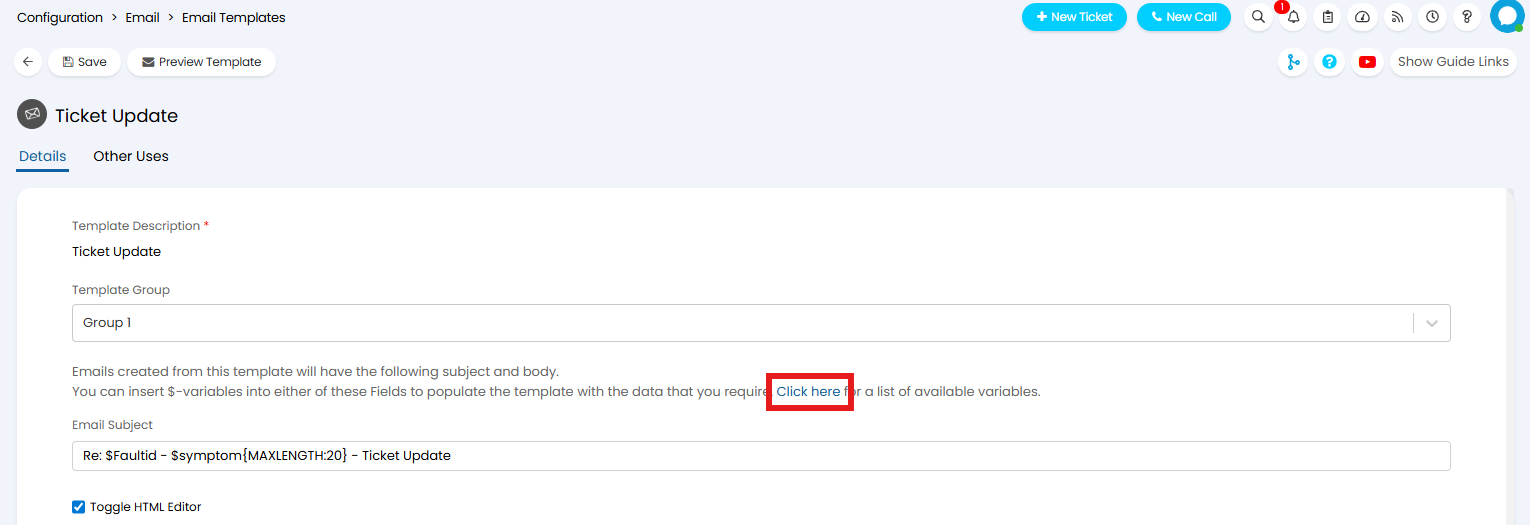
In the edit screen there is a link about the summary field to the $-Variable list as attached.
Inputting a variable in one of these templates will replace the variable name with information attached to the dataset of the ticket.
- Pick the information you wish to add into the email. Variables can also be used to pull Custom Fields following the format "$-CF___" with the field name replacing the underscores.
- Add the variables into the Summary or Email body box in any format/font you require, including tables.
- Save the template.
Now whenever an agent performs an action that sends an email using this template, the $-variables will be replaced by the information relevant to the variable used.
To find a full list of dollar variables, go to the following url: https://{YOUR HALO DOMAIN}/variables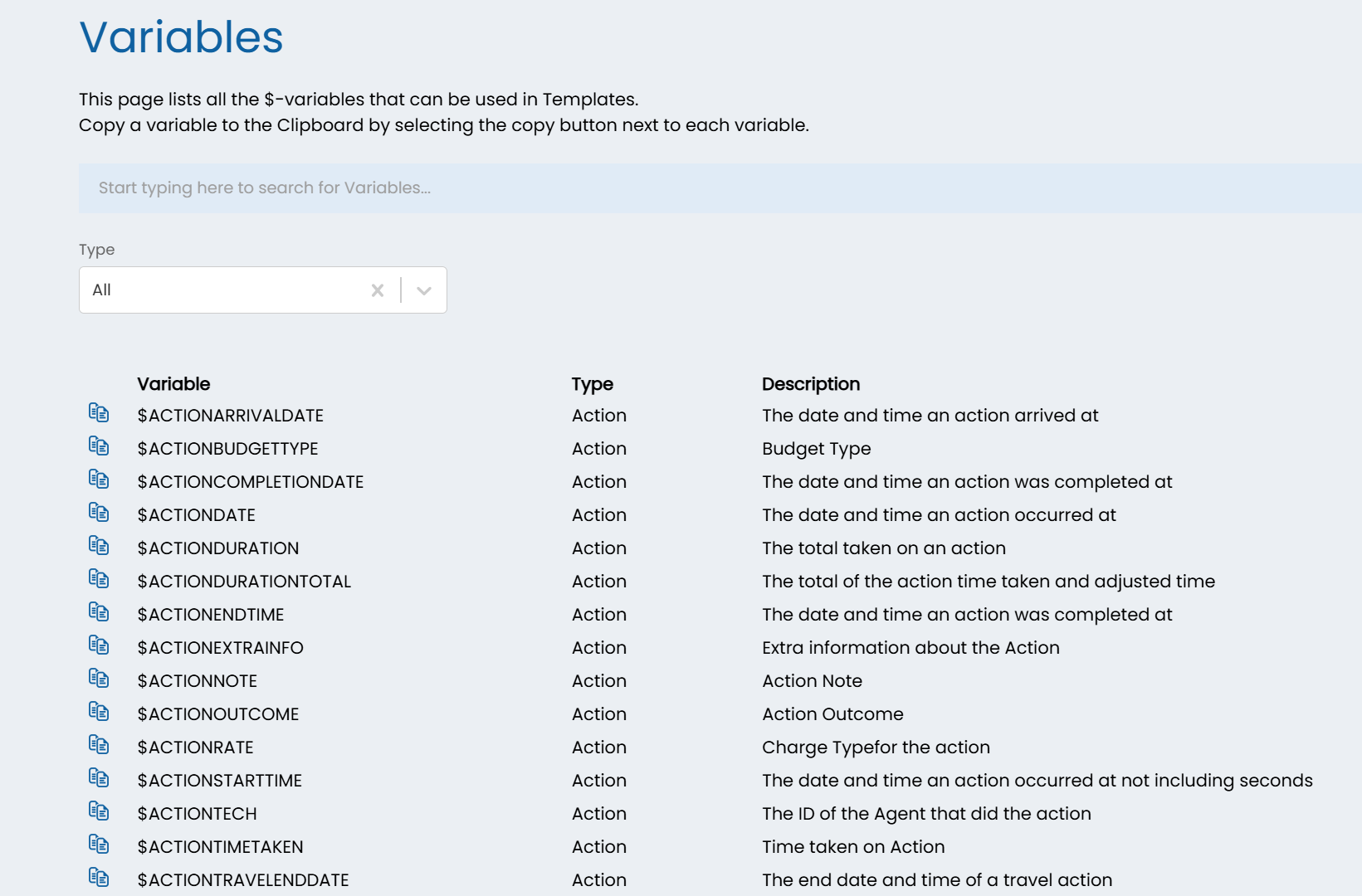
Only certain variables will work on email templates, it also depends on which template you are configuring. For example, the ticket dollar variables, if the filter type was set to "Tickets", will appear on email templates, if the field on the ticket is populated with data.