Setting up Monaco SQL Editor On-Prem
A guide explaining how to configure Monaco SQL Editor Locally for an On-Prem Instance of Halo
In this guide we will cover:
- Why you may need to configure this locally
- How to configure this locally
- Troubleshooting
Why you may need to configure this locally
Depending on your On-Prem setup your webapp server may not have access to the internet at all or may be restricted in some form. This could be due to having a completely locked down environment or blocking specific access to load this resource.
This can cause issues with loading the reporting module's SQL editor, when attempting to perform SQL lookups or using SQL scripts to pull data into Halo custom fields. If you are experiencing this issue then it will appear as such:
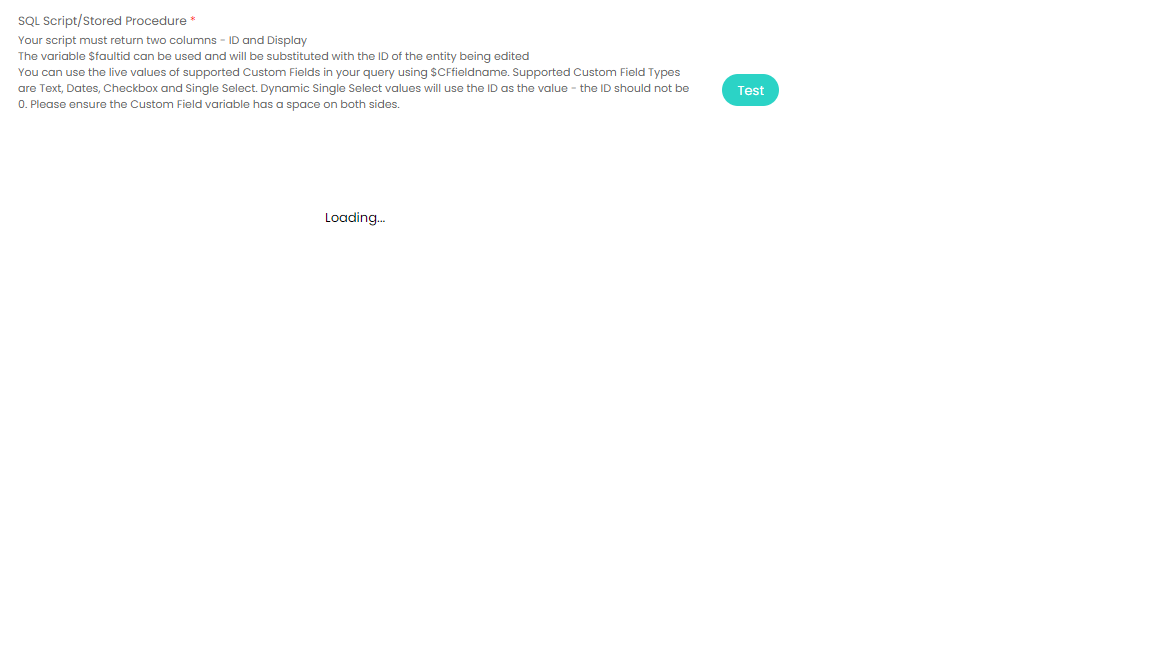
This will also throw an error in the networking tab displaying that your On-Prem instance of Halo is unable to load Halo's Monaco SQL Editor stored in our CDN:

To resolve this you can now locally install the Monaco SQL Editor for your On-Prem instance.
How to configure this for your On-Prem instance
To load the Monaco SQL Editor locally rather than from Halo's CDN you can follow these instructions:
- Download the following .zip file, which contains the Monaco SQL Editor - https://s3.haloservicedesk.com/MonacoEditor.zip
- Right click on these files from your downloads and extract these files into the static folder of your Halo webapp.
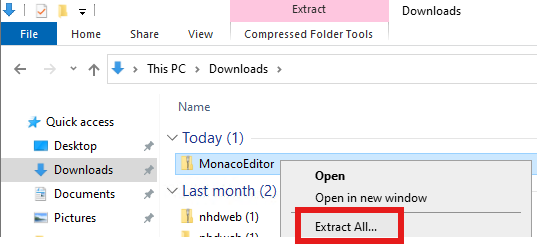
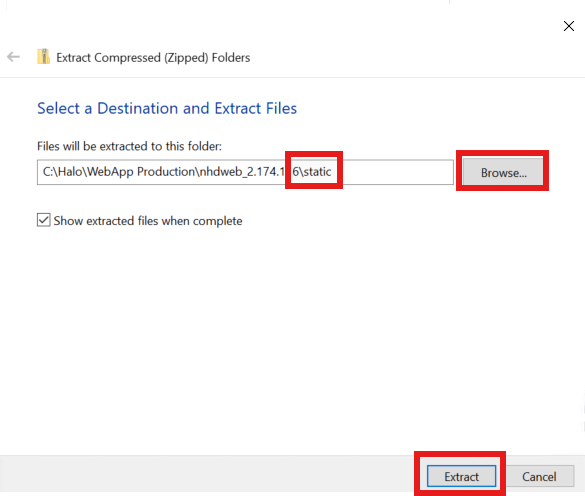
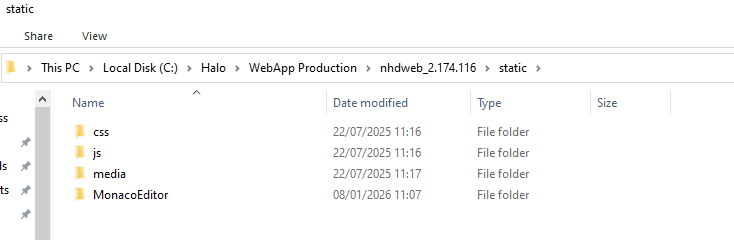
- Open the appsettings.json file at the root of the website and add the following JSON - "use_local_monaco_files": true
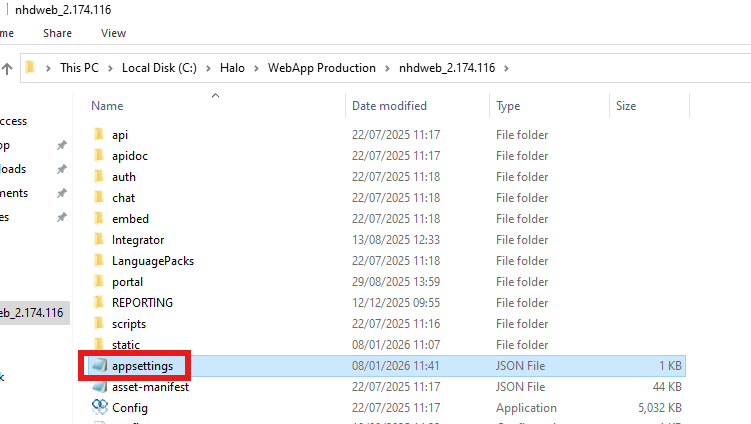
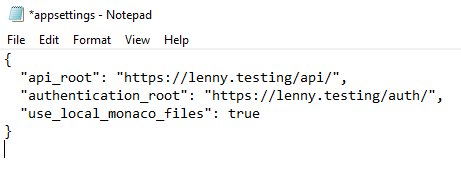
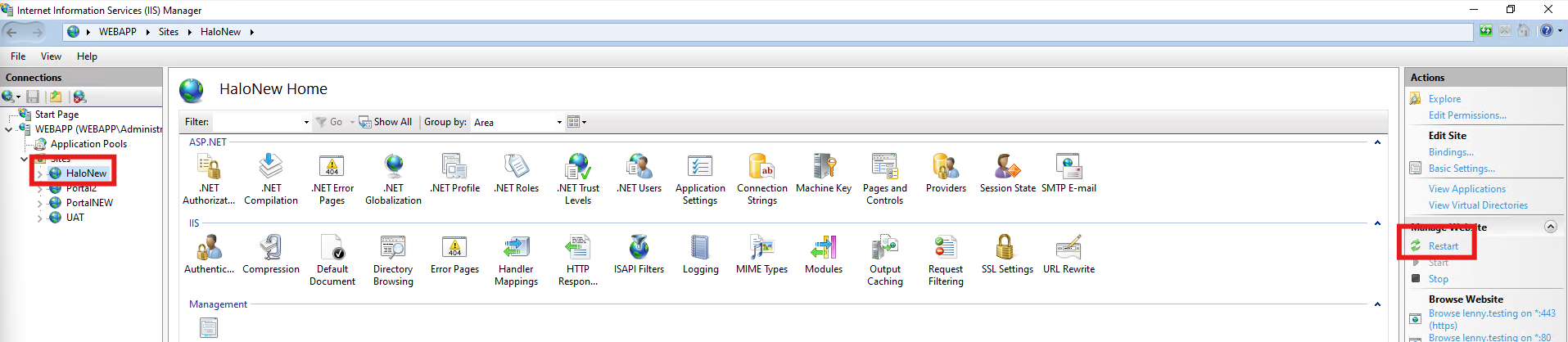
- Restart the website on IIS and now you should be able to load these locally stored files and use the SQL editor within your On-Prem instance of Halo.
Troubleshooting
If you are running into issues once this has been completed, then there could be a few potential things to troubleshoot:
- You have not extracted the Monaco zip file to the correct location. This should be to the static folder within your webapp directory
- The appsettings.json file is formatted incorrectly causing a syntax error. Ensure that your JSON has commas, speech marks, no square brackets etc