Home Screen Dashboard Overrides
- dashboard
- home screen
- dashboard override
- dashboard hierarchy
In this guide we will cover:
- Hierarchy Used for Dashboard Overrides
- Override Locations
Hierarchy Used for Dashboard Overrides
The dashboard that will be shown on an agent's home screen will be determined by the following hierarchy:
- Agent
- Default Team
- Global
Override Locations
Agent
In Configuration > Teams & Agents > Agents, choose an agent and go to the "Preferences" tab. Set the "Dashboard to show on the home screen" in the "Home Screen" dropdown.
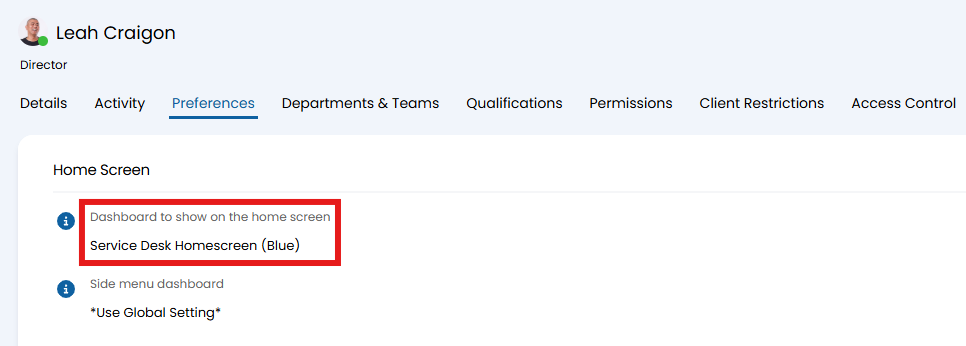
Fig 1. Agent override.
Default Team
In Configuration > Teams & Agents > Teams, choose an team and go to the "Details" tab. Set the "Dashboard to show on the home screen". The team override will apply if the team is set as the "Default Team" against the agent's profile > Details tab.
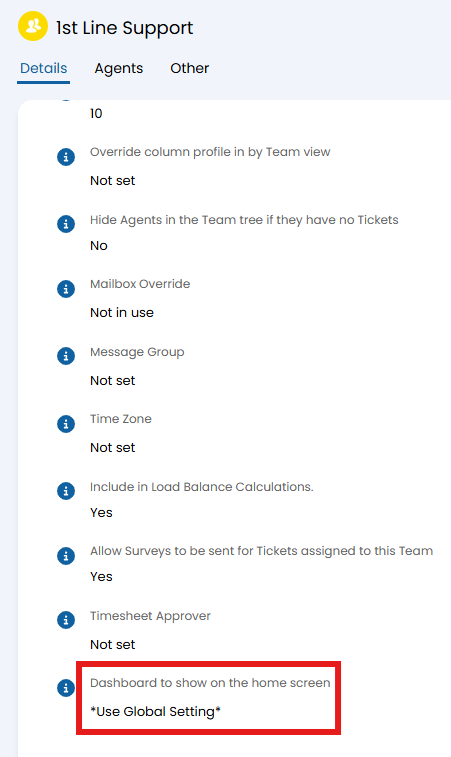
Fig 2. Default team override.
Global
In Configuration > Reporting > General Settings, set the "Dashboard to show on the home screen".
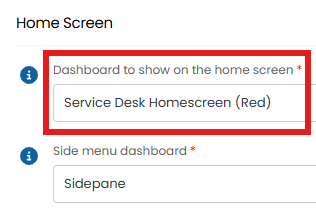
Fig 3. Global default.