Setting Up An API Agent
- API
- Agents
- API only Agent
In this guide we will cover:
- Setting up an API Agent
- Use of an API Agent
API agent accounts do not take up licences, are free of charge and are used for accessing the Halo Integrator and API connections.
Setting up an API Agent
To set up an API agent account, go to Configuration > Teams & Agents > Agents, and click "New".
Give the API Agent a sensible, identifiable username and select the option "Is an API-only Agent". From v2.253+, this option will instead need to be chosen from the "Agent Access" dropdown.
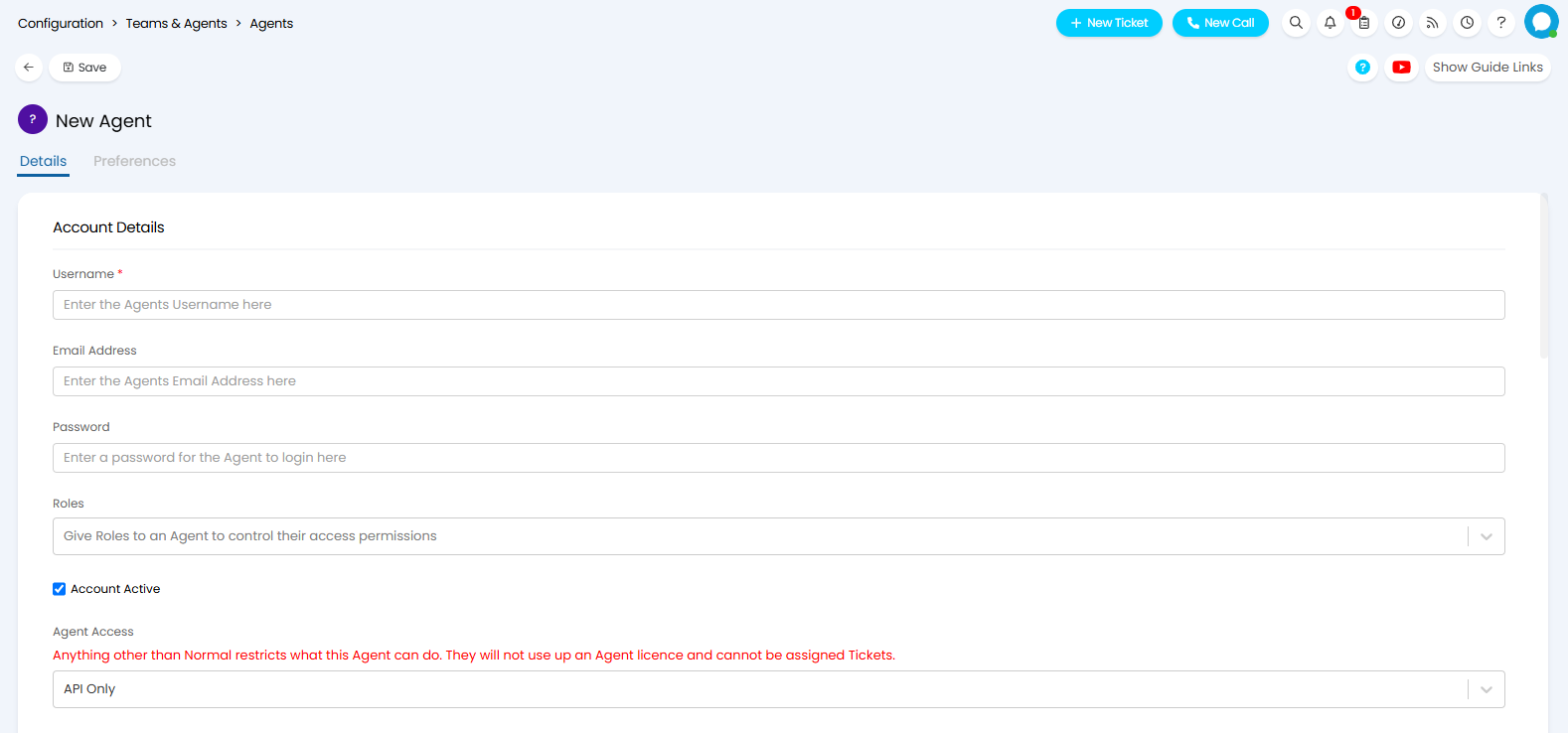
Fig 1. API agent settings
Gice your API Agent the relevant Roles, and once ready, save.
Use of an API Agent
Now, you can use this account to log in as for the Halo Integrator and other API applications.
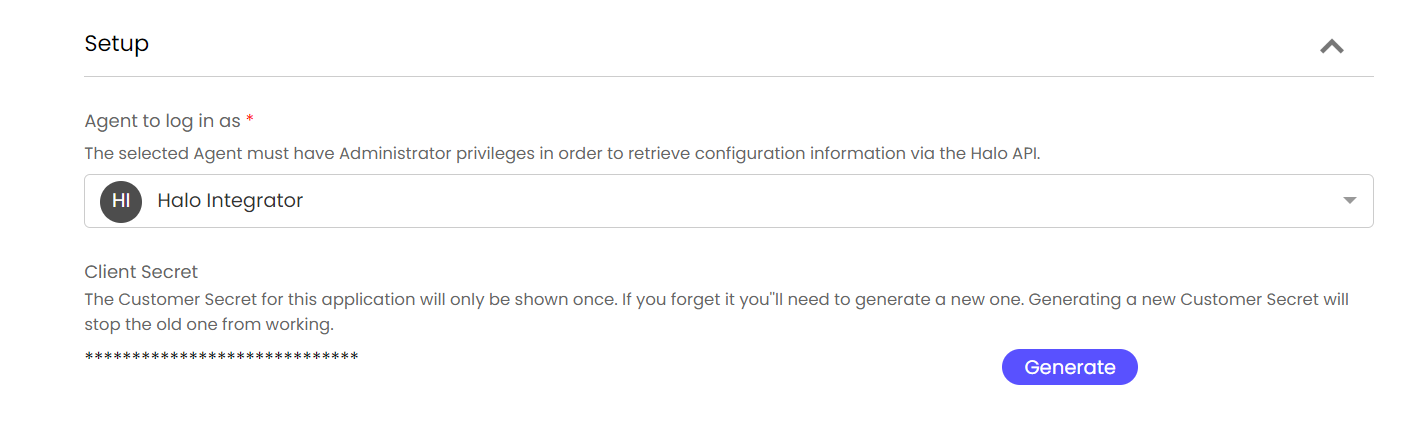
Fig 2. Using an API agent.
If you are switching from a standard agent account on the Halo Integrator/API application, please ensure that you re-generate the client secret upon changing the agent to log in as otherwise this will cause the applications to fail.
If your Halo integrator is hosted with us, please let us know of the change and we can update this for you.