Introduction to Halo Guides
Welcome!
If you're looking for information on how to use and configure Halo, you've come to the right place. Whether you're an administrator, a new user, or someone looking to dive deeper into new features and functionality, our resources can be found here, divided into specialised courses to guide you through different aspects of Halo.
Let's take a look at what you can find in each of these sections.
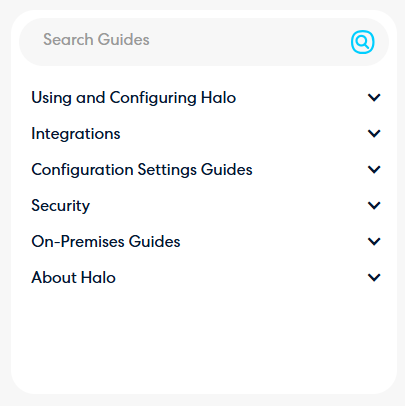
Want to know how to set up Halo's features?
Head to our "Using and Configuring Halo" section.
The guides here cover how to set up and use various functionality. Guides here are organised by the area it relates to. For example, any functionality related to assets can be found under the "CMDB" section.
If you are a new Halo customer, we recommend reading through our "Introduction to Halo" guides as this will give you a good base understanding of how to navigate and use your Halo.
Connecting an Integration?
Head to our "Integrations" section.
These guides cover how to complete the configuration for each of the platforms we integrate with. These are organised by integration category, i.e. Microsoft Exchange will be in the "Calendars and Appointments" section.
Wondering what a Setting does?
Head to our "Configuration Settings Guides" section.
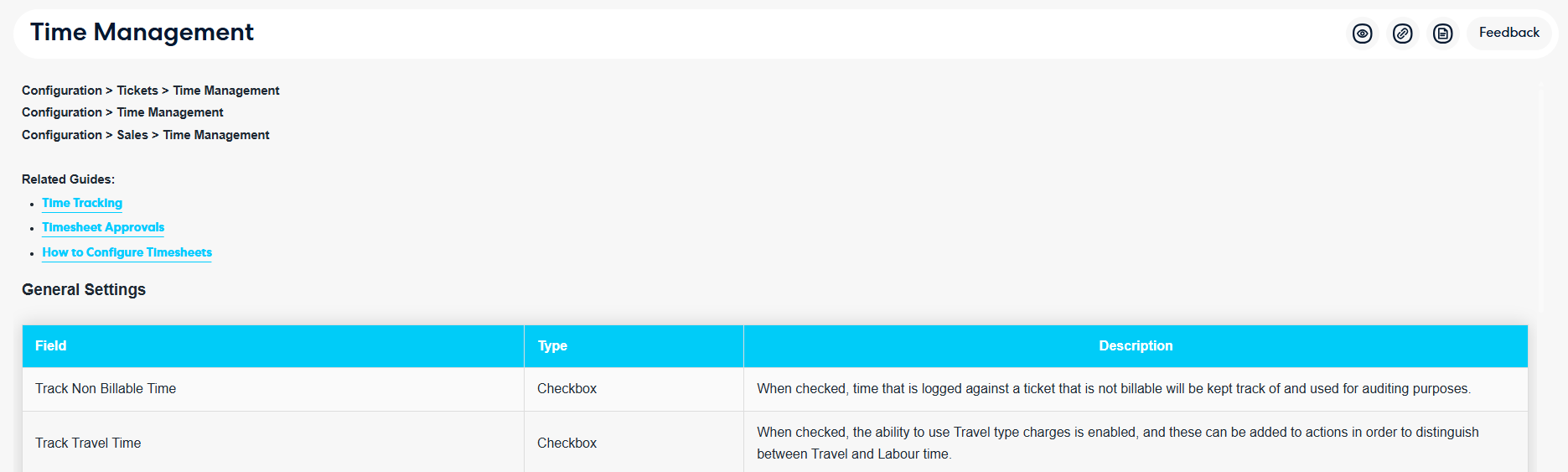
The guides here provide a breakdown of each of the settings found in the "Configuration" area. Guides here are organised by the module they are found in - for example, the "Time Management" module will have a guide of the same name with each of its settings outlined.
Add Tooltips to the Agent App
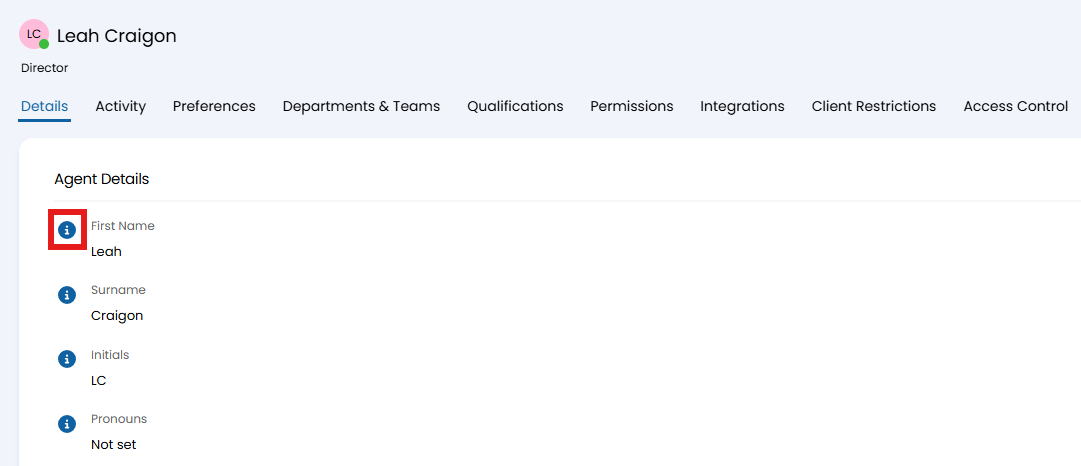
Navigate to Configuration > Advanced Settings, and enable "Show KB guide links against each setting (where available).
This will show tooltips next to each setting in Halo, that will take you to the guide with a description of that setting when clicked.
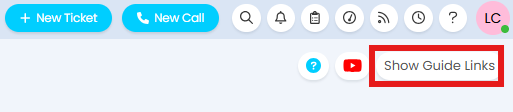
These tooltips can be toggled on/off per page with the "Show Guide Links"/"Hide Guide Links" toggle in the top right corner.
What's your security policy on this?
Head to our "Security" section.
Base details on security and infrastructure can be found here. Additional information can be found in our Trust Center, or requested from support.
Time to deploy or upgrade your self-hosted instance?
Head to our "On-Premises Guides" section.
If hosting your own instance and looking to either deploy it for the first time, or upgrade an existing one, guides on doing so can be found here.