Using the Halo API
- API
- API application
In this guide we will cover:
- Navigating to the API Configuration
- Creating an Application
- Examples
Navigating to the API Configuration
Go to Configuration > Integrations > Halo API. Here you will see the Resource Server URL, Authorisation Server URL, and your Tenant name (if applicable).
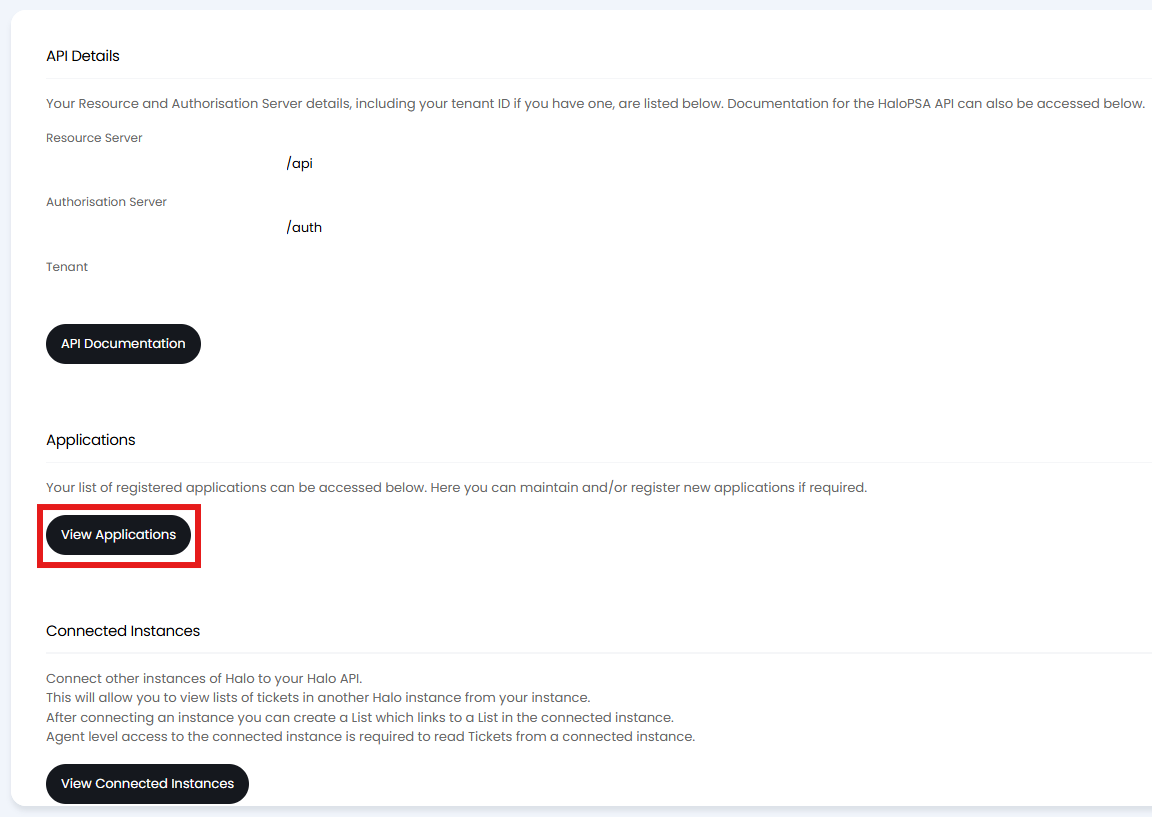
Fig 1. API configuration.
Creating an Application
You need to create an API Application containing a set of permissions and credentials, as well as some other configuration options.
The most commonly used Authentication method is "Client ID and Secret", but you do need to select an Agent to impersonate. The Agent selected here will also be used for permissions which are further restricted by selecting permissions on the Permissions.
A static API Key can be used as an authentication method. This should only be used if the system you are integrating with does not offer one of the other OAuth flows.
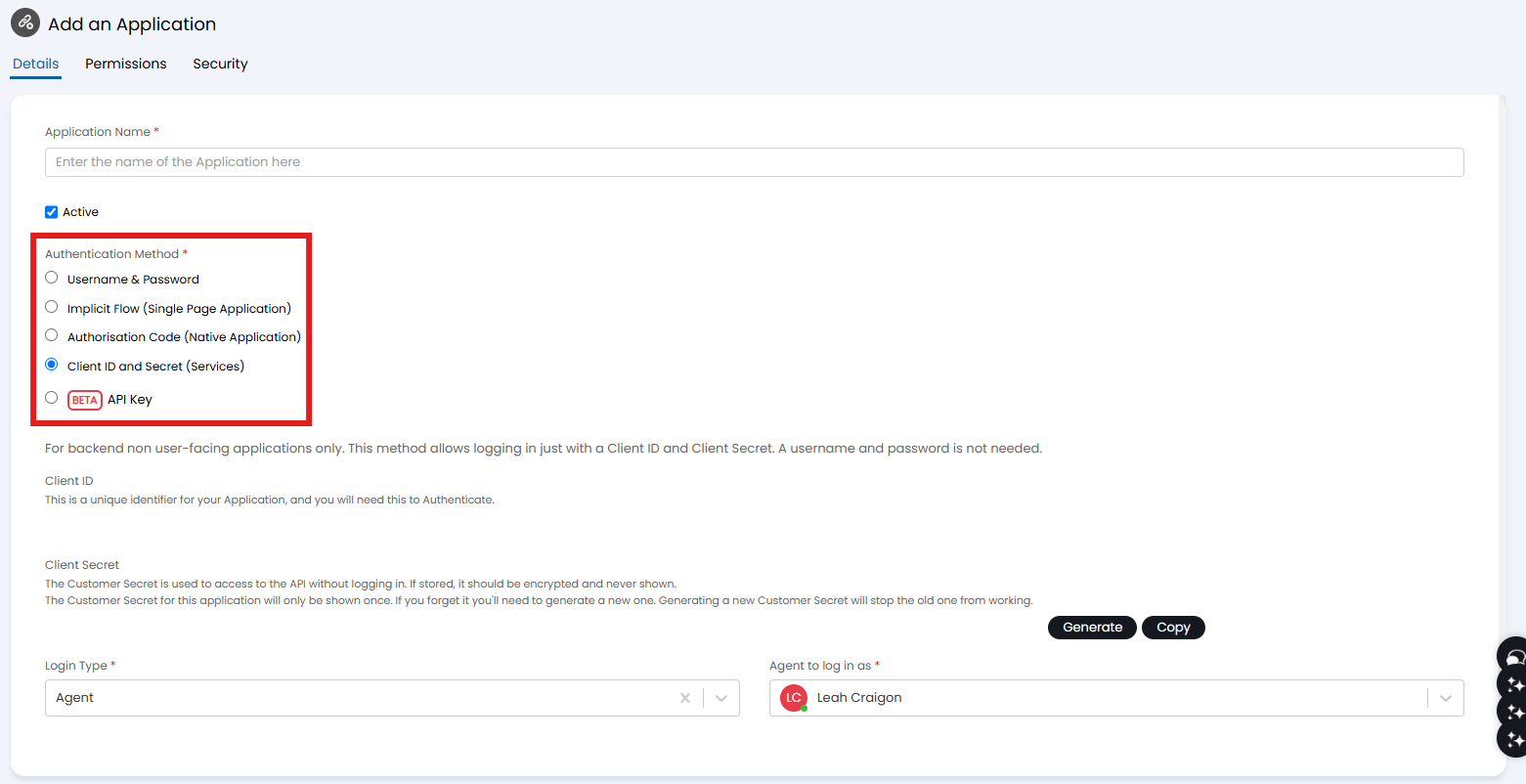
Fig 2. Creating an application.
Examples
Once this step is complete and saved you can also download examples that can be opened in Postman to help get started.

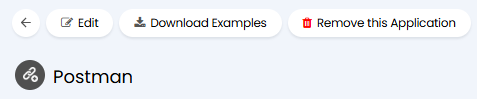
Fig 3. Download Examples button.