Using "Drag and Drop"
How to use the "Drag and Drop" functionality throughout the Halo web-app.
In this guide we will cover:
- Using Drag and Drop to re-assign Tickets
- Drag and Drop Attachments
Using Drag and Drop to re-assign Tickets
The drag and drop functionality makes re-assigning tickets quick and easy. When viewing a ticket screen such as the one below, click and hold the left mouse whilst moving to drag and drop the ticket over an agent's name or a team name.
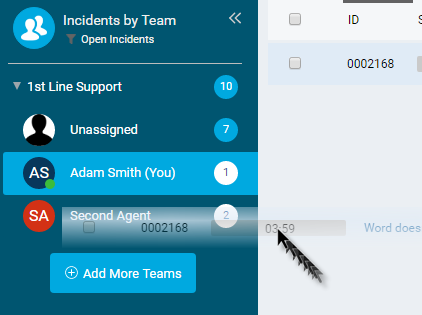
Fig 1. Drag and Drop in Action
This then reassigns the ticket and leaves an action on the ticket displaying this.
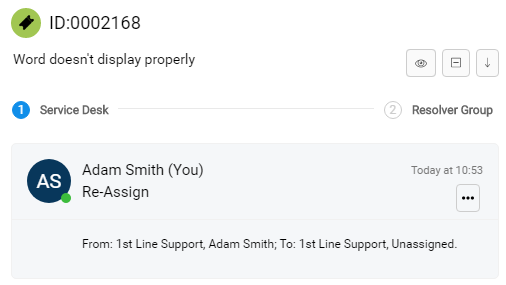
Fig 2. Re-assigned ticket
Drag and Drop Attachments
In any ticket or action you can attach files using drag and drop. Simply drag and drop a file from your computer into a ticket window or onto an action to attach it.
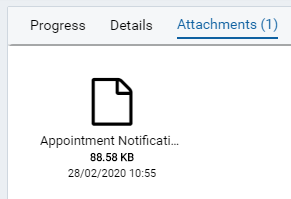
Fig 3. Attachment on Ticket