Annotating Images in Actions
- image
- caption
How to annotate an image within a rich text field.
Adding captions to images can be a great way of creating an easy-to-understand response or resolution for an end-user. This is available in all rich text boxes.
Adding a Caption
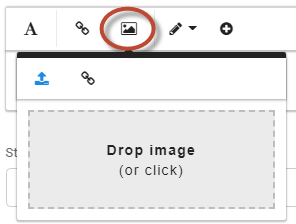
- Add the image to your email by copy/pasting inline with the text or dragging into or clicking the box shown below:
- Scroll so you can see the bottom of the image and click on the image so this menu appears:
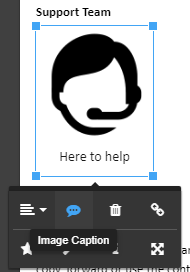
- Click the 'Image Caption' button.
- Type in your desired caption and click off of the caption text area.
And here's how it looks: