Checking your DB Integrator Version
This guides details how you can check your DB integrator version.
This is bundled with the Halo app upgrader files and is not automatically updated if the DB integrator executable has been moved.
This can be checked using the below steps.
The best way to locate your DB integrator is to check through Task Scheduler, as that is what scheduled the routine execution of the integrator.
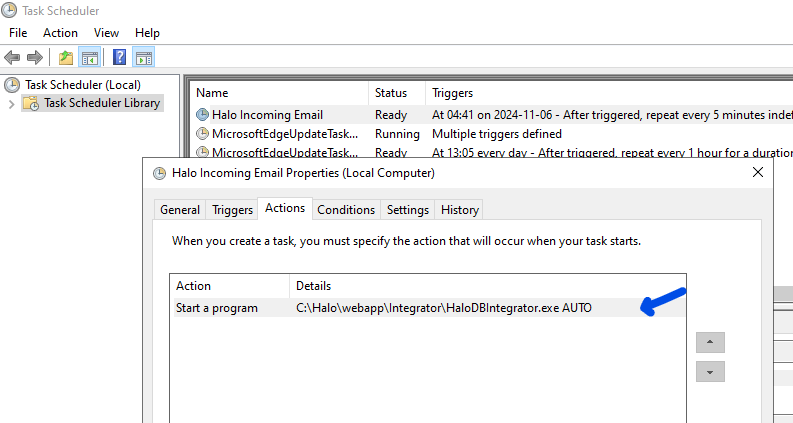
This is done by opening Task Scheduler and locating the task(s) associated with the integrator. You can then find the location of the integrator within the tasks 'Actions' tab:
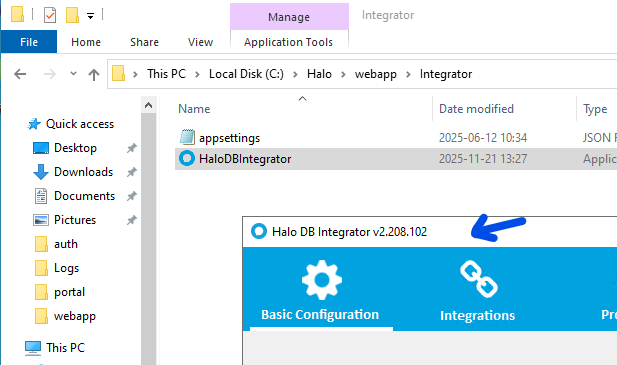
You can then navigate to that location and run the integrator, where the displayed version can be viewed: