Reporting Access Control
- reporting
- Report
- access control
- reporting suite
In this guide we will cover:
- Access Control on Existing Report Groups
- Variations of Access Control
- Granting Access Control on Reports
Related Guides:
Access Control on Existing Report Groups
Three methods of restricting Report access through this method are available in Configuration > Reporting > General Settings.
The below setting will default to the top option upon upgrade.

Fig 1. Access Control options.
For existing Report Groups that were created before this version, these will default to "All Agents" having "Read Only" access. For details on setting the right access levels, check out the main guide on "Access Control".
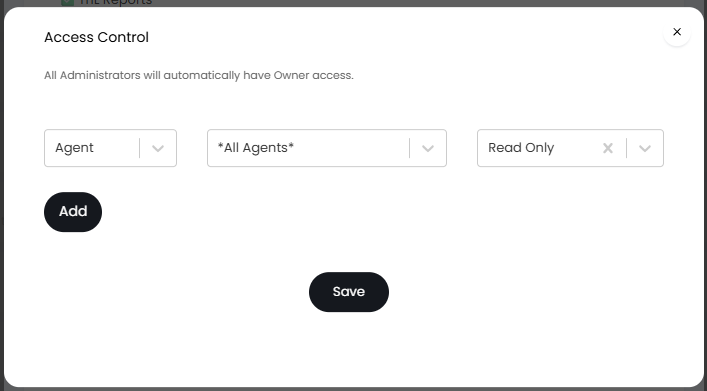
Fig 2. Default Access Control on existing Report Groups.
Variations of Access Control
There are three variations of Access Control available for Reporting.
- Use access control for Report Groups. The Read/Write permission determines if an agent can edit a report, data source, or composite report: This is the default. Access Control is set on the Report Group, and Reports under this Group are visible to the Agent.
- Use access control for Report Groups, Data Sources, and Composite Reports. Report access is implied from its groups: Access Control is set on the Report Group, and Reports under this Group are visible to the Agent. Each Data Source or Composite Report has its own Access Control.
- Use access control for Report Groups, Reports, Data Sources, and Composite Reports. Group access is required to see the group in lists: Access Control is set individually on each entity. Access to the Report Group is required to see it in Report Lists.
When using the latter two options, the following Agent permissions are available on an Agent's profile:
- Can Create Reports: Allows Agents to create Reports or Report Groups.
- Can Create Composite Reports: Allows Agents to create Composite Reports.
These are in addition to the settings for:
- Can Create SQL Data Sources: Allows an Agent to write SQL and to create/edit Data Sources.
- Can Use Data Sources: Allows an Agent to create Reports using pre-set Data Sources and the Query Builder.
Granting Access Control on Reports
Note: If creating a new Report or related entity, you will need to save this for the first time before you grant Access Control - the button will not show until then.
Report Group
Reporting Suite > right click on a Report Group on the left side > "View/Edit this Group".
This option will be available when using one of the following in that dropdown:
- Use access control for Report Groups. The Read/Write permission determines if an agent can edit a report, data source, or composite report.
- Use access control for Report Groups, Data Sources, and Composite Reports. Report access is implied from its groups.
- Use access control for Report Groups, Reports, Data Sources, and Composite Reports. Group access is required to see the group in lists.
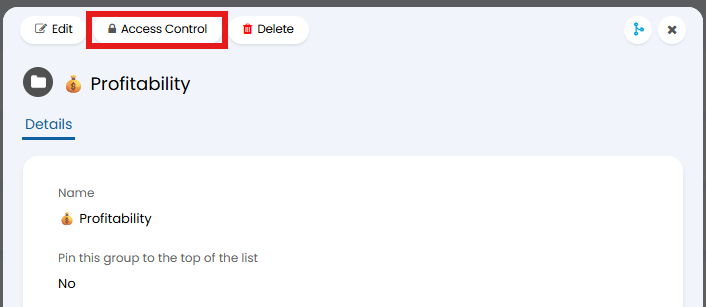
Fig 3. Report Group Access Control.
Composite Reports
Reporting Suite > Composite Reports > choose a Report.
This option will be available when using one of the following in that dropdown:
- Use access control for Report Groups, Data Sources, and Composite Reports. Report access is implied from its groups.
- Use access control for Report Groups, Reports, Data Sources, and Composite Reports. Group access is required to see the group in lists.
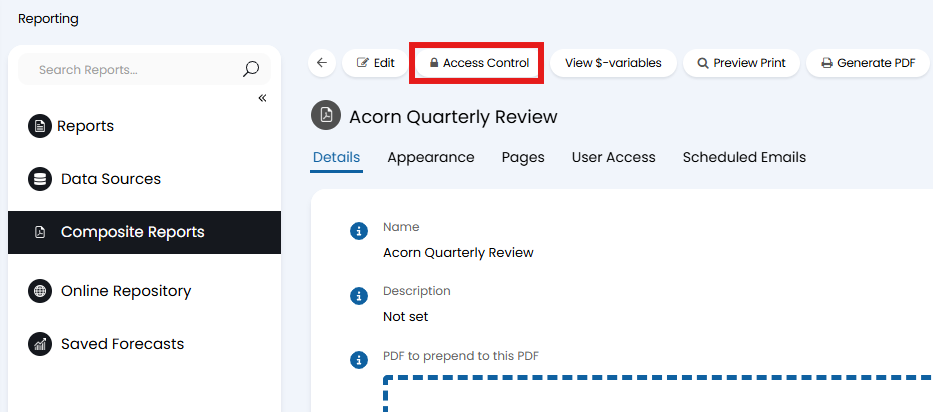
Fig 4. Composite Report Access Control.
Data Sources
Reporting Suite > Data Sources > choose a Data Source.
This option will be available when using one of the following in that dropdown:
- Use access control for Report Groups, Data Sources, and Composite Reports. Report access is implied from its groups.
- Use access control for Report Groups, Reports, Data Sources, and Composite Reports. Group access is required to see the group in lists.
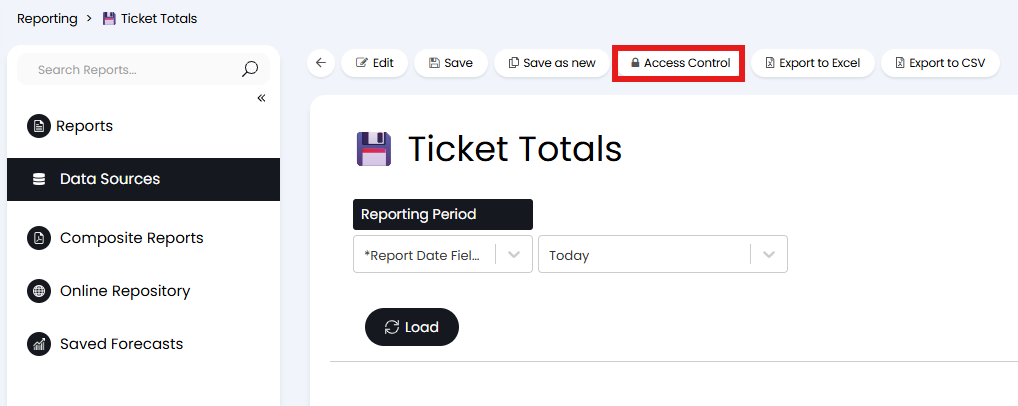
Fig 5. Data Source Access Control.
Report
Reporting Suite > click into a Report Group > choose a Report.
This option will be available when using one of the following in that dropdown:
- Use access control for Report Groups, Reports, Data Sources, and Composite Reports. Group access is required to see the group in lists.
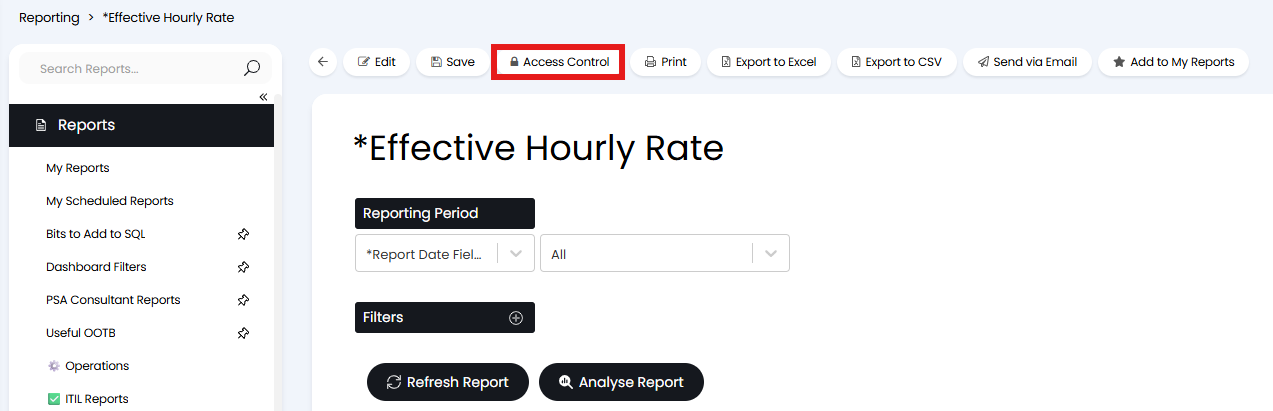
Fig 6. Report Access Control.