Translating Email Templates
- language
In this guide we will cover:
- Configuring translations for email templates
To enable this functionality you must enable the setting "Allow multi-language email templates" in Configuration > Email > General Settings.
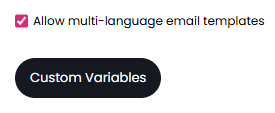
Fig 1. Allow multi-language email templates.
The "Custom Variables" button below will take you to an area to create your own custom variables.
You need to specify a name for the variable and the value for the text. This text can then be translated into any language you have configured via the "Add translations" text at the bottom right.
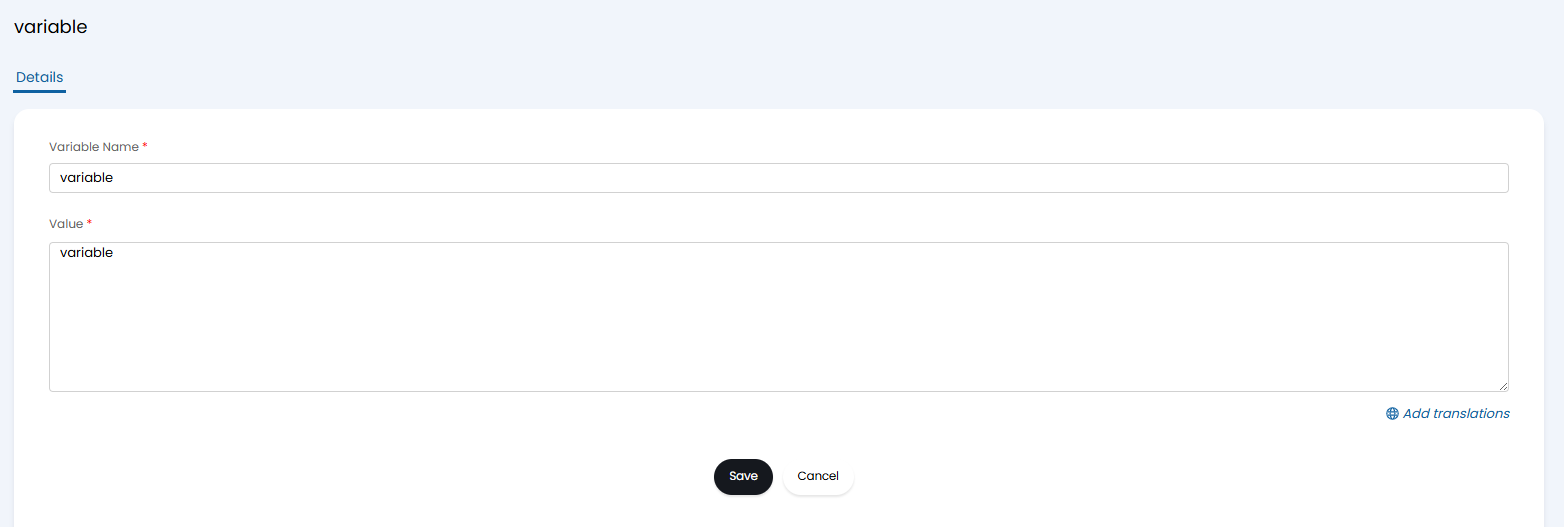
Fig 2. New custom variables screen.
These can be configured globally for use on multiple email templates or at individual email template level. The values for these variables can contain $ variables.
Within each email template, you can then enable it to be a multi-language template. The global variables made above will show here, as well the option to add some template-specific variables.
Note: Global variables can only be edited/deleted from the "Custom Variables" button. Individual template variables can be edited/deleted by hovering over them per template.
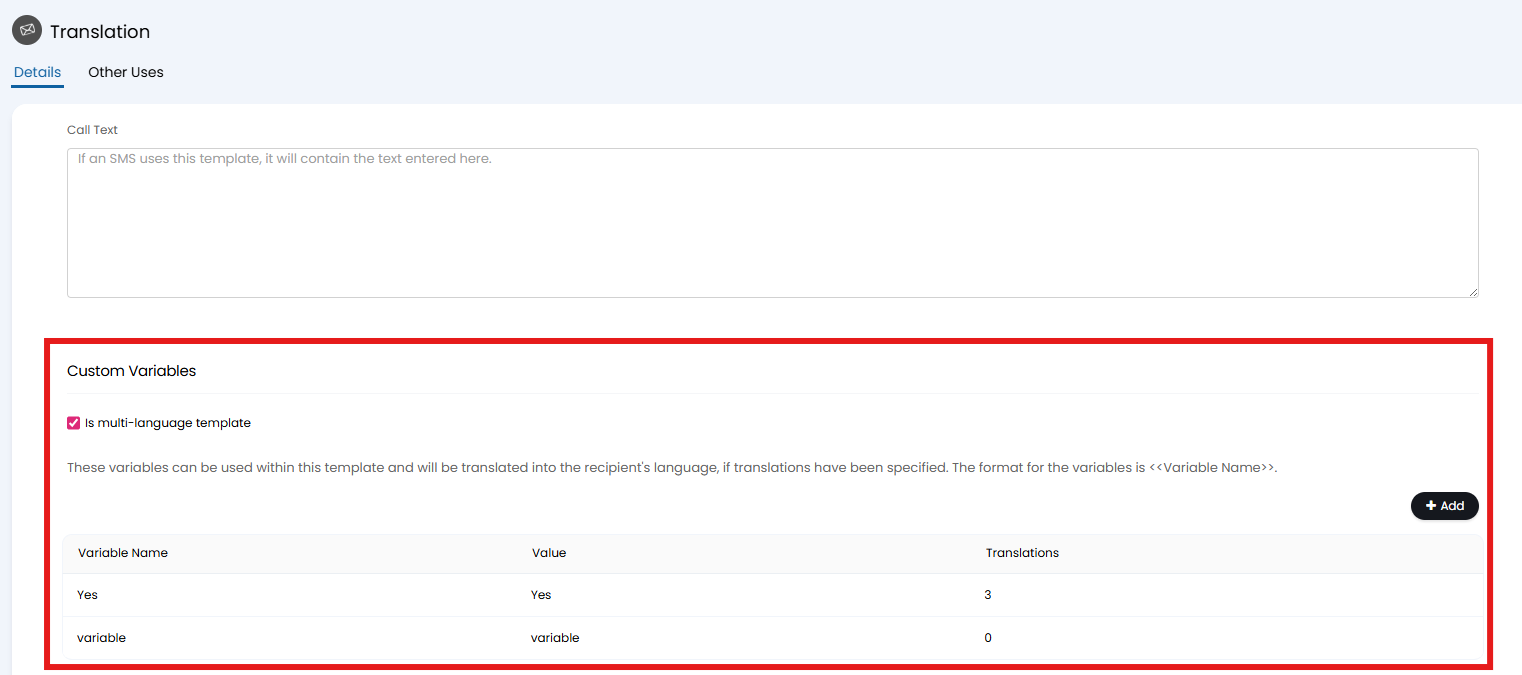
Fig 3. Enabling multi-language templates and adding variables.
These variables can then be used in the email template for both the subject and the body using the following format: <<Variable Name>>
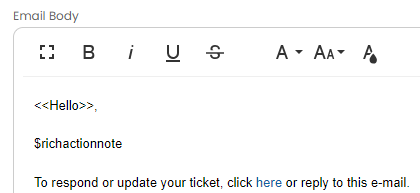
Fig 4. The email body with variables included.
When sending an email, the language of the recipient will be determined from their settings. For users, it will use the language the have selected, otherwise it will fall back to the site-level language setting. For emails to agents, it will use their specified language. If none of those settings are specified, it will use the global language setting.
When sending emails from a ticket, the language of the user will be used, even when sending an email to multiple recipients. The only exceptions are when using actions with the system use of "Email Agent" or "Add note to Parent Ticket", and emails on opportunity tickets will not translate until a user record has been created from the opportunity.