Major Incident Task Management
This article describes the Major Incident Task management functionality within HaloITSM, focusing on how to create and track business and technical tasks related to an incident. Proper task management ensures that all necessary actions are documented and completed.
In HaloITSM, tasks can be created directly from the Major Incident Console. You can choose to create either Business Tasks or Technical Tasks depending on the nature of the work.
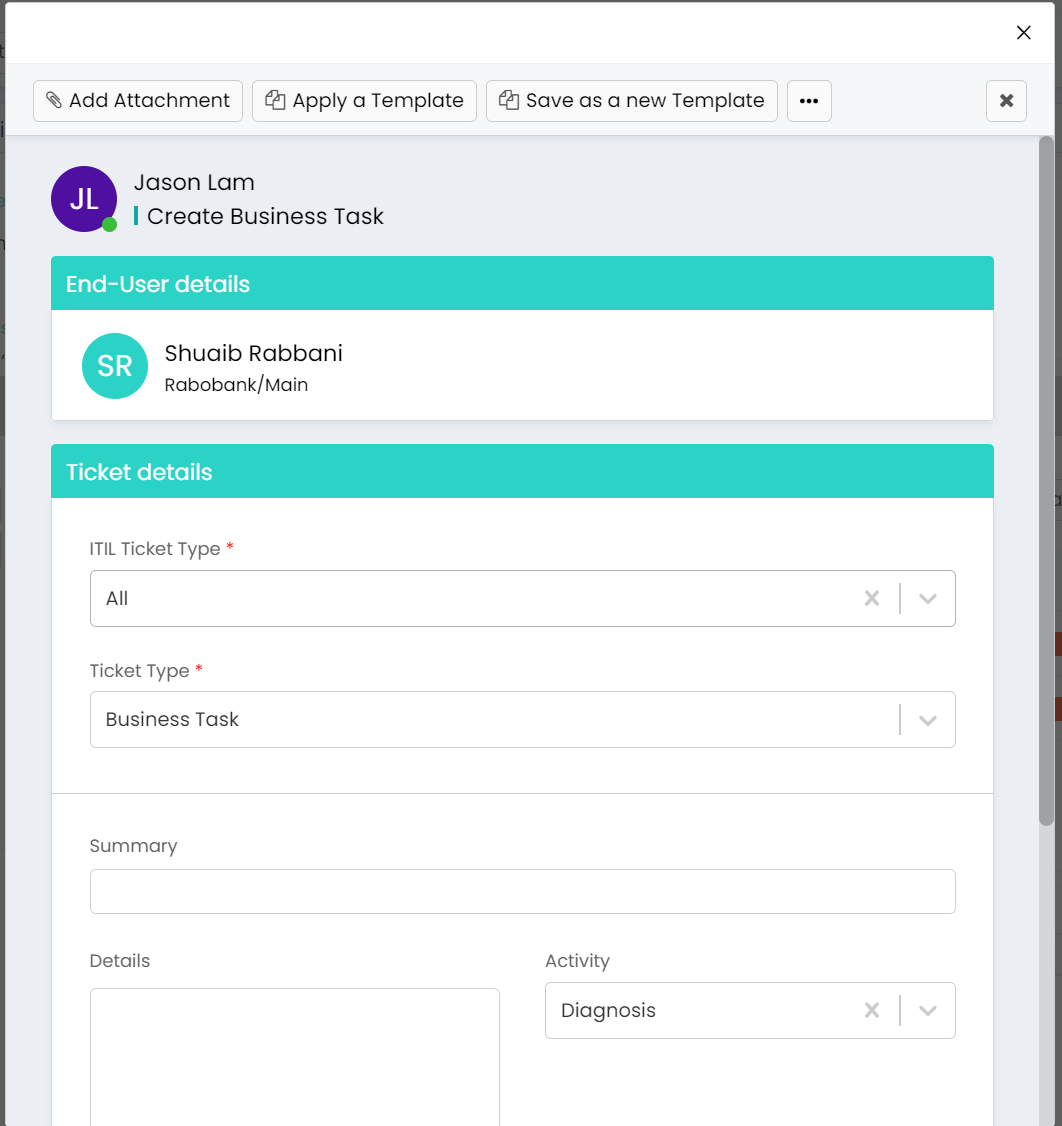
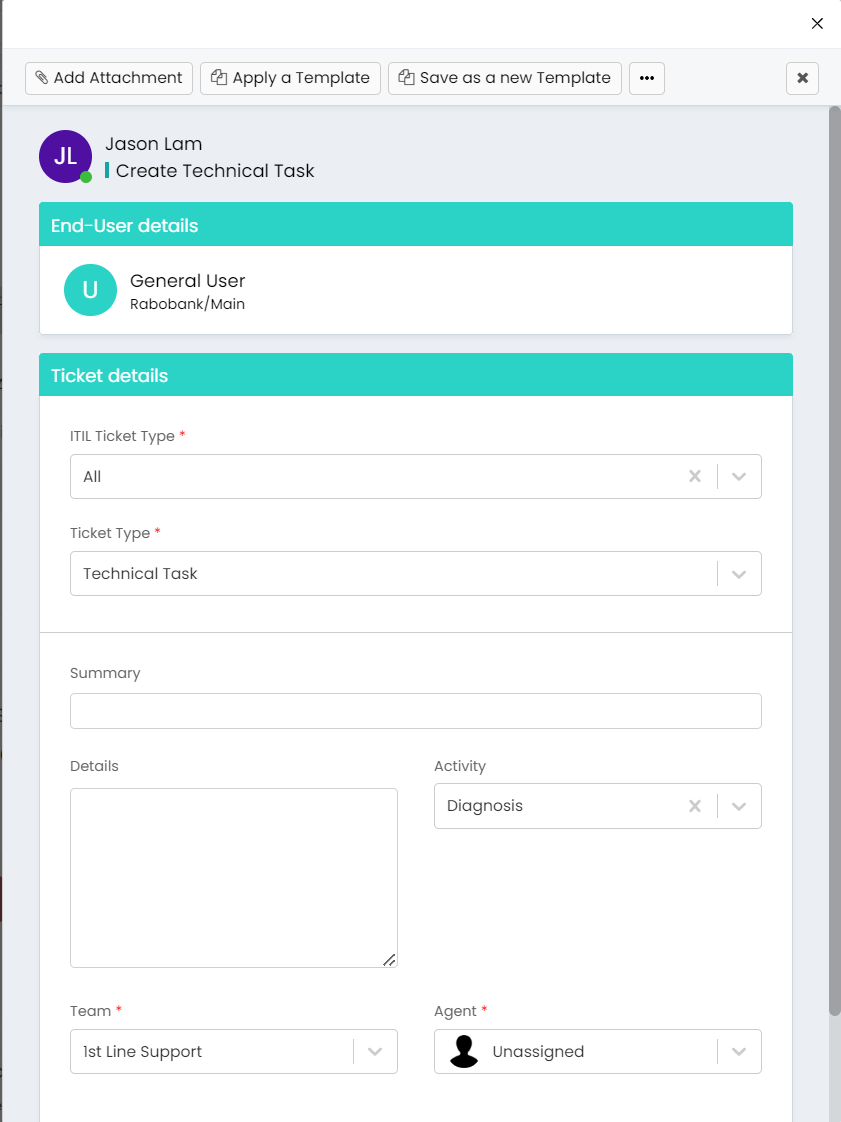
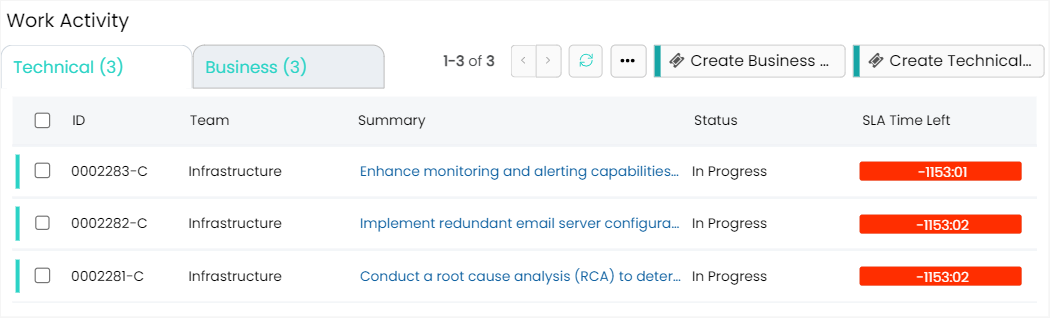
Once a task is created, you can assign it to a specific individual or team, set deadlines, and include detailed instructions or notes. Each task will then appear in the Work Activity section, where you can monitor its progress. Tasks will be presented in a list format with configurable options to be displayed. Tasks can also be color-coded based on their status, making it easy to see what’s pending, in progress, or completed. This structured approach to task management ensures that all aspects of the incident are addressed systematically, preventing any critical steps from being overlooked.