Impacted CIs (Configuration Items)
This article focuses on the Impacted CIs (Configuration Items) area on the Major Incident Console, which allows teams to log and track the configuration items affected by a Major Incident. This helps in assessing the impact and prioritizing resources effectively.
To manage impacted CIs, go to the Impacted CIs section within the Major Incident console.
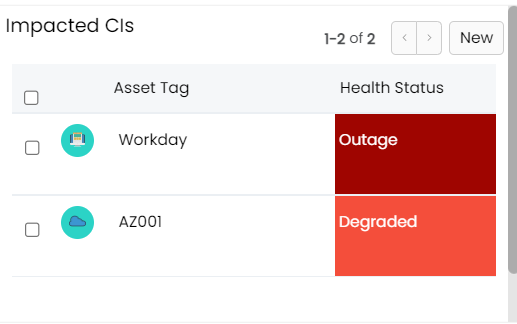
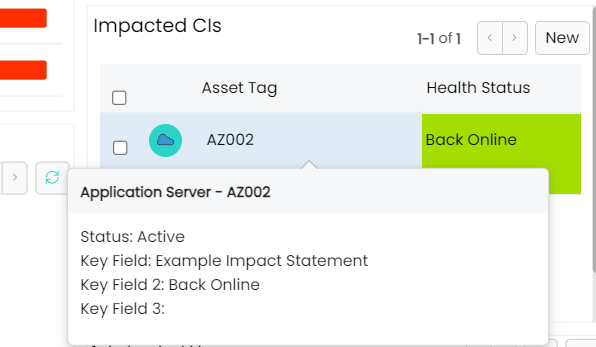
You can add a new configuration item by clicking on the New button. Here, you’ll be able to select the relevant CI from a predefined list or manually input the details. Once added, the impacted CI will appear in the list, where you can track and update its health status, its impact statement, and any notes made against the CI during the Major Incident Management process.
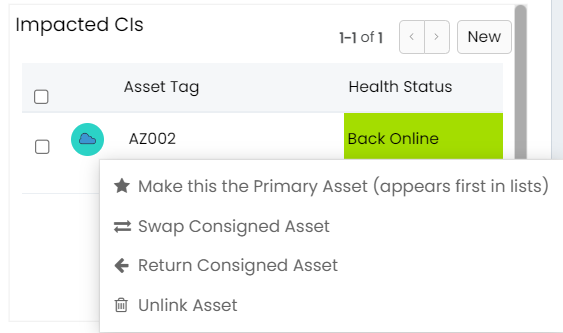
 Agents can also unlink assets from the Major Incident Management Record in this section.
All of the above helps agents understand the broader implications of the Major Incident, allowing for better resource allocation and decision-making. Ensuring that all affected CIs are documented also aids in post-incident analysis and reporting, making it easier to identify areas for improvement.