Artefacts Section for Attachments
This article covers the Artefacts section in HaloITSM, which allows agents to store and organize all related attachments in one central location. This feature is essential for maintaining comprehensive documentation during Major Incident Management.
To add or manage attachments in the Artefacts section, navigate to this section within the Major Incident console.
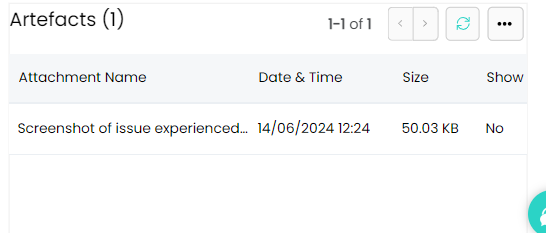
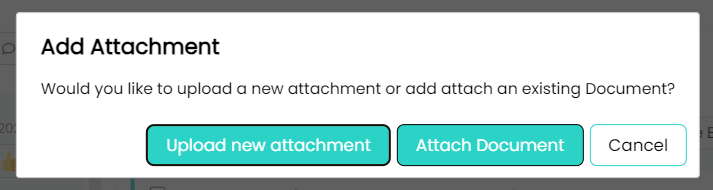
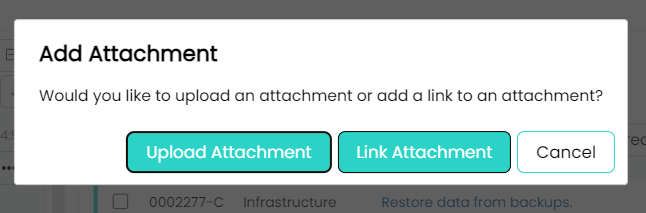
You can upload files by clicking on the Add Attachment button, which allows you to browse and select files from your computer locally or you can select to link an attachment to the Major Incident record.
Once uploaded, all artifacts are displayed in a list, where they can be accessed or downloaded by authorized team members. This section supports a variety of file types, including images, documents, and logs. Organizing all related materials in the Artifacts section ensures that they are readily available when needed, facilitating a more efficient and thorough resolution process.