Major Incident Console Overview
Here is an overview of a major incident record in HaloITSM with interactive features like timers, progress indicators, and customizable clocks. Utilize the buttons for key actions, including impacted customers, communications, raising a problem, and managing tasks.
Below are the key features that contribute to a streamlined major incident management process:
- Interactive Elements and Hover Features:
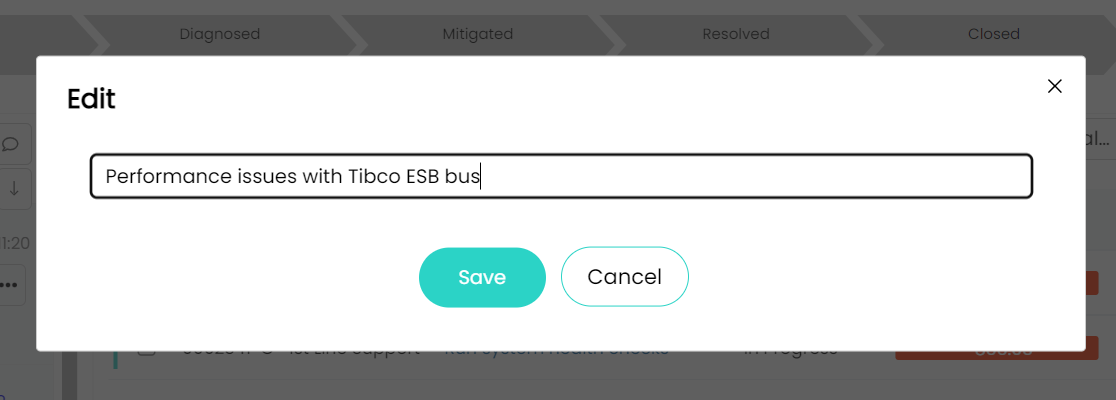
The platform’s interactive elements allow users to hover over fields and to edit upon clicking to gain instant insights without navigating away from the main screen. This reduces the need for excessive clicks, ensuring that all critical information—like severity and latest updates—are immediately accessible, enabling faster decision-making.

- Custom Timezone Clock Display and Timers:
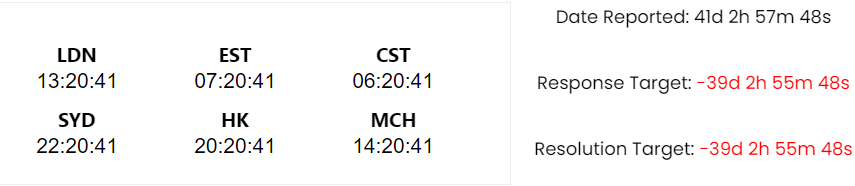
HaloITSM’s custom timezone clocks display real-time information across customisable global locations (e.g., LDN, EST, SYD, HK), ensuring seamless coordination among teams. Additional timers also automatically track and display the Date Reported, Response Target, and Resolution Target. These timers, prominently displayed, help teams prioritize tasks and maintain strict adherence to deadlines, turning red when targets are missed.
- Ticket Progress and Workflow Stages:
The Major Incident’s status is clearly visualized through ticket progress and workflow stages, indicating whether the Major Incident has ‘Started’, ‘Escalated’, ‘Diagnosed’, ‘Mitigated’, or ‘Resolved’. This visual representation is also interactive, allowing Major Incidents Manager to active manage the Major Incident at hand with the ability to leave a trail of updates at ease, enabling stakeholders to assess the current status and anticipate the next steps. Workflow progress can trigger automatic updates, keeping everyone informed as the Major Incident evolves.

- Major Incident Task Management:
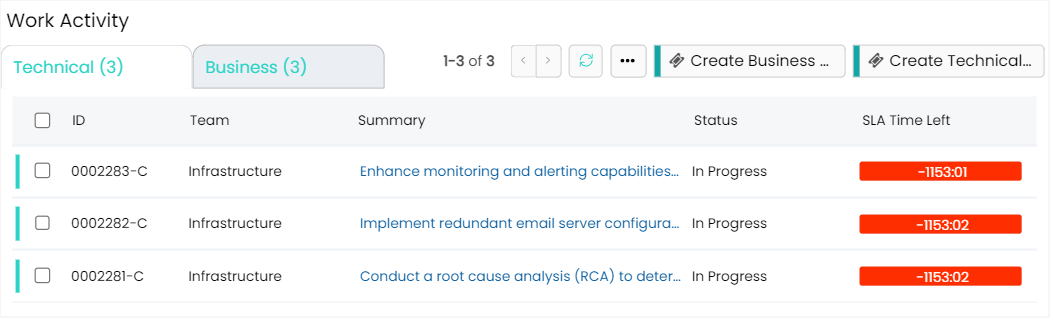
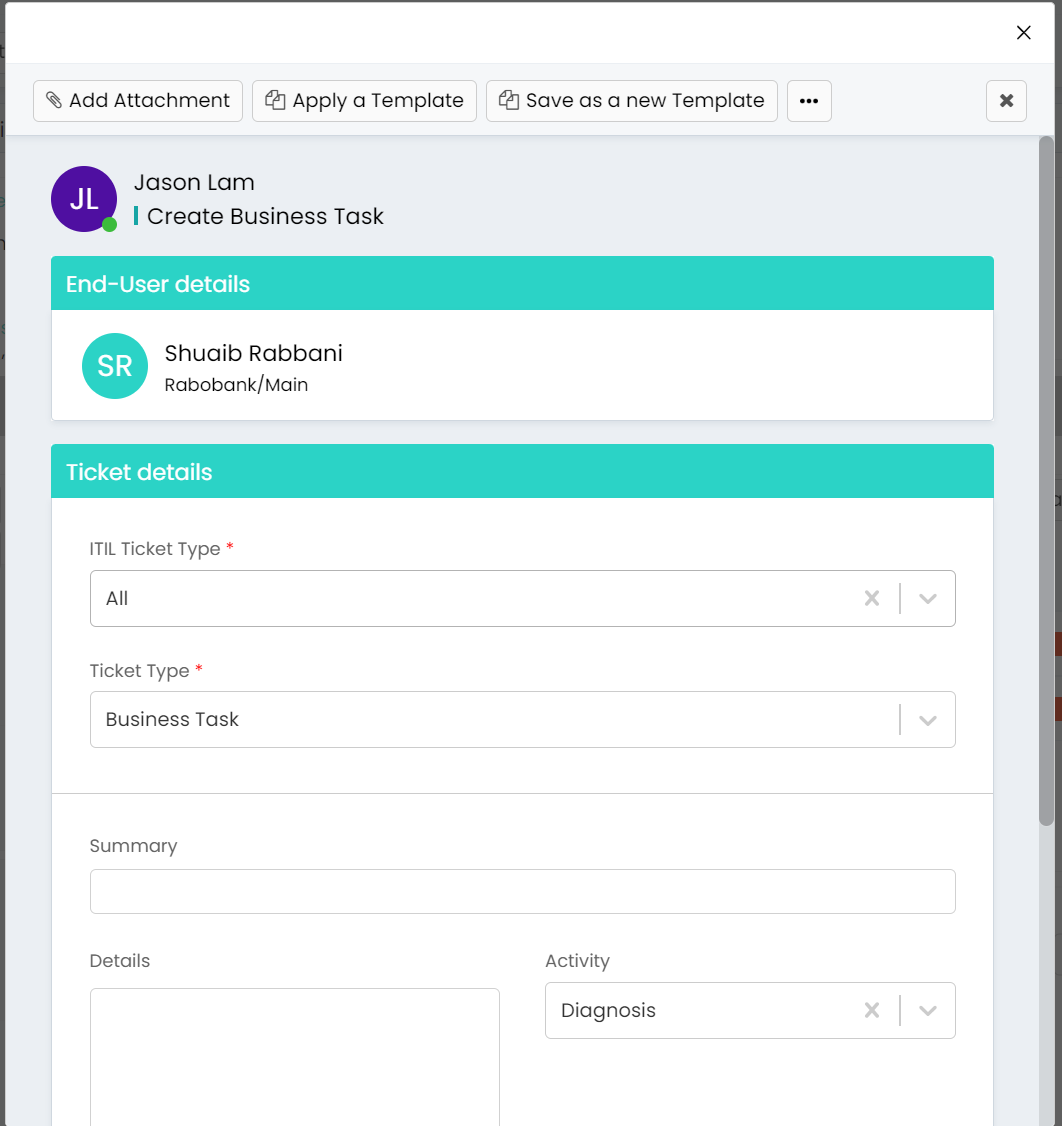
HaloITSM supports the creation and tracking of ‘Business Tasks’ and ‘Technical Tasks’ Out-Of-The-Box, ensuring comprehensive coverage of all Major Incident aspects. Each task can be assigned specific details, deadlines, and teams, enabling effective delegation and management. The Major Incident Manager can also have an overview of the progress of each task in one place.
- Bridges for Key Communications:
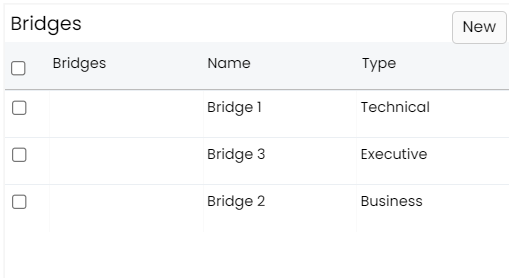
The ‘Bridges’ feature helps teams identify and document key communications necessary for resolution, ensuring all significant involvement are logged and accessible. This feature provides a clear audit trail, helping track who has been involved in a Major Incident so if necessary expertise is required in the future for a similar Major Incident, these bridges can be recalled again to help identify the resolution.

- Impacted CIs (Configuration Items):
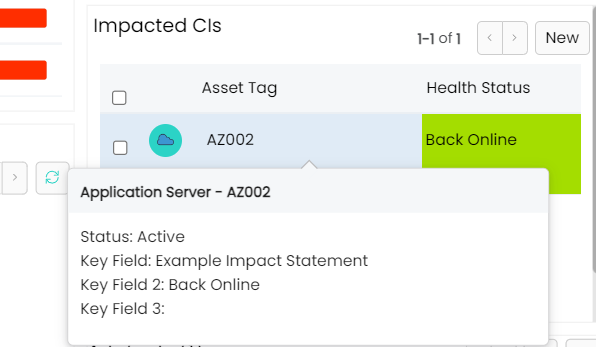
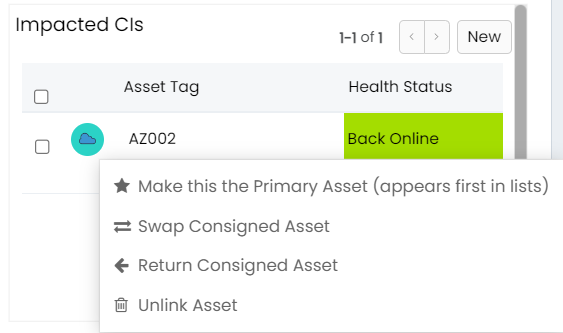
The ‘Impacted CIs’ section allows teams to log and track configuration items affected by the Major Incident, aiding in assessing the broader implications. This helps in prioritizing resources and developing effective resolution strategies, ensuring no critical components are overlooked.
- MS Teams Chat Integration:
Collaboration is enhanced with ‘MS Teams Chat Integration’, enabling real-time communication within the Major Incident record. This feature supports instant messaging, linked document sharing, centralizing all communications within HaloITSM and reducing the need for external tools.
- Scratch Pad for Agent Notes:
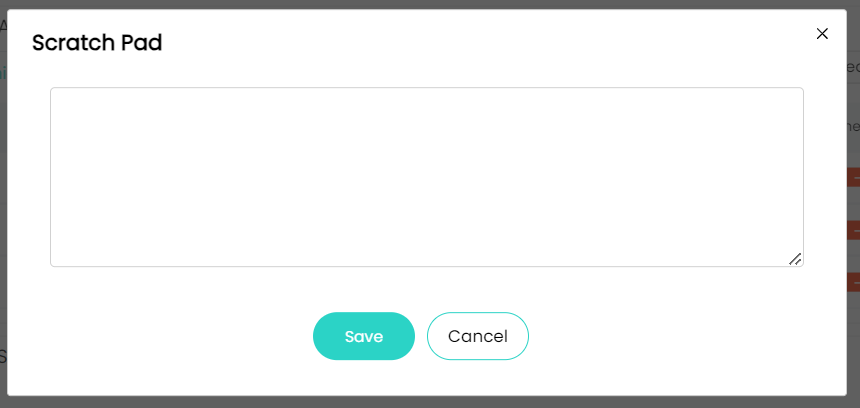
The ‘Scratch Pad’ provides a space for agents to store personal notes, ensuring no insights are lost. Agents can jot down quick thoughts or observations that are specific to themselves, allowing them to refer back as the Major Incident progresses. This personal space is essential for keeping track of ideas that may not yet be ready for formal documentation.

- Artefacts Section for Attachments:
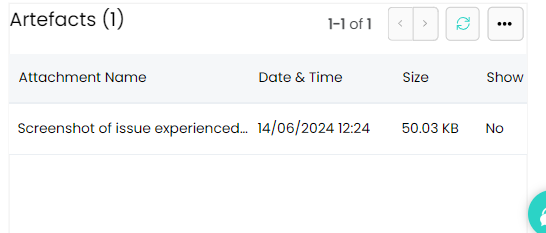
The ‘Artefacts section’ organizes all related attachments in one place, making them easily accessible for reference. Whether it’s screenshots, logs, or procedural documents, this feature ensures all necessary materials are readily available, enhancing the overall documentation process and ensuring nothing is overlooked. Linked artefacts can also be uploaded to the Major Incident record by simply copying the location of the artefacts.
- Action Buttons for Quick Access:
Action buttons like ‘Impacted Customers’, ‘Communications’, ‘Raise Problem’, ‘Contributors’, ‘Create Business Tasks’ and ‘Create Technical Tasks’ streamline workflows by providing quick access to essential functions. This design ensures that critical actions can be performed without leaving the Major Incident record, causing minimum disruption in the Major Incident Management process.
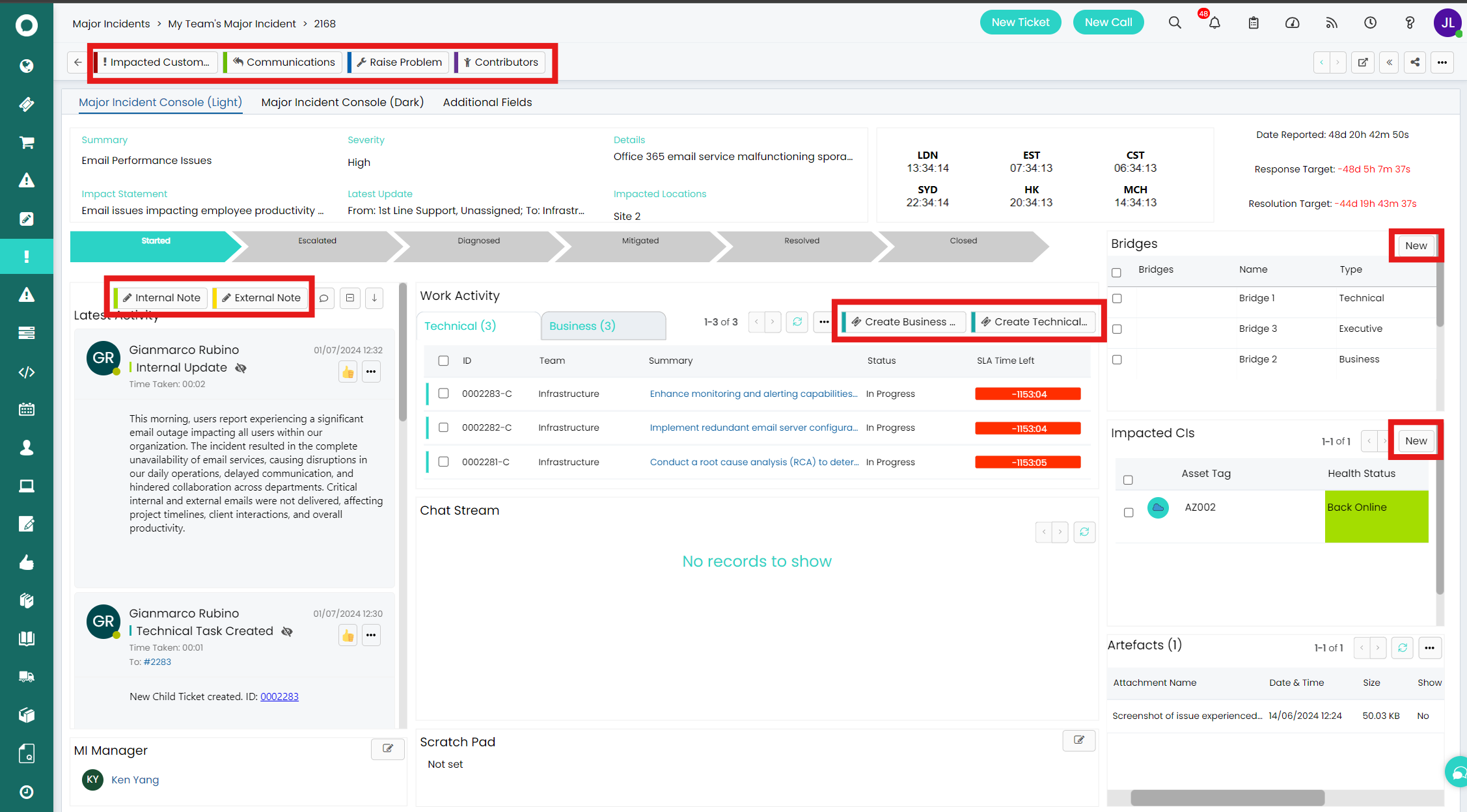
Each feature within HaloITSM enhances Major Incident Management, with the major incident console acting as a centralized location for active management through a single interface. By utilizing these tools, teams can resolve Major Incidents more efficiently, leading to quicker, more coordinated outcomes.