Database Lookup Example - Attaching the User's Role to a Ticket.
In this guide we will cover:
- How to attach a user's role to a ticket using a database lookup
One of the great features within Halo is the ability to populate fields on i.e. a ticket with information found in the database. This data is found using SQL queries which will return the information you want to populate the field with. For populating a users first and last name using the email field, check out this guide: Lookups
In order to set a field to populate with a User's Roles, we must create a custom field of entity type: Ticket
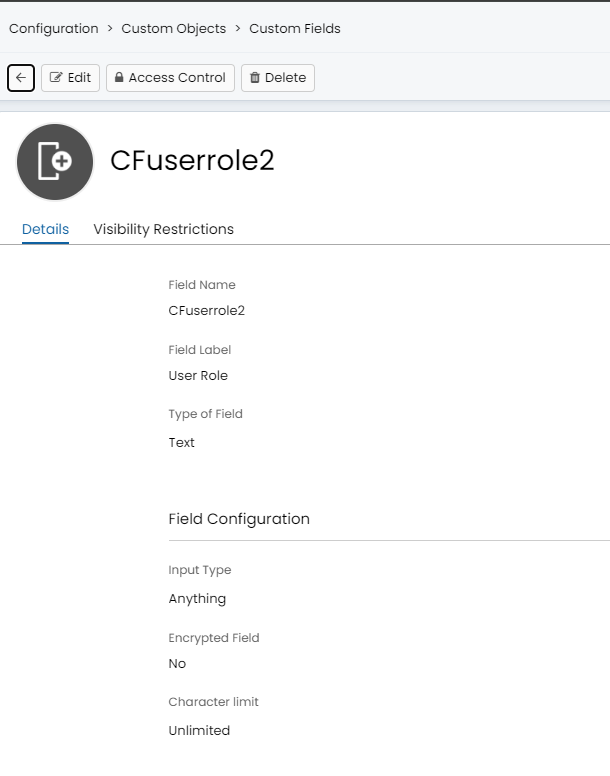
Fig 1. Custom field to hold user role information
This custom field can be used in our database lookup as the field we are populating.
To create the lookup head to configuration > integrations > lookups > new. Begin by setting a trigger field, in the figure 2 example case the summary being updated will trigger the user role lookup.
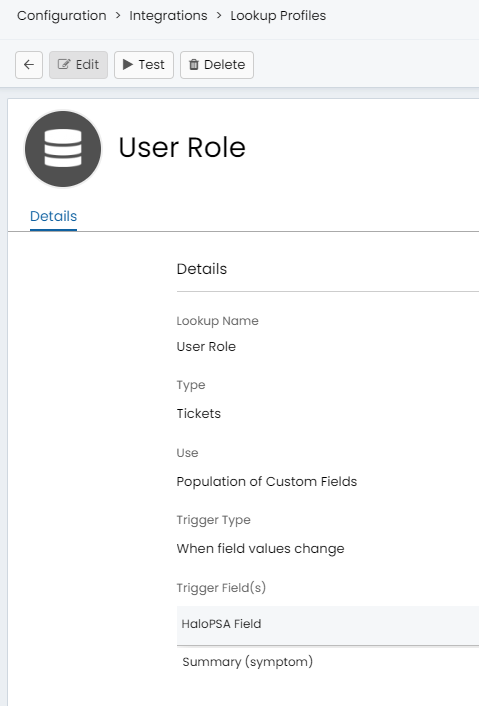
Fig 2. Example lookup trigger
The following guide will provide a step by step on how to populate the user's role onto a ticket within Halo.