Creating Tickets
In this guide we will cover:
- Creating Tickets via Email
- Creating Tickets via the Self Service Portal
- Creating Tickets Manually
This article shows the 3 primary ways you can create tickets.
- Email - Tickets raised via Email, this is done via a polled mailbox which raises tickets. This can be configured under (Configuration > Email)
- Self Service Portal - This is the Web Portal that end-users can log into to raise new tickets. This can be configured under (Configuration > Self Service Portal)
- Manual - This relates to the Agent raised manually created tickets via the Agent Web App. This can be configured under (Configuration > Tickets)
Creating Tickets via Email
Sending an email to the mailbox(s) associated with a Halo instance can create a ticket.
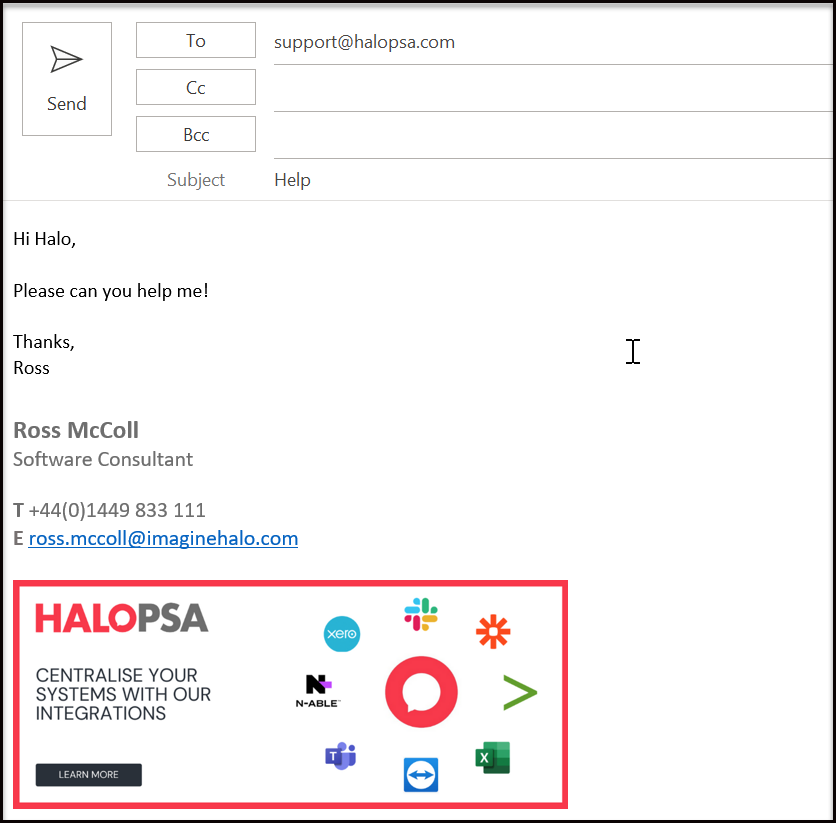
Fig 1. Raising a Ticket via Email
Creating Tickets via the Self Service Portal
Tickets can be raised by users through the tiles within the Self Service Portal.
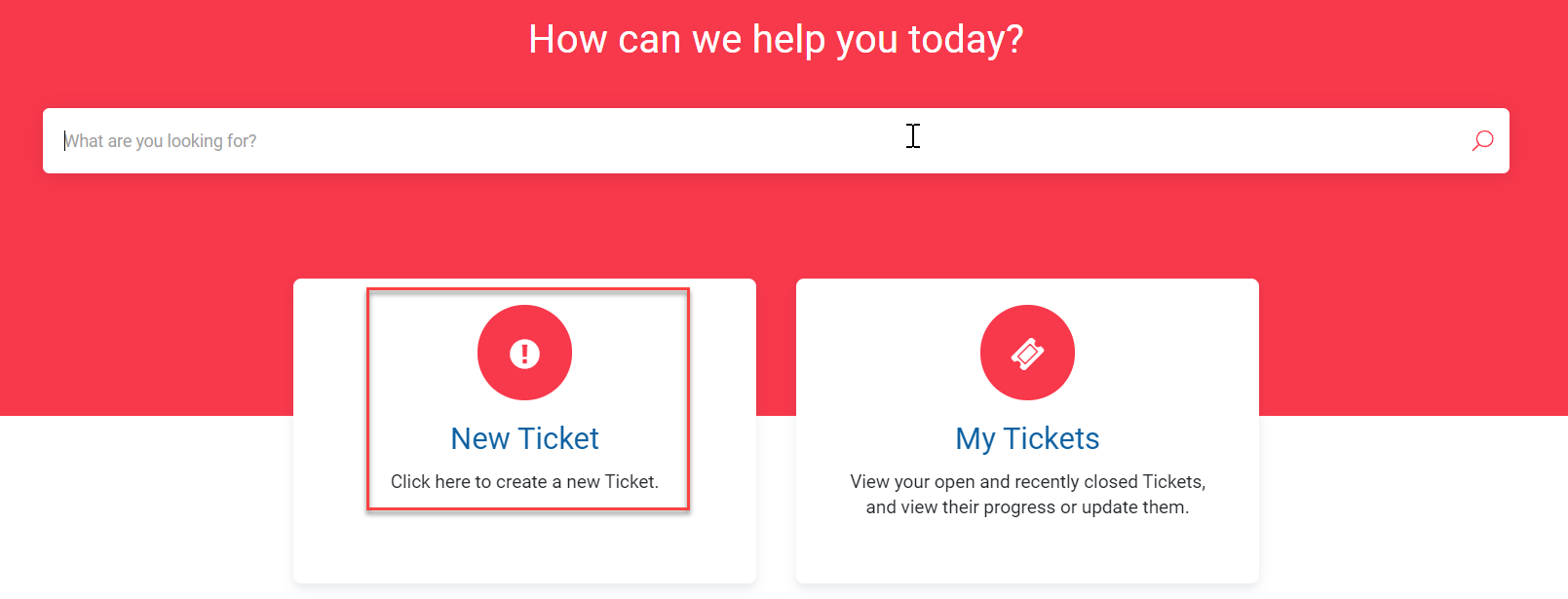
Fig 2. Raising a Ticket via the Portal
Creating Tickets Manually
Tickets can be created manually by a logged in Agent. They assign the End-User details at the left side, and fill in the relevant areas of the ticket form.
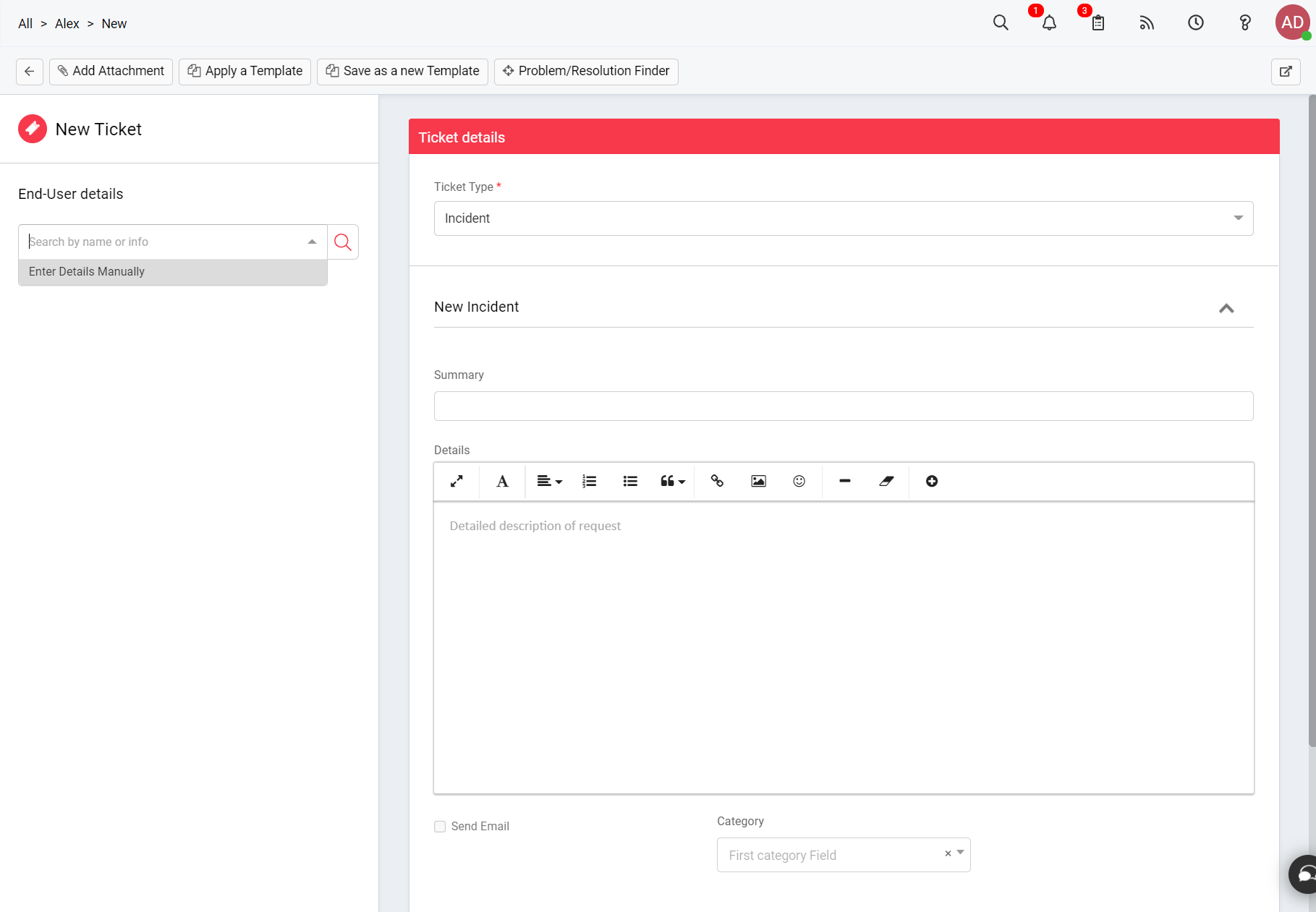
Fig 3. Manually Raising a Ticket