Dashboards
You may have seen the below example home screen dashboard when you first logged into your trial of HaloITSM:
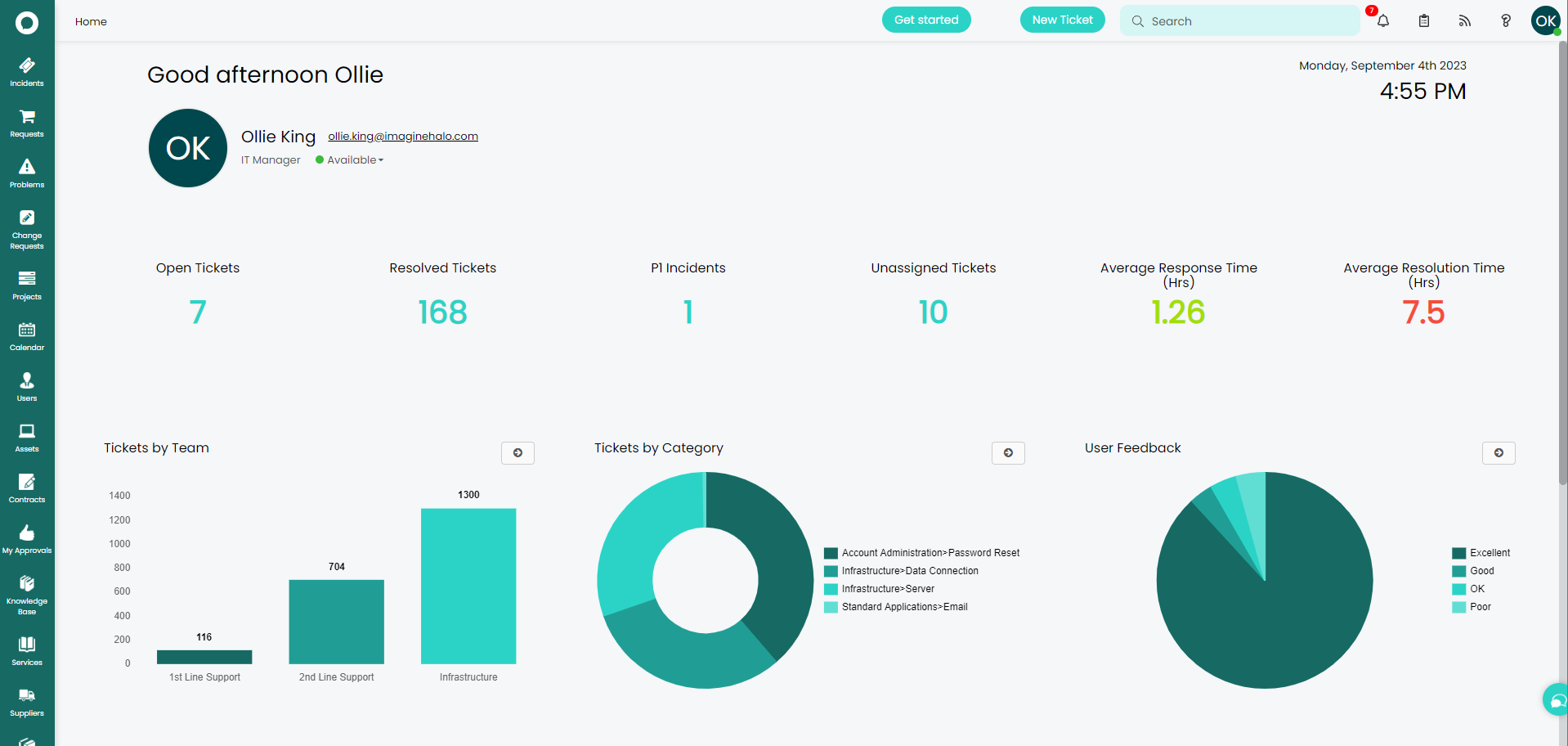
You can have as many configured dashboards as required in your instance of HaloITSM, you can set them up via Configuration > Reporting > Dashboards.
Each widget on the dashboard can be based on a report or a ticket list and every widget can be dragged and dropped to re-order them too. Simply click on the layout tab, edit in the top left and you have full access to edit the dashboard as required.
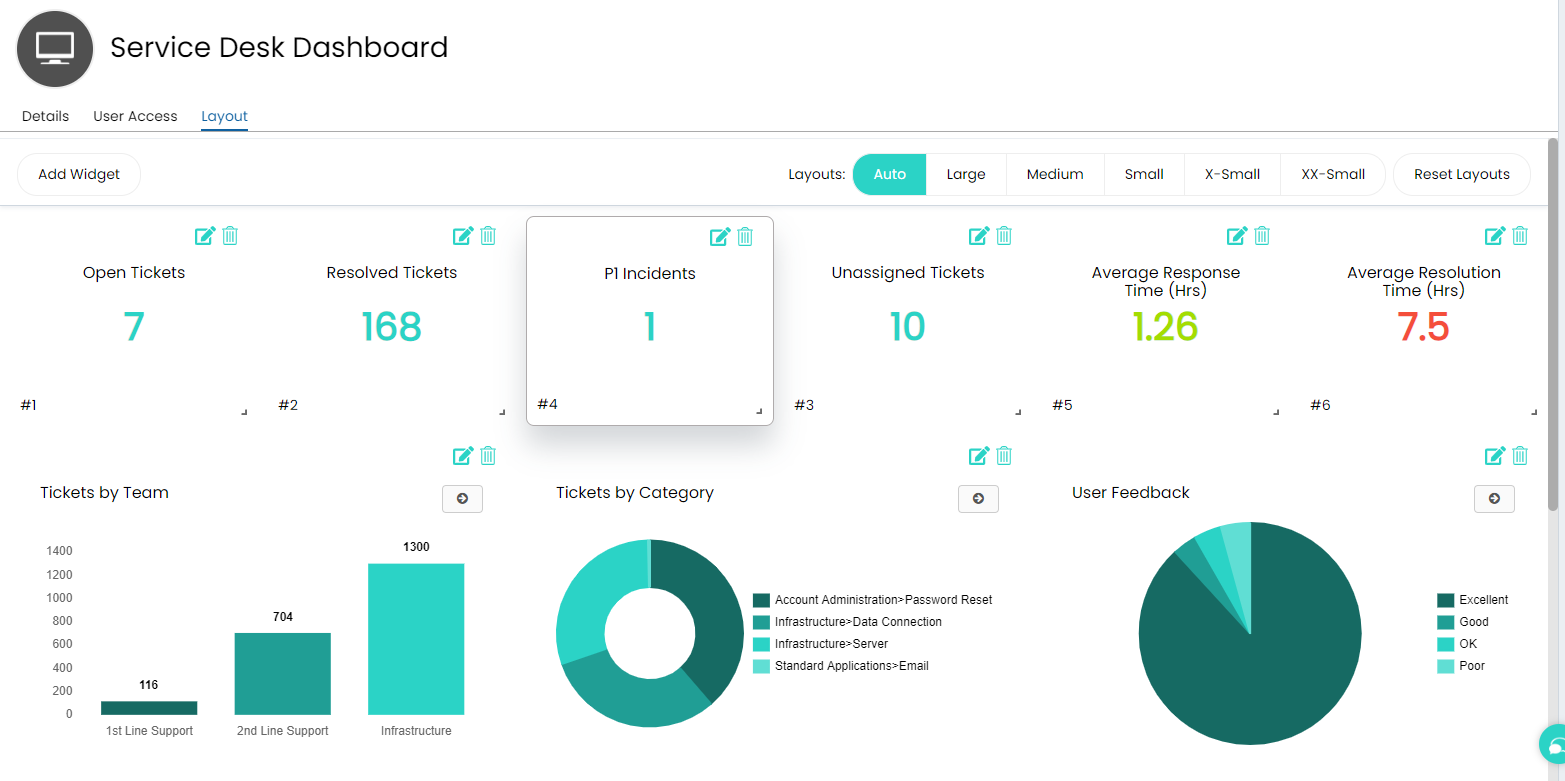
Dashboards can also be published onto external websites or just onto a television screen as well, click into the User Access tab and you'll find the "Publish this Dashboard" option as seen below:
