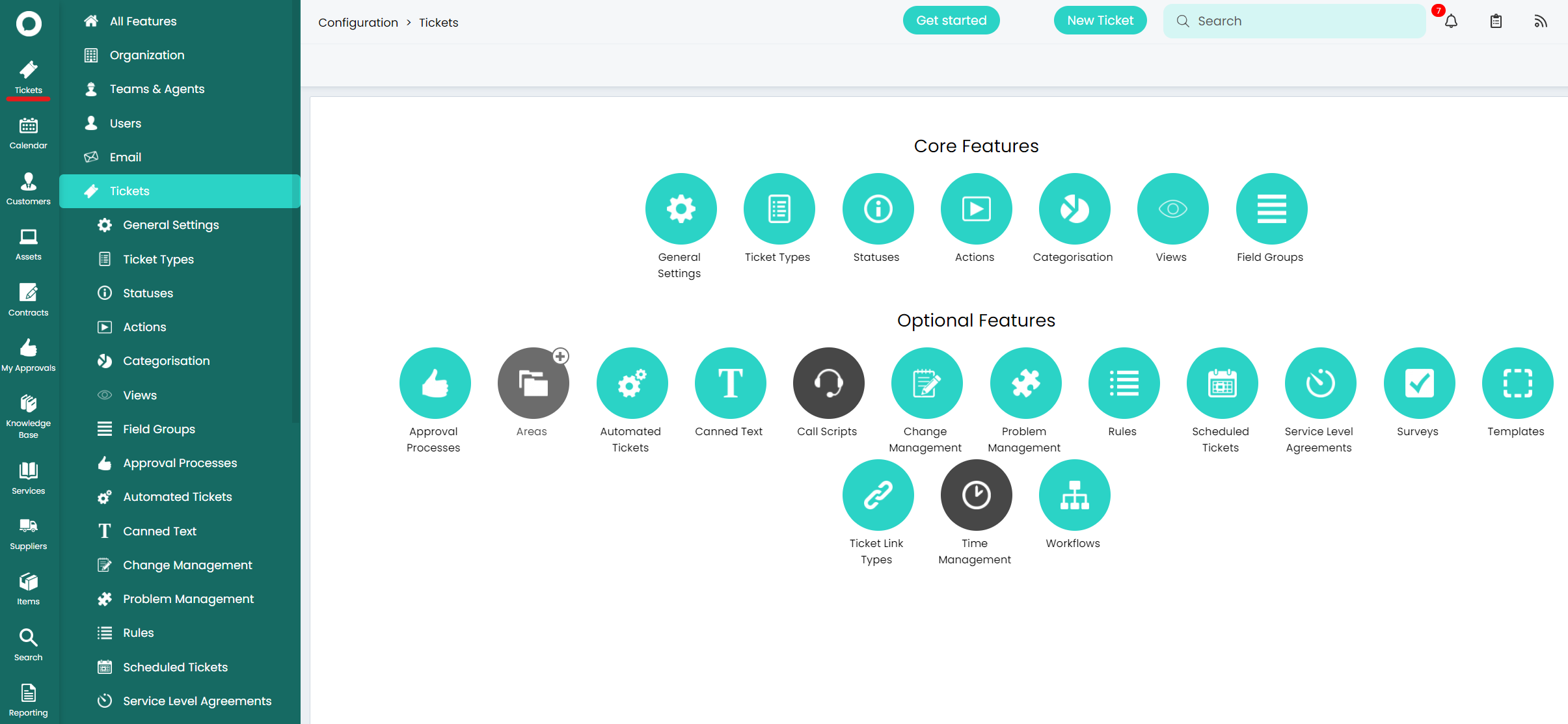
Ticket Areas
HaloITSM is a highly customisable so understanding how to get the right view for you is key.
Firstly, ticket areas refers to the icons you can see down the left hand side. Out of the box these areas are configured to follow the ITIL structure of separating Incidents, Requests, Problems and Change Requests.
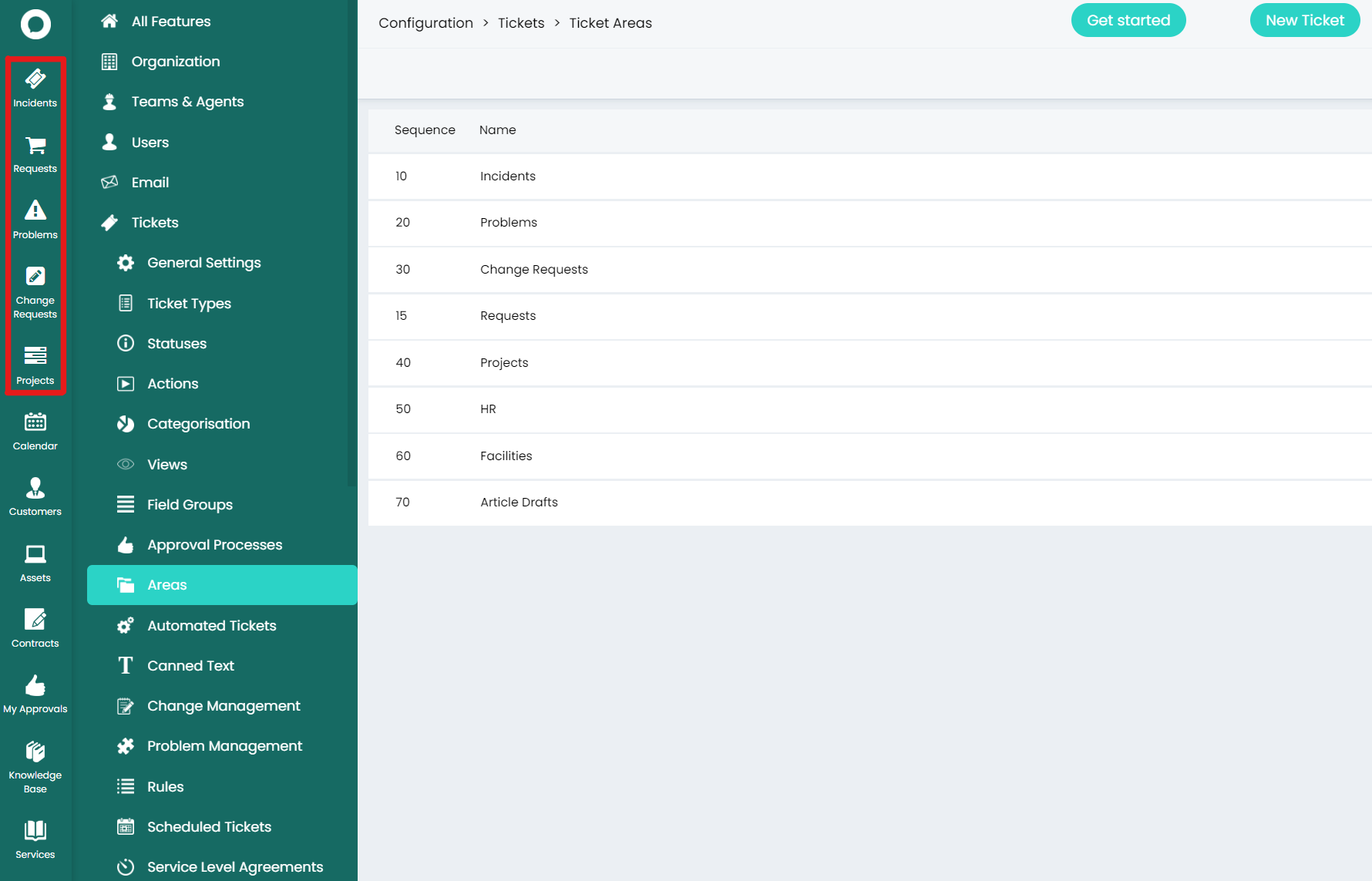
You'll also see Projects, HR, Facilities and Article Drafts shown in the list but without the correct permissions, you will not be able to see them in the navigation panel.
To edit which tickets go in the areas and who can access those areas, go to Configuration > Tickets > Areas > *Incidents* > Filters Tab & Permissions Tab.
Switching the Areas module off removes the icons from the side menu and all tickets will be in one place.