Roles
A more comprehensive way of adding your agents to HaloITSM is by using the role functionality. This allows you to set the department, team and permissions an agent inherits from the role they have.
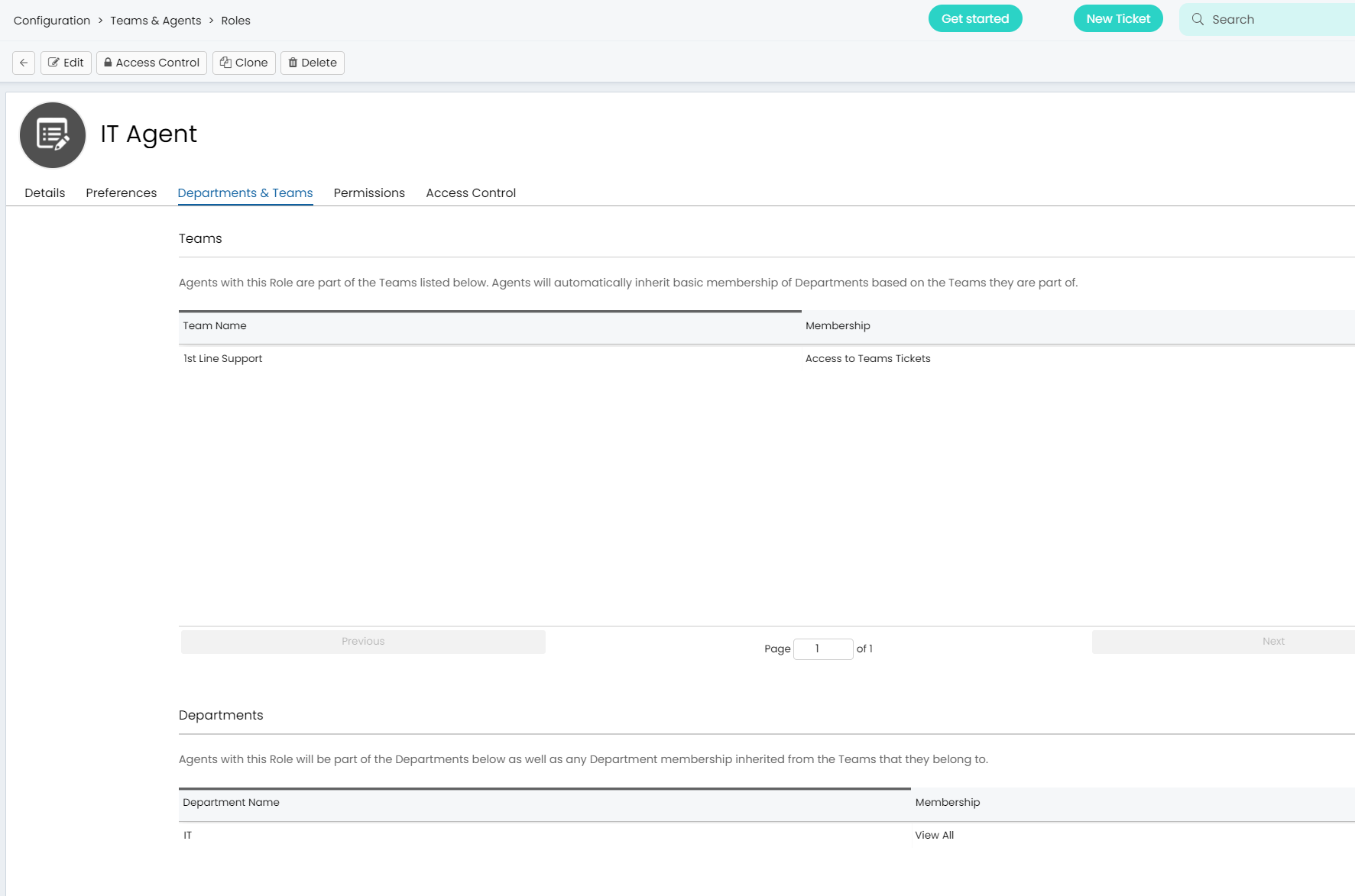
For example, the IT agent role only allows agents access to the IT department, and the 1st line team and restricted access to feature permissions:
You can then use one of our many identity management integrations to map Azure, Okta or Google groups to these roles to allow for seamless creation and management of agent accounts. Find out more about roles in this guide.
If you would like some assistance configuring Departments, Teams or Roles, please contact the team or book a session here.