Departments, Teams
It is important to map your agents, including the teams and departments that they belong to.
Using the organisational chart below you will be able to add departments, teams and members (agents) to your organisation to start building your structure.
We have provided some example departs and teams for you to edit and use. Simply click on the Department, Team or Agent that you would wish to edit.
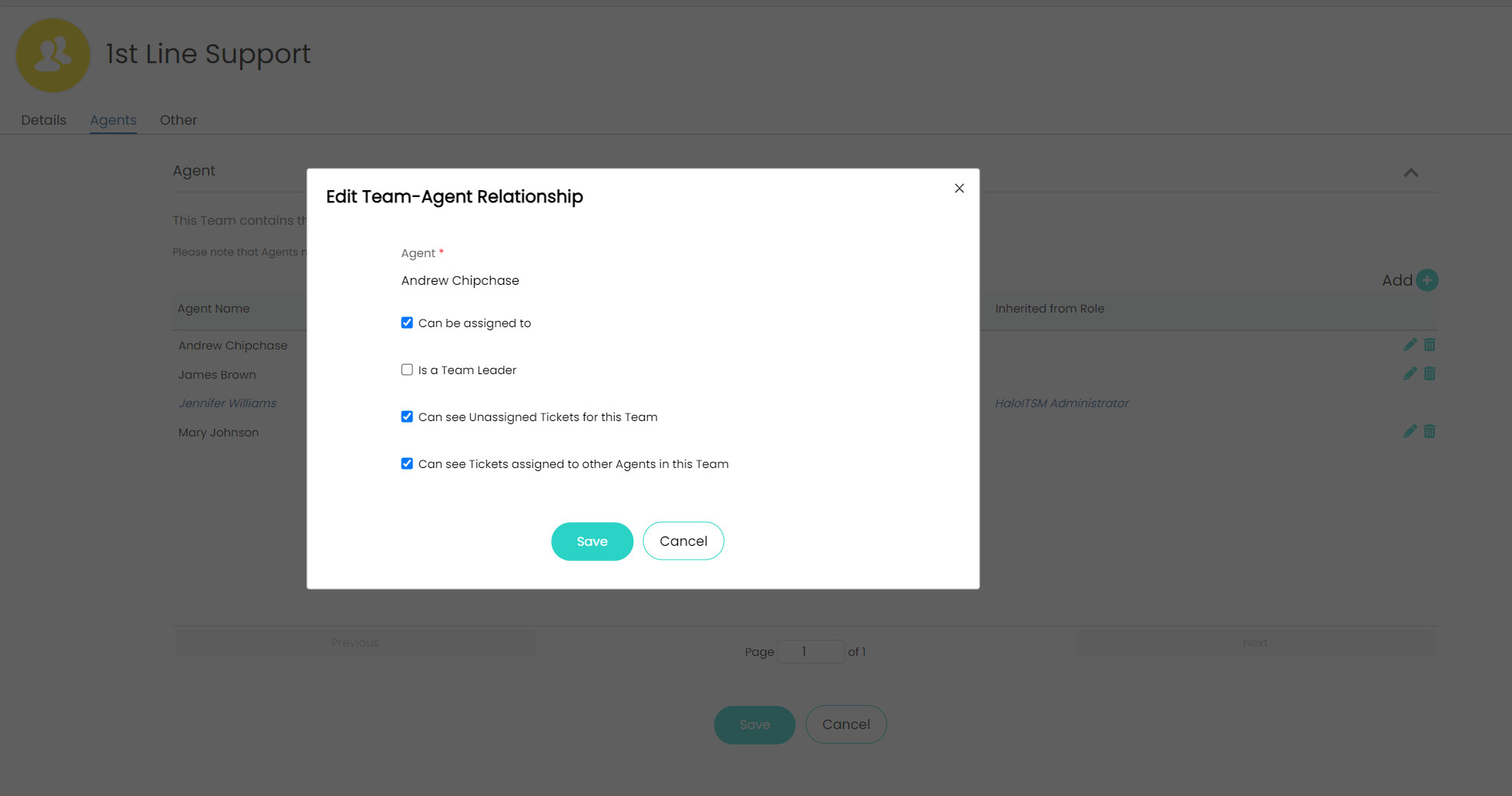
An agent's relationship to a department or team determines what tickets they can view, use the pencil icon next to an agent to edit their relationship:
You can always get to the organisational chart by going to Configuration > Organisation > Configure My Organisation > Organisational Chart.