Asset Management and Alerting Integrations
A great place to start is by checking out our asset management and alerting integrations here. This will allow you to see what out-of-the-box integrations you can make the most of to bring in any existing asset data. You can also import this data via an excel spreadsheet or connect to any SQL database.
To activate these integrations you simply need to hover over any one of them and click on the plus symbol, this will change the colour of the icon and turn on this integration. For help on importing this data or to discuss setting up a custom integration to a platform that you can't find on our list you can contact our sales team or talk to an expert.
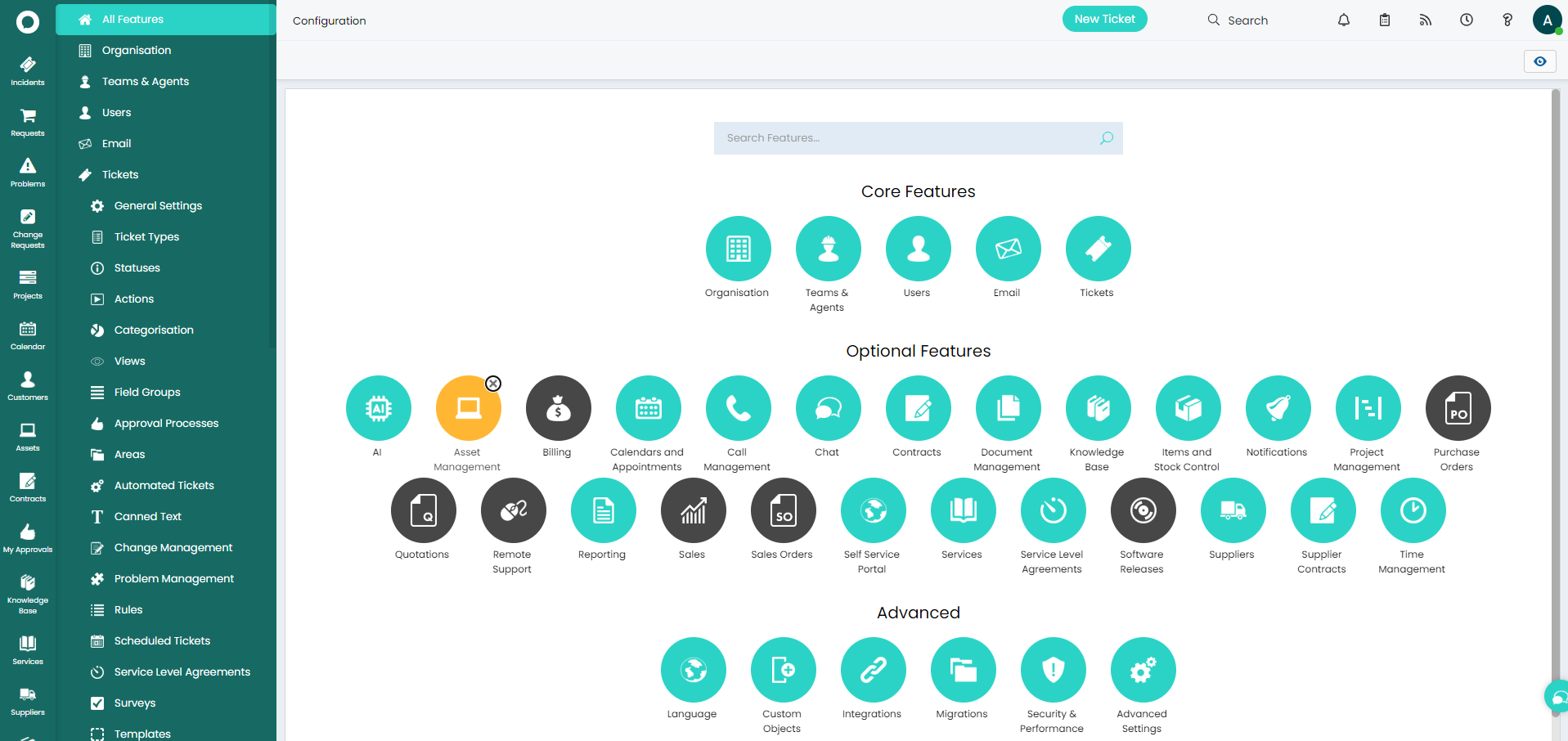
You can find guides on these individual integrations on our guides page found at https://usehalo.com/haloitsm/guides
It may be relevant for you to have these integration syncs run on a schedule, for example, syncing your Lansweeper or Intune data into HaloITSM every hour or 30 minutes. This is where the Halo Integrator can step in and allow you to determine the schedule for which these syncs run. We can host the Halo Integrator that is connected to your live environment our side to ensure this is no extra effort or costs associated to you utilising this feature.
Click the icons below to see the guides on our most frequently used integrations:
 |  |  |  |  |  |