Halo have removed this guide from their knowledge base. This is our last mirrored copy, kept so existing links keep working — it may now be out of date.
Organisation Basics
How to get started with setting-up your organisation
To set up your organisation, first head to the configuration page.
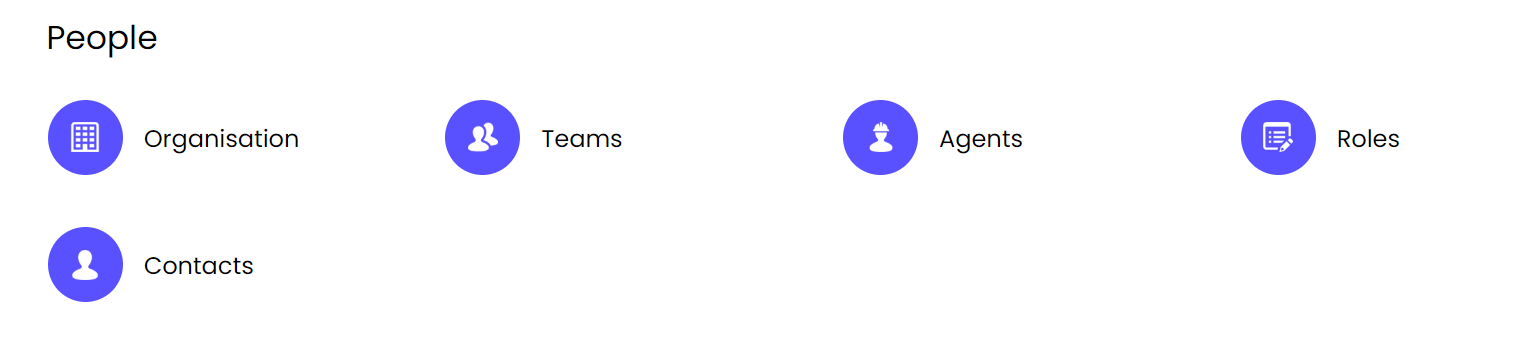
Once here, you can go straight into the 'organisation' module. You'll then be presented with the option to use multi-brand, which means you can have several brands on one HaloCRM. We'll come back to this later!
Click 'configure my organisation' and here you can add your organisation's details.
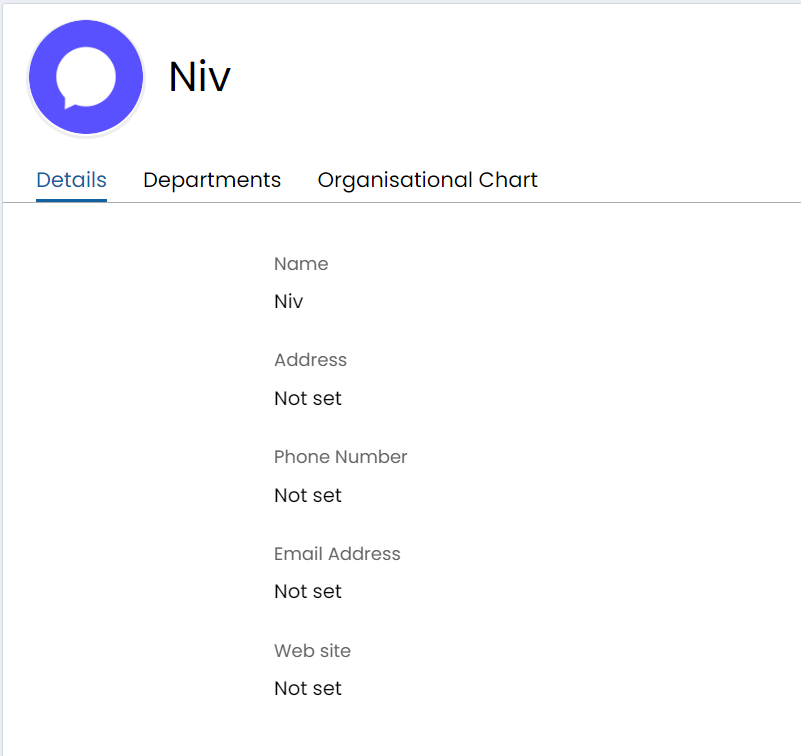
The first section is self-explanatory and simply allows you to fill in the basic information about your organisation (see below). This information can then be used on correspondences to customers and contacts, if desired.
Then, the latter half of the page allows you to start the most basic of personal branding.
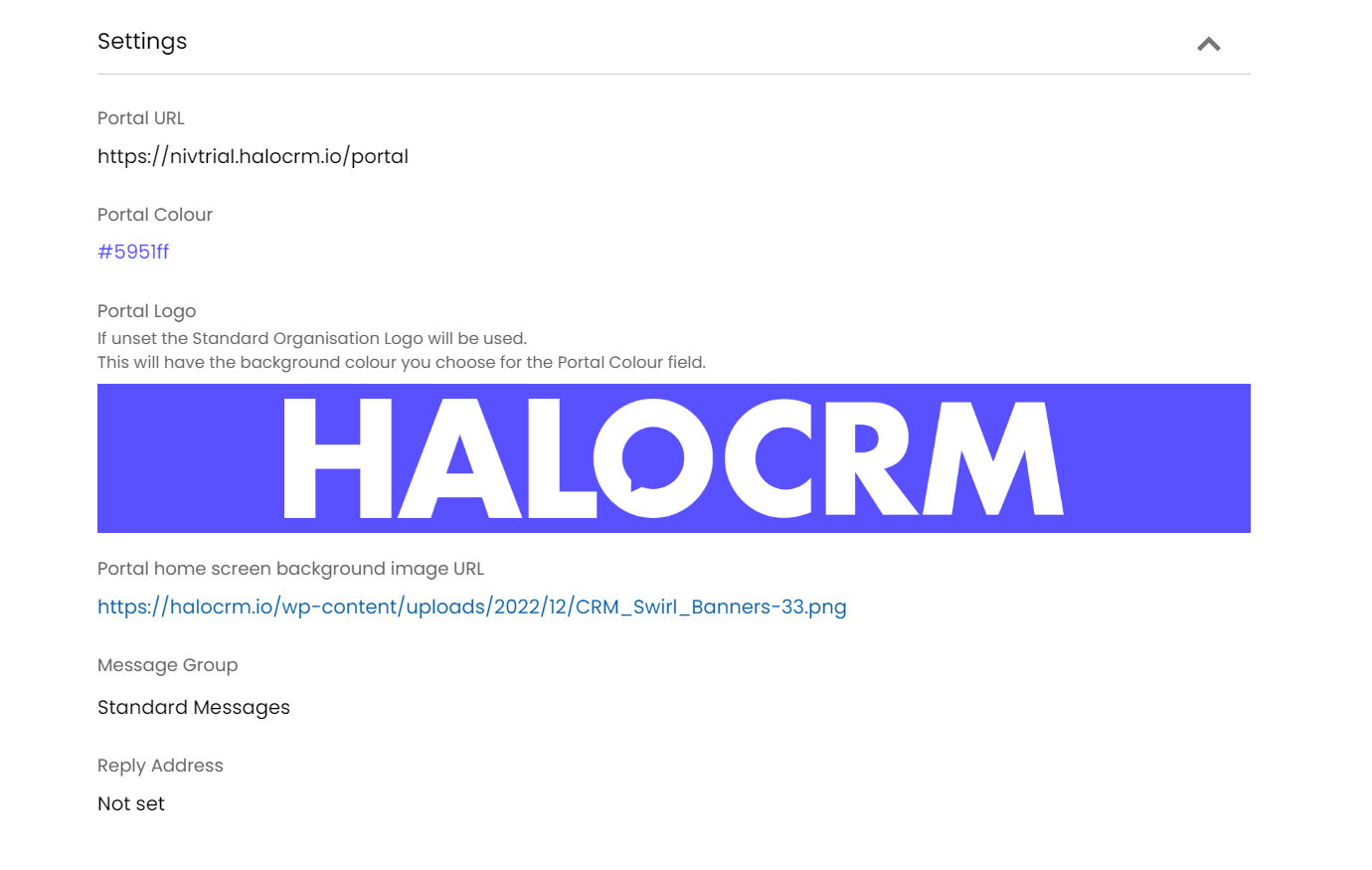
This includes, the colour of your customer portal, the logo for the portal and the reply address for emails. These settings are vitally important if you are utilising the multi-brand function as the information presented here will reflect what the customer sees for each tenant.
Multi-brand allows you to have multiple organisations within one instance of Halo and as a consequence, multiple sets of departments.
These settings allow you to use different "Message Groups" (sets of email templates) per organisation and have different end-user portal's for each organisation. This allows you to diversify branding and style between each brand.
The most important thing to remember is to ensure the reply address is accurate, any emails from any customer to this organisation, will have the address they are sending to automatically default to the reply address set here. For example if this is set to the support@ email address and the user emails a reply to sales@ email address, as the email is a reply, its "To" address will change to this default.
If you are wanting to utilise multi-brand on HaloCRM, take a look at our guide here to see how it's set-up.