Create a Contract from a Sales Order
In this guide we will cover:
- How to create a contract/agreement from a sales order
For ease of processing, you can configure items in Halo such that a contract/agreement can be created off the back of the sales order for the contract. This is useful when using Halo to quote for contracted services as it allows you to create the agreement quoted once the quote has been accepted and a sales order raised. This also acts as a reminder for agents to create the contract required for the order, as the sales order will not be removed from the 'Requires Action' area of the Quotes and Orders module until all actions (including creating the contract) have been completed.
To do this, you will need to mark the product representing the contract as a contract. This is done under the 'Details' tab of the product.
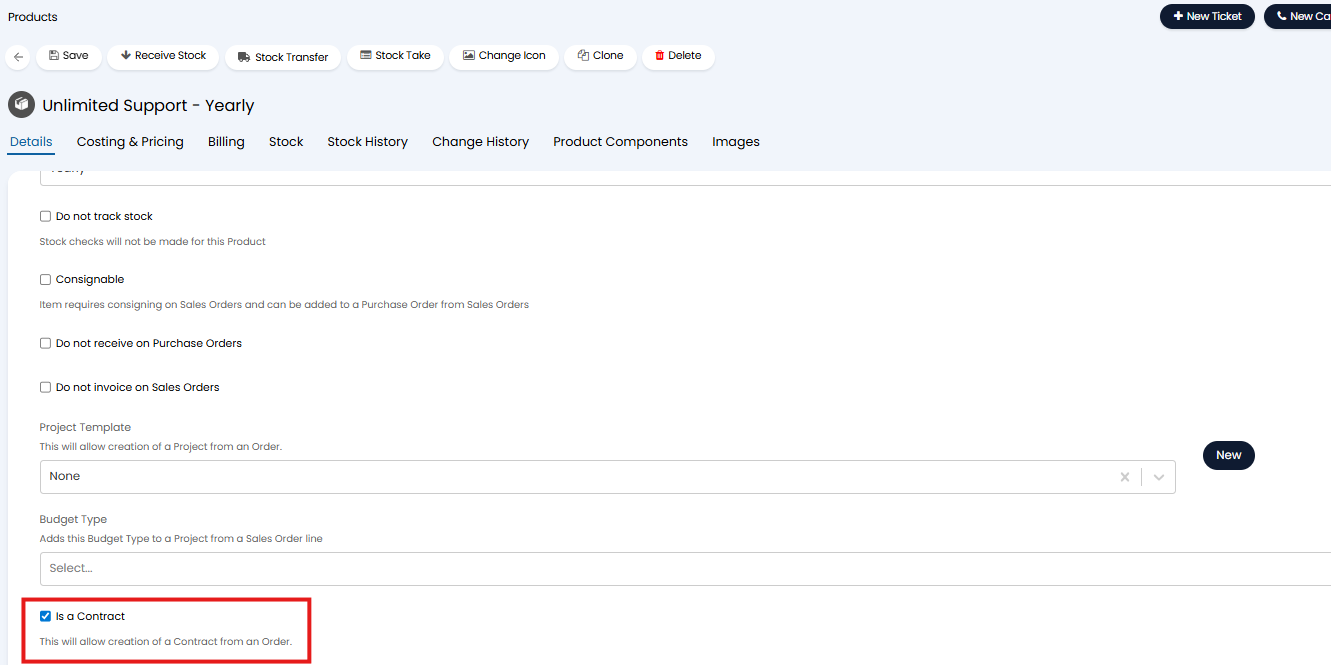
Fig 1. Mark Product as a Contract
Enabling this setting against the product will allow you to create a contract from a sales order when this product is a line on a sales order. When enabled, this will become an available action on the sales order line for this product, as shown in figure 2.
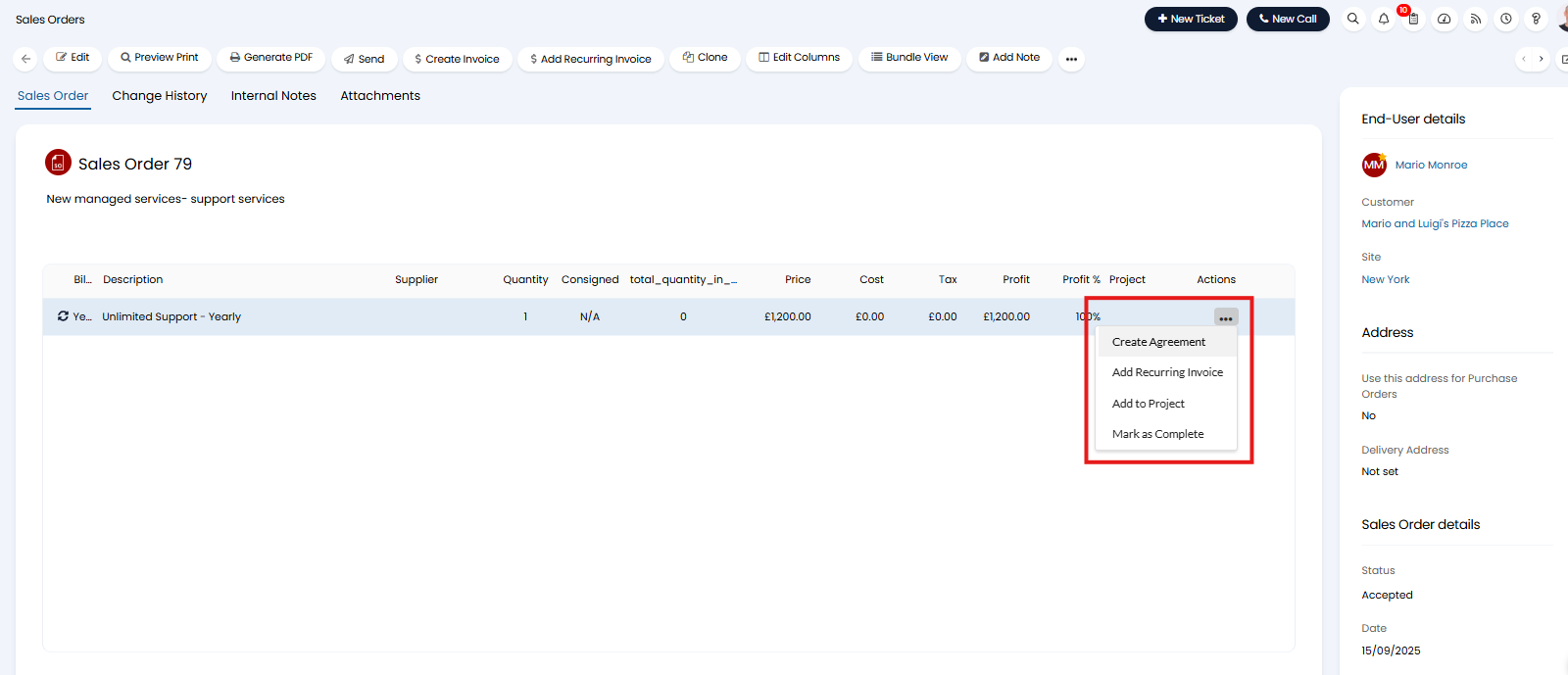
Fig 2. Actions for sales order line
When 'Create Agreement' is selected, you will be taken to the new agreement screen in which a new agreement can be setup/configured.
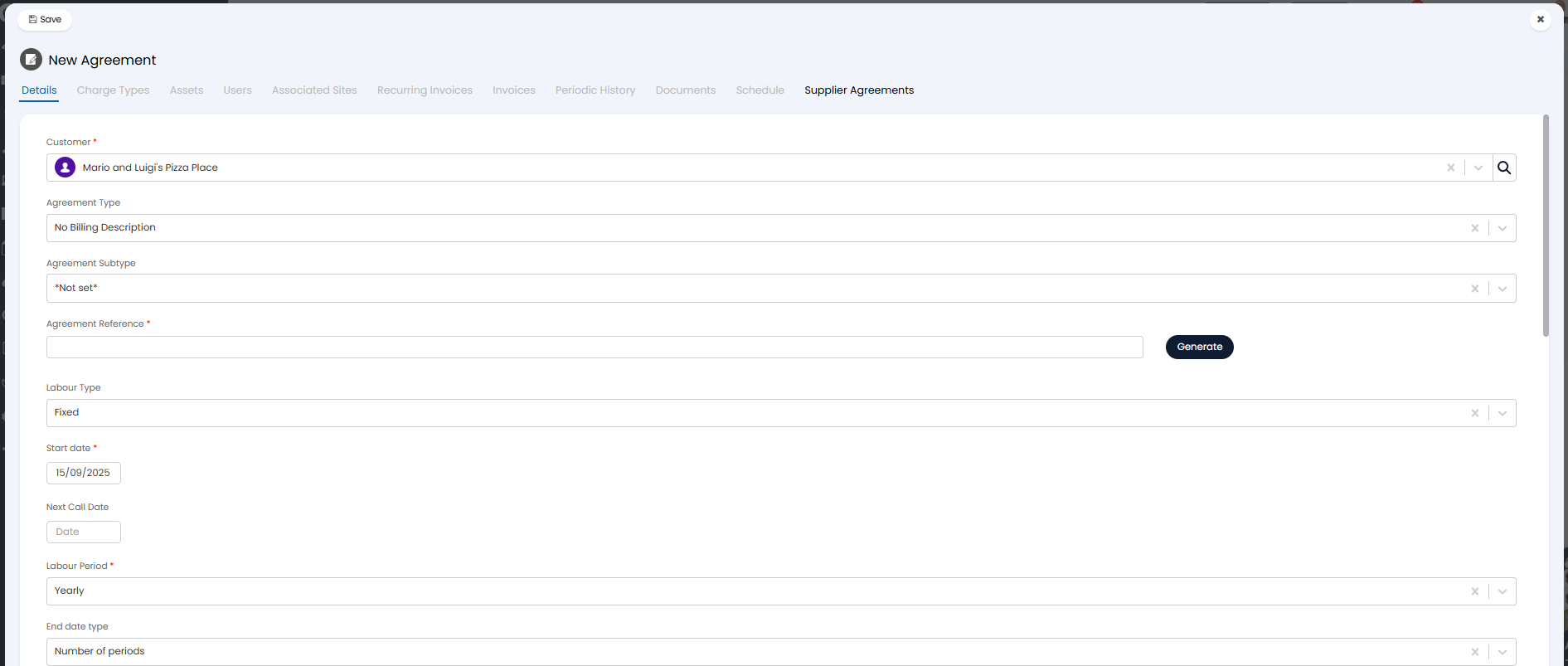
Fig 3. New agreement screen
Once this agreement is setup, a link to it will be available against the sales order.
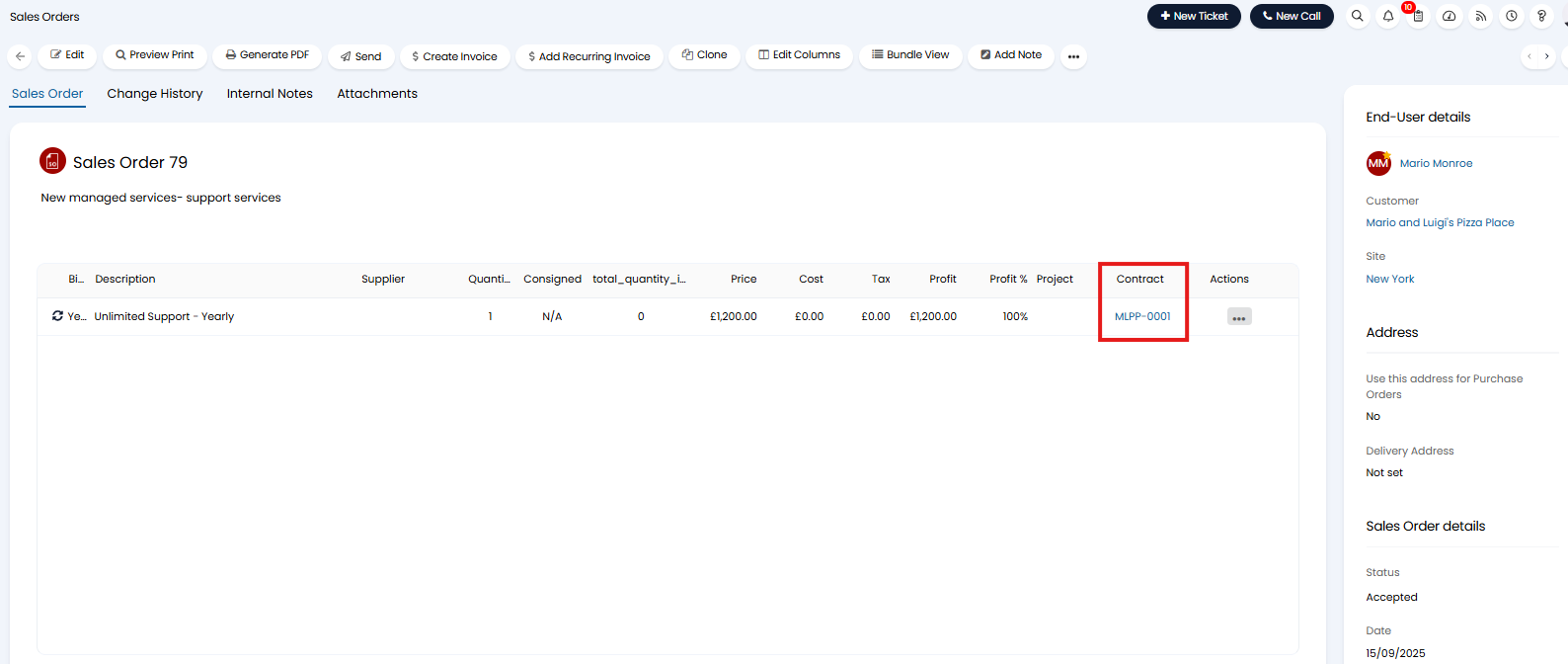
Fig 4. Contract associated with sales order