Google Analytics in the Self-Service Portal
- google analytics
In this guide we will cover:
- Setting up Google Analytics
Setting up Google Analytics
Google Analytics can be connected to your Halo Self Service portal, allowing you to track the traffic and user behaviour on the portal.
To set this up you will first need to obtain the measurement ID of your Google Analytics property, Google have a useful guide on how to obtain this here.
Once obtained head back into Halo and go to Configuration > Self Service Portal, see the field 'Google Analytics Measurement ID' and enter the ID in here.
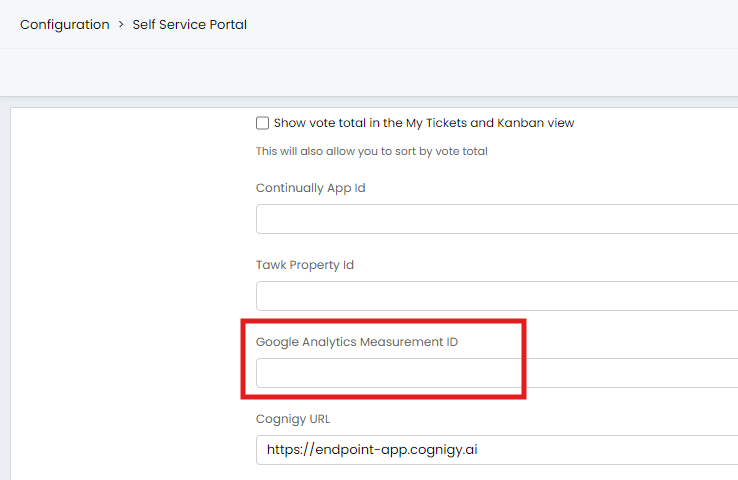
Fig 1. Field for Google Analytics Measurement ID
Data may take up to 30 minutes to begin, after this you will be able to see data from your Halo Self Service Portal in Google Analytics.