Anonymous Ticket Logging
- Website
- Anonymous
- anonymous ticket
- enquiry
- sales enquiry on website
- enquiry form
- inquiry
- inquiry form
- enquiry form on website
In this guide we will cover:
- Setting up Anonymous Ticket Logging
Setting up Anonymous Ticket Logging
You can allow users to log requests anonymously (without authentication to the portal) for certain ticket types in the following way.
The form can be accessed via a link or can be embedded on a website by adding the contents of the grey box below to your HTML body and adding your website's domain to the Global CORS whitelist field. The URL and contents of the grey box will be specific and unique to your anonymous ticket type. Newer versions of Halo will have the "Allow Users to log this ticket type anonymously" on the Details tab, and the embedding option, along with the CORS whitelist on the Forms tab.
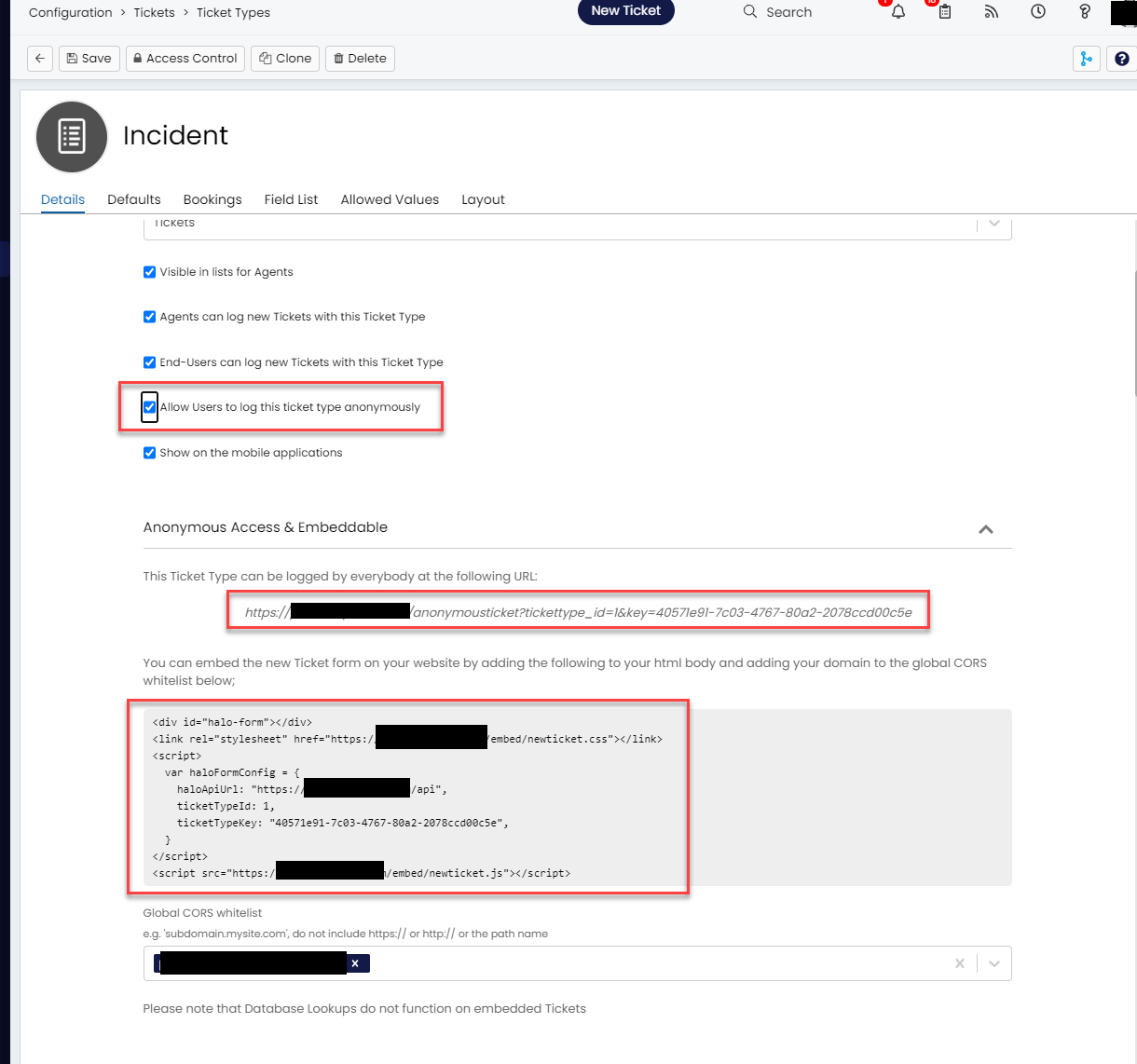
Fig 1. The Setting "Allow Users to log this ticket type anonymously"
On newer versions, the embedding will exist on the Forms tab:
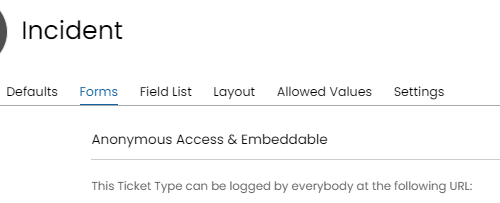
Fig 2. Anonymous Access & Embeddable Dropdown on the Newer Versions of Halo
The CORS whitelist is important to ensure the Halo API only accepts requests from a specific domain. Database Lookups will not function on embedded tickets.