Adding Extra Webhook Endpoints in Stripe for more dynamic Payment Syncing
- integration
- webhook
- Stripe
- Payment
- Stripe Payment
In this guide we will cover:
- Creating a Stripe Webhook
The Stripe integration within Halo can update Invoice Payments records for the following events:
- Payment Success
- Payment Failure
- Payment Processing
- Payment Cancelled
- Payment Requires Action
By default, everyone should have webhook subscriptions for both payment success and payment failure, however 'Processing', 'Cancelled' and 'Requires Action' may need to be added in Stripe manually for those who enabled the Stripe integration prior to version 2.120.33 (Stable) or 2.127.1 (Beta).
Creating a Stripe Webhook
Enabling extra webhooks in Stripe is achieved via heading to Developers > Webhooks.

Fig 1. Webhooks area in Stripe.
Clicking into your Halo webhook URL.
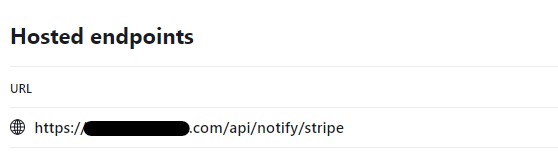
Fig 2. Webhook URL.
Clicking 'Update Details' in the top right hand side.
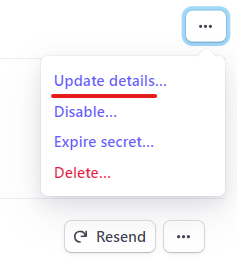
Fig 3. Navigating to details.
And add 'Events to Send.
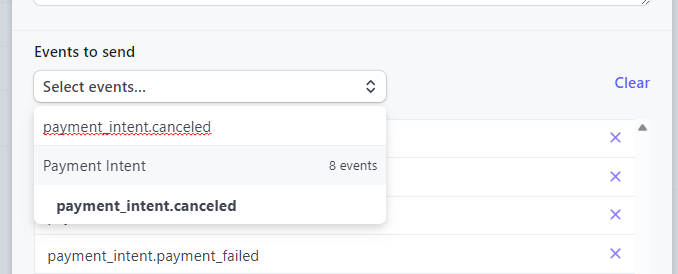
Fig 4. Adding events.
The events that are to be added include:
- payment_intent.canceled
- payment_intent.processing
- payment_intent.requires_action