Halo have removed this guide from their knowledge base. This is our last mirrored copy, kept so existing links keep working — it may now be out of date.
HaloCRM Agents
How to create a new agent on HaloCRM
To manually create a new agent, head to the configuration page.
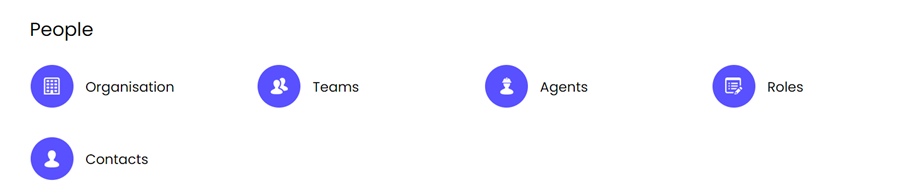
Navigate to People > Agents, then press 'New' in the top right-hand corner.
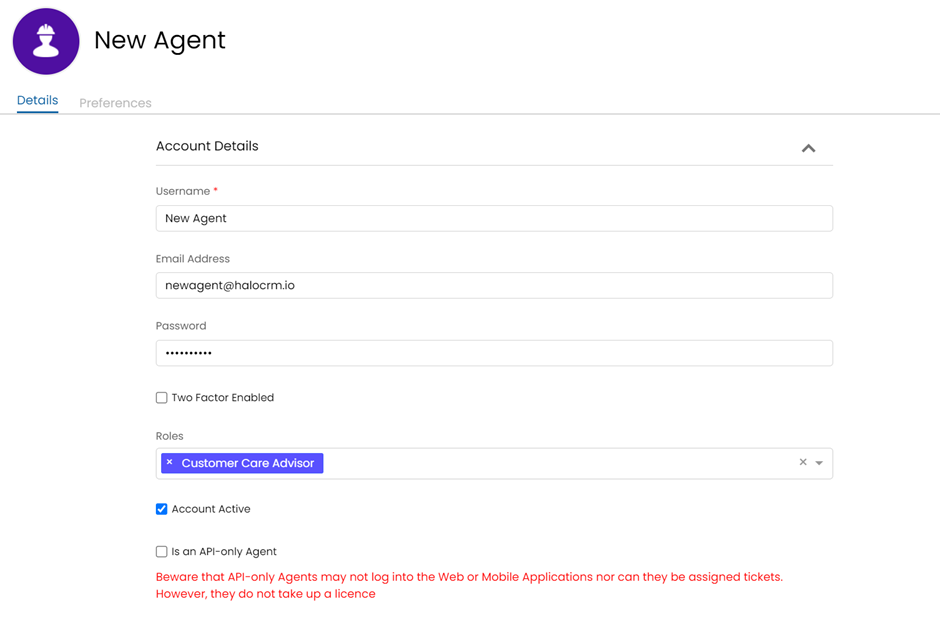
Once here, you can add the basic agent login information into the relevant boxes. (Please note: although you will be setting their original password, the new agent will be able to change this when they log into Halo).
The role, you give to them, will indicate what permissions and access they have on the platform. E.g. If they are a manager, their permissions will be higher than a standard agent. You can read more about roles here.
Next, you can add the agent's details onto their profile:
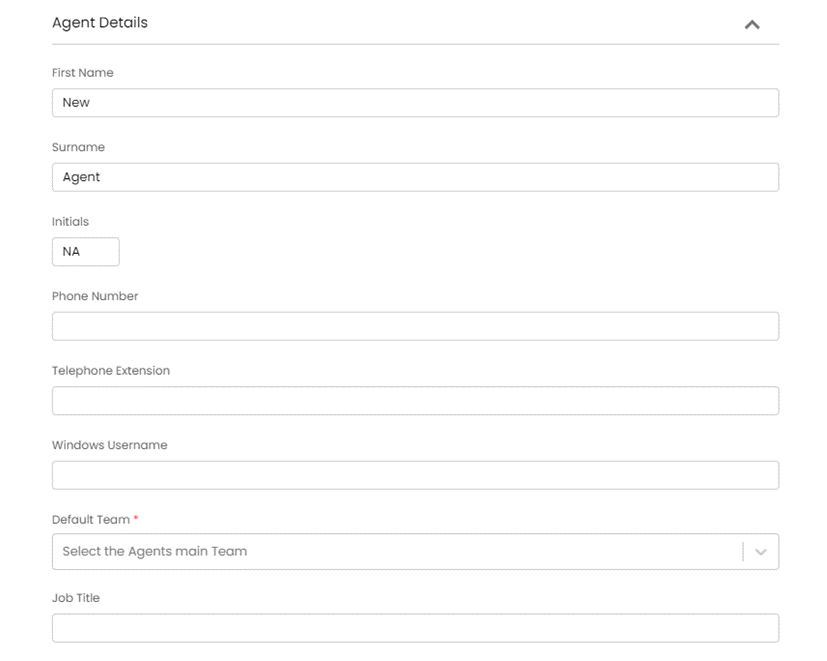
Their default team is the team they primarily work with, however it is possible to add agents to multiple teams. For more information on how to do that, check out our HaloCRM Teams guide here.
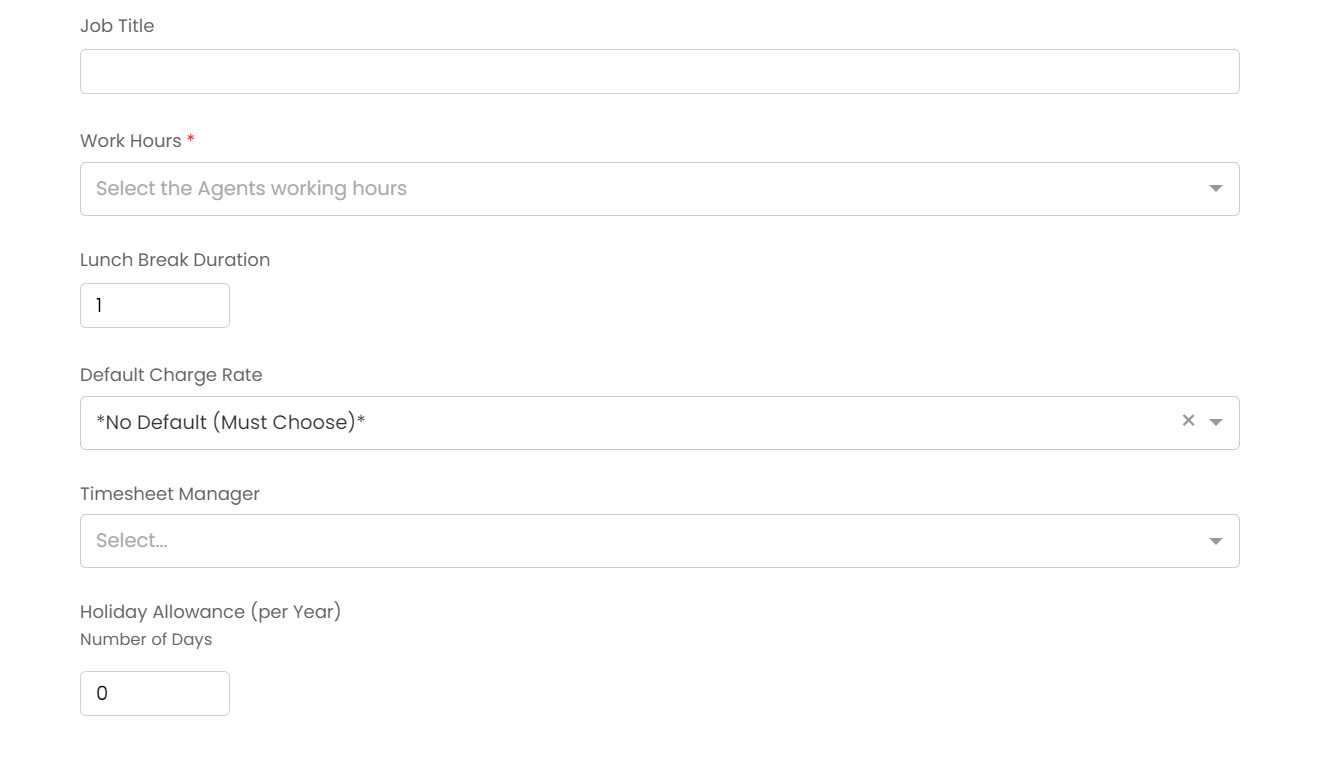
If something is not applicable for your agent, you can leave it blank unless the field is marked with a red asterisks *.
Then, to complete the creation of a HaloCRM agent, simply press 'save'.