Consignment PDFs
- PDF templates
- generate pdf
- consign
- consignment
In this guide we will cover:
- How to create PDF templates for Consignments
- How to set the PDF template as default
Create and edit consignment PDF Templates
In Configuration > Reporting > PDF Templates, select type "Consignments" on the dropdown at the top.
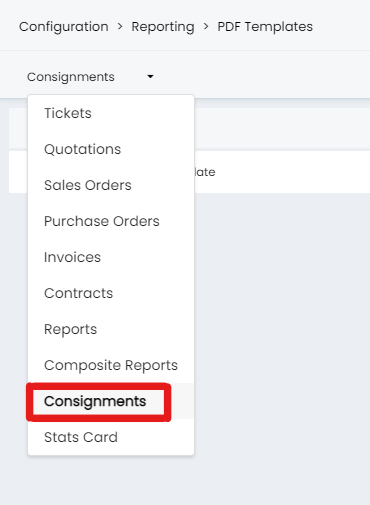
Fig 1. Consignments type on PDF Templates
The full list of Consignment $-Variables to use in the template can be found here.
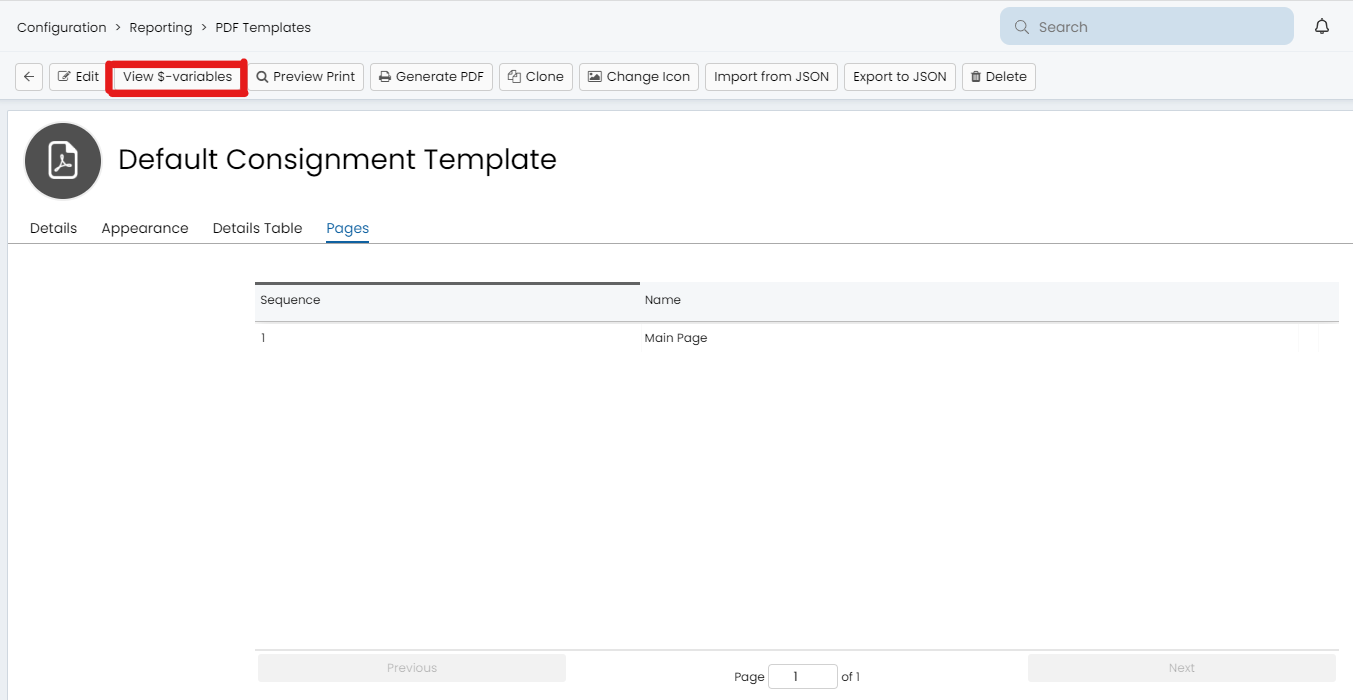
Fig 2. View $-Variables button when viewing a consignment template
Setting a default template.
When generating the PDF on a consignment you will be prompted to choose the appropriate template.
The default template can be set in Configuration > Items and Stock Control > "Default PDF Template for Consignments"
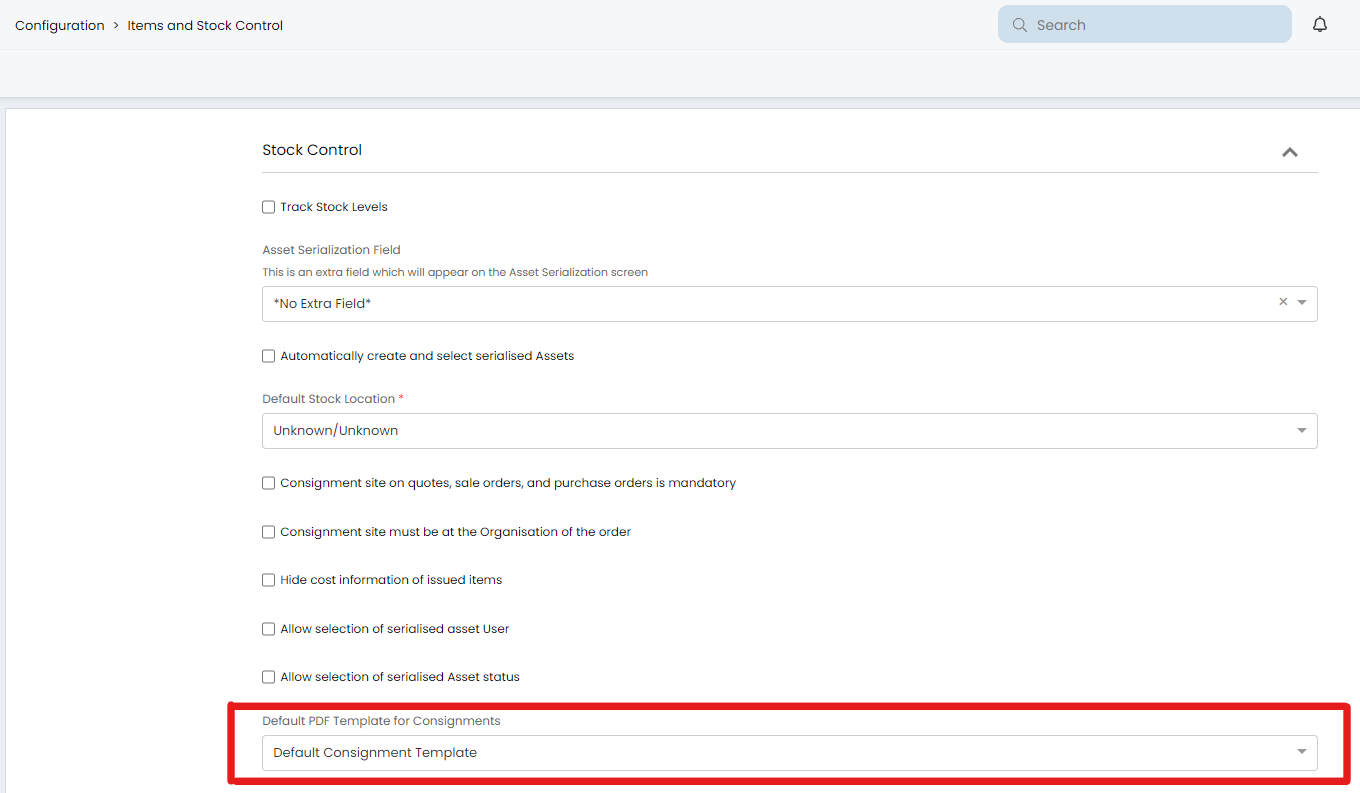
Fig 3. Default PDF Template for Consignments setting in Configuration > Items and Stock Control