Genesys Integration
In this guide we will cover:
- What is the Genesys Integration?
- Enabling Call Management
- Connecting Genesys
What is the Genesys Integration?
Genesys can be integrated with Halo to display the call screen when a call is received from Genesys.
Enabling Call Management
First, ensure that your Call Management module is enabled. Head to Configuration > Call Management.
Hover over the module, if a "+" icon shows, click this to enable the module.
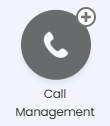
Fig 1. Call Management module
Connecting Genesys
Click into the module, then select "General Settings".
You will see a URL at the top, which will be the URL Genesys will open when answering a call. Copy this for later.

Fig 2. URL for call software popups
First, install the browser extension for "Genesys Cloud for Chrome" or "Genesys Cloud for Firefox", and follow the setup instructions on the extension.
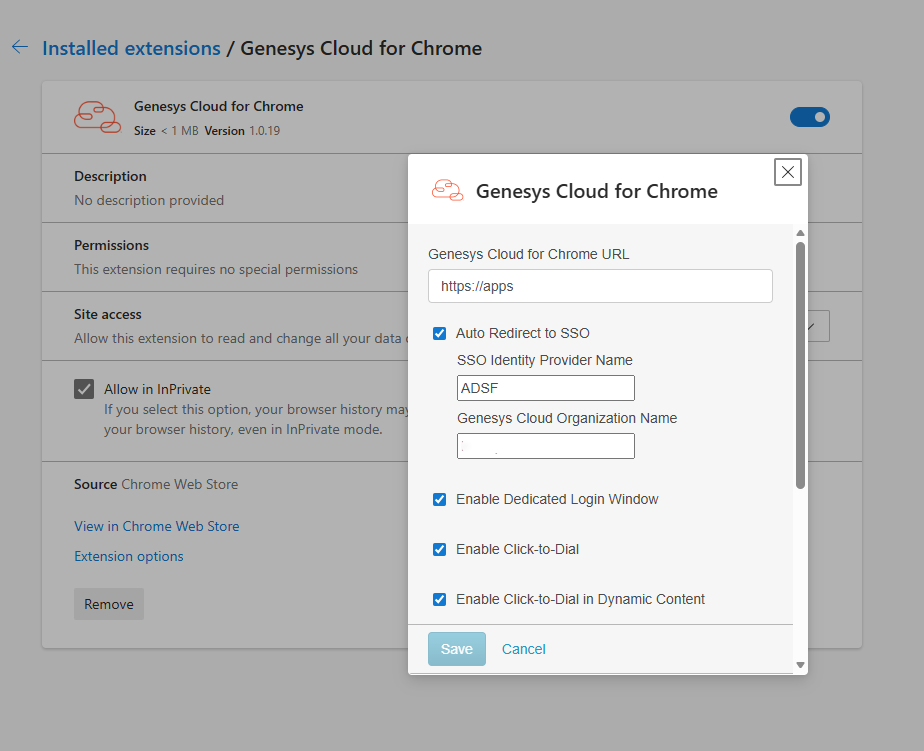
Fig 3. Genesys Chrome extension
Then in Genesys Architect, create an inbound call flow.
Add a "Set Participant Data" action with the attribute name as "BR_URLPop".
Toggle the "Value to Assign" format to "Expression", then set the following.
- If phone numbers are prefixed with 'tel:': Append("https://[YOURHALOURL]/call?inboundactive=true&callerid=", Replace(Call.Ani, "tel:", ""))
- If phone numbers are not prefixed: Append("https://[YOURHALOURL]/call?inboundactive=true&callerid=", Call.Ani)
Add a "Transfer to ACD" action to queue/route the call.
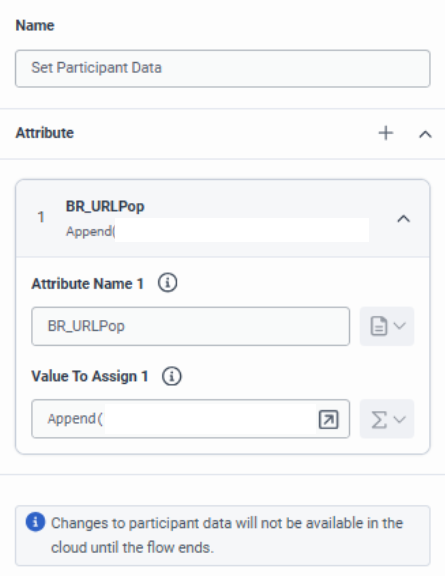
Fig 4. Creating an inbound call flow
When receiving a call via Genesys, it will also now open the Halo new call screen, and match the phone number to a user if there is one.
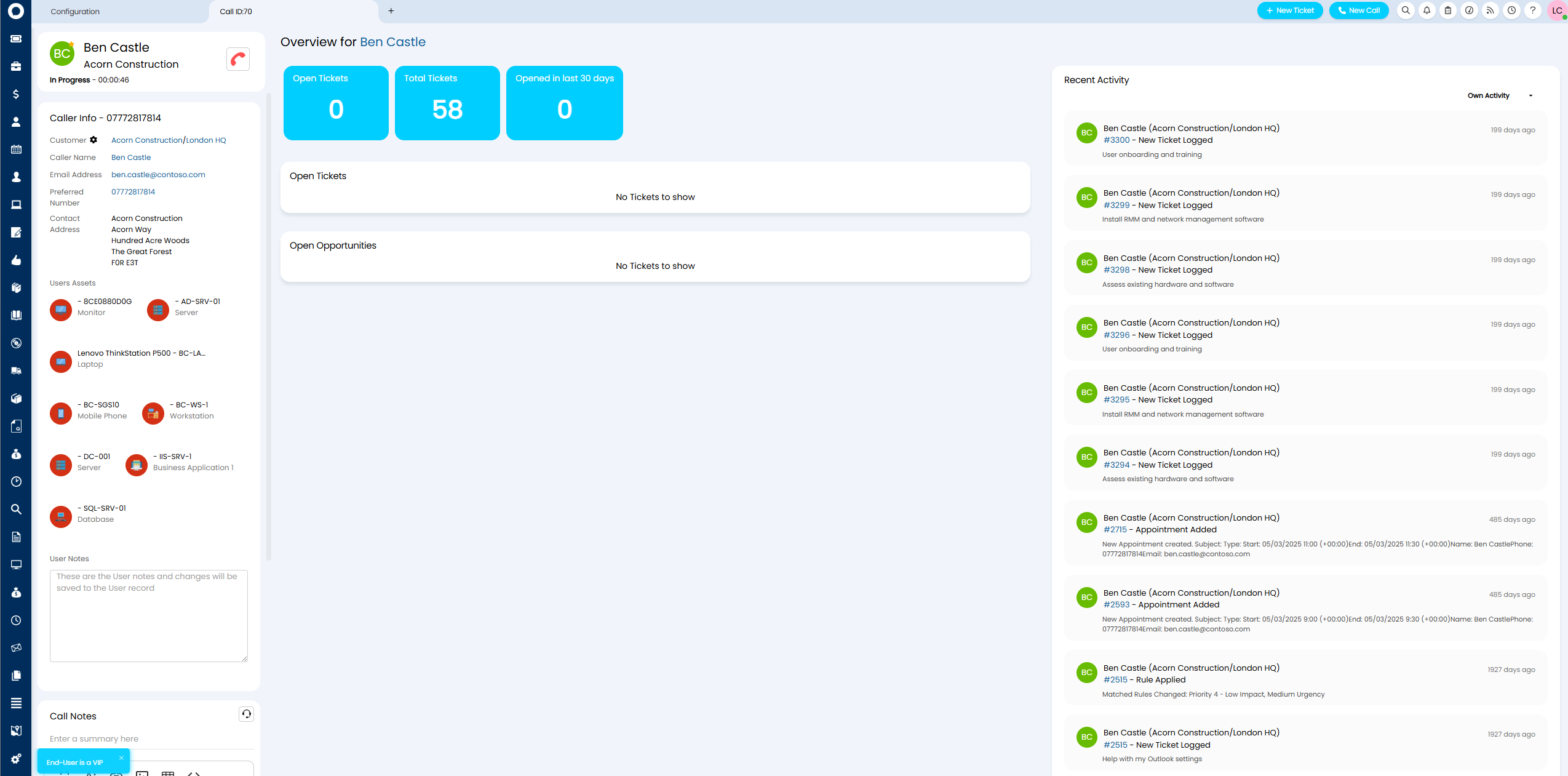
Fig 5. Call screen