Sophos Integration
In this guide we will cover:
- What is the Sophos Integration?
- Connecting to Sophos
- Importing Customers
- Importing Licences
- Halo Integrator
What is the Sophos Integration?
The Sophos integration can be used to import customers and their licences into Halo.
Connecting to Sophos
In Configuration > Integrations, hover over the Sophos module and click the "+" icon to enable it.
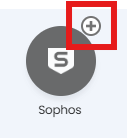
Fig 1. Enabling the module.
Once the module is enabled, open Sophos Central, and head to My Products > General Settings > API Credentials Management. Here you can generate credentials for the integration.
To create these credentials:
- Click Add Credential.
- Enter a Credential name.
- Click Add.
Sophos Central generates a Client ID and Client Secret. Copy these and add them into the setup section of the integration, along with a name for your connection. Once set you can connect Sophos to Halo using the "Connect" button.
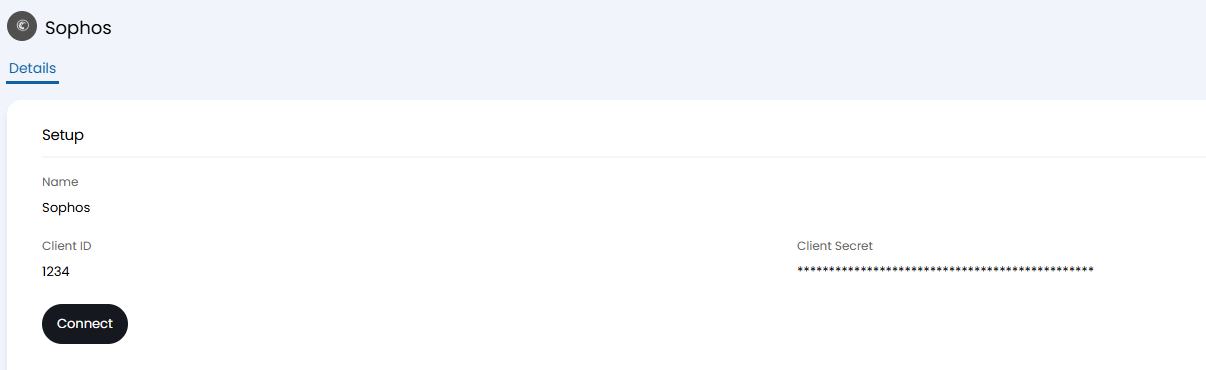
Fig 2. Connecting to Sophos.
Importing Customers
Below the setup section you will find the customer section where you can set customer mappings. The first button here is "Generate Mappings". Upon clicking this, if any customers in Halo exactly match the name of a customer in Sophos, a mapping will be automatically created between them.
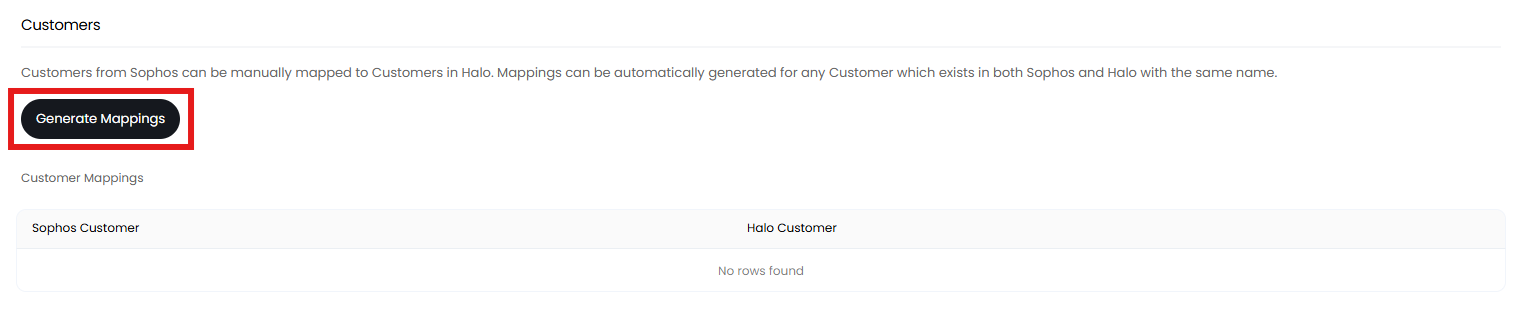
Fig 3. Generating mappings.
For any customers that do not match by name, mappings can be manually created by clicking the "Add" button.

Fig 4. Adding mappings.
Note: The "Add" button will only display when editing, and the "Generate Mappings" button will only show when the page is saved.
Customers can be manually imported using the "Import Customers" button or the integrator.
Fig 5. Import Customers button
If top levels are enabled in Configuration > Users > General Settings, you can set a top level for new customers to be imported under using the drop down.
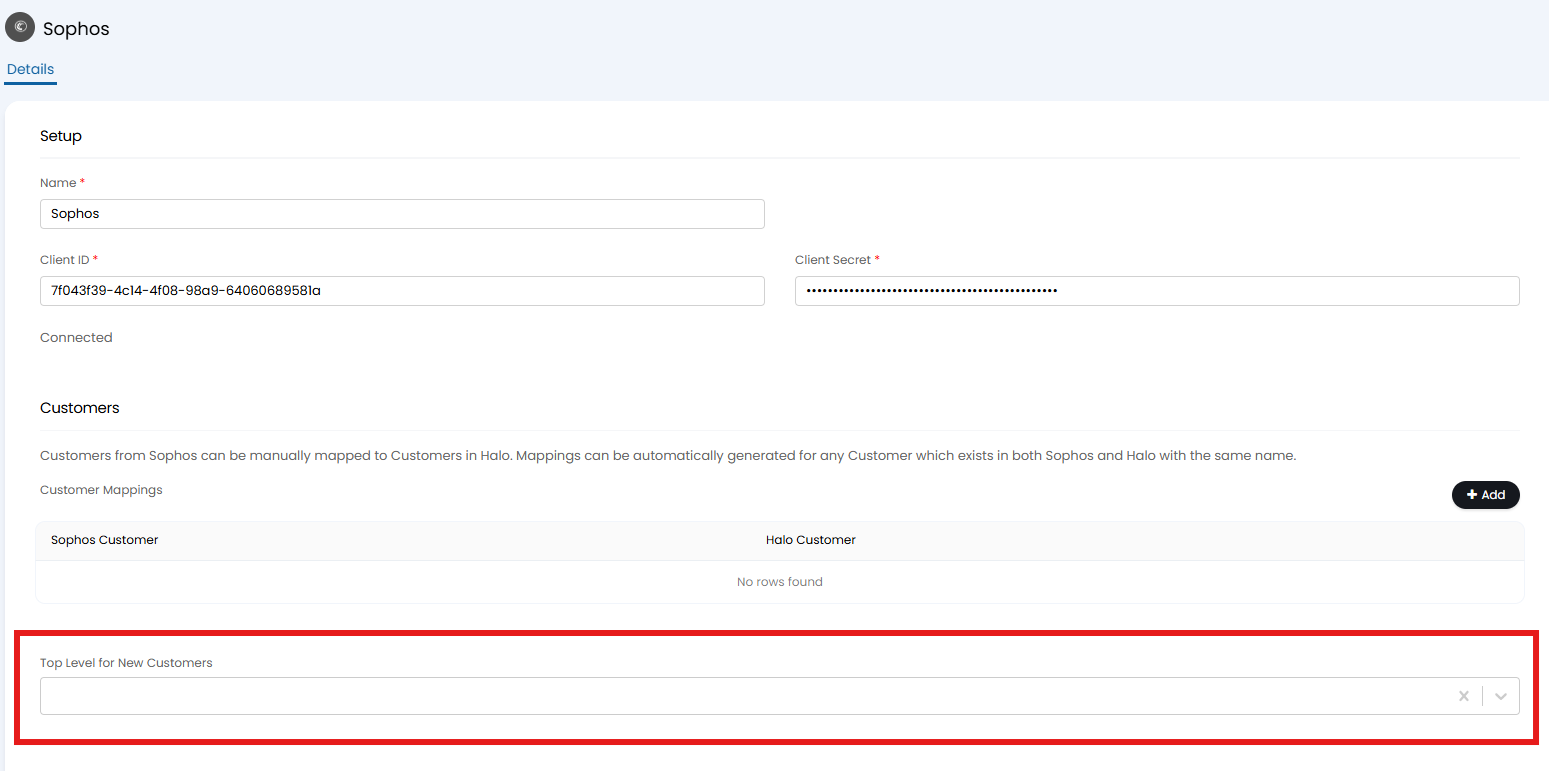
Fig 6. Setting a top Level
Importing Licences
Licences can be imported for any mapped customer either manually using the "Import Licences" button or via the Halo Integrator.
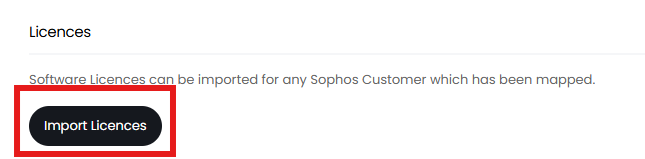
Fig 7. Import Licences button
Halo Integrator
The final section is the "Halo Integrator". If enabled, customers and/or subscriptions can be imported on a recurring sync, keeping details on both up-to-date.
If using the Halo Integrator to sync, all Customers and Licences will be imported regardless of what was manually imported previously. You can choose which of these entities to sync using the drop down shown below.
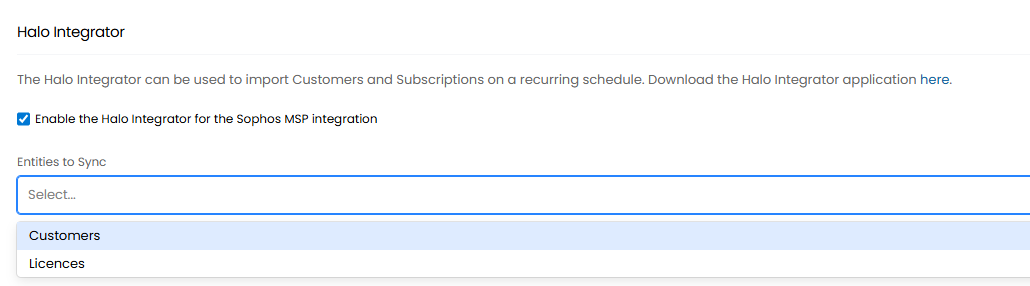
Fig 12. Enabling the Halo integrator.