UserWay Integration
In this guide we will cover:
- What is the UserWay Integration?
- Enabling UserWay on the Self Service Portal
- Enabling UserWay on the Agent Application
What is the UserWay Intgration?
UserWay is an accessibility tool which can be integrated with Halo on the Self Service Portal and the Agent Application.
Enabling UserWay on the Self Service Portal
In Configuration > Self service Portal, under the Miscellaneous Settings section you will find the "UserWay Data Account" field.
Here you can fill in your "UserWay Data Account", which can be found within the embed code on UserWay. This will allow the UserWay widget to display in the portal.
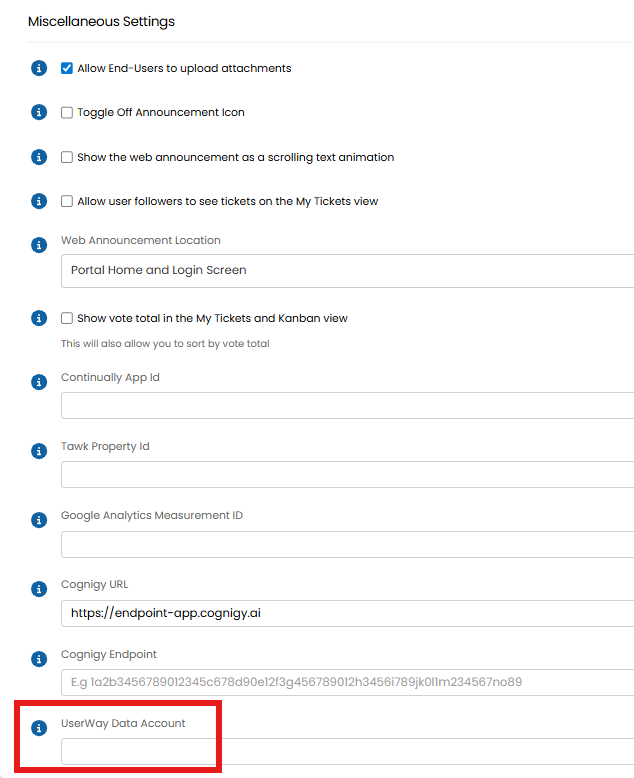
Fig 1. Enabling access to your UserWay Data Account in the Portal
To find your data account in Userway head to the "Embed Code" section in the side menu. Your embed code will show, containing is your data account surred by quote marks. Copy the data account and paste it into the field in Fig 1.
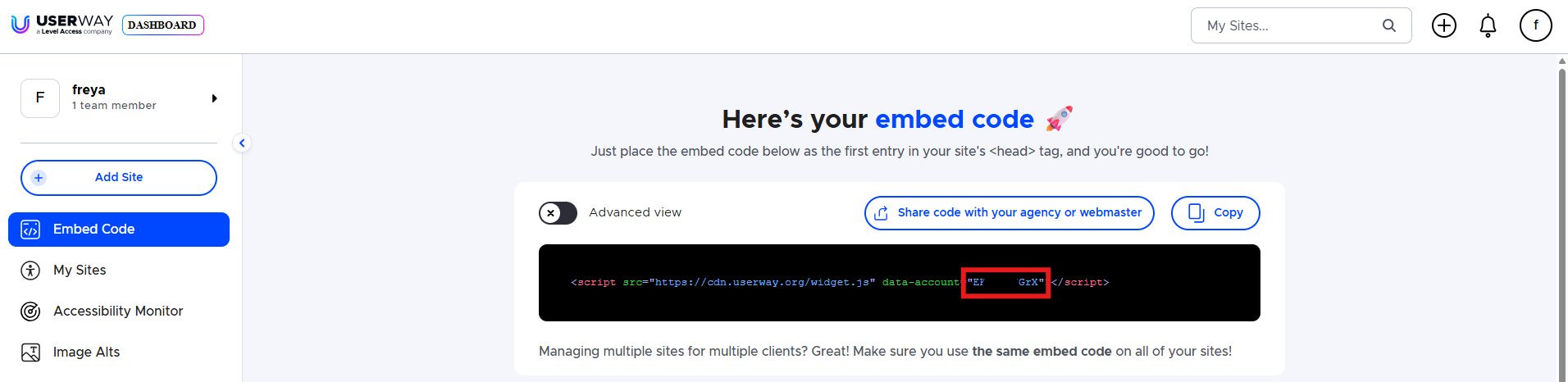
Fig 2. Finding your UserWay Data Account
Enabling UserWay on the Agent Application
In Configuration > Advanced Settings, you will find the option to add your "UserWay Data Account". Setting this will allow the Agent Application to display the UserWay widget.
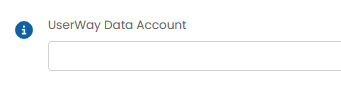
Fig 3. Enabling access to your UserWay Data Account in the Agent App
When enabled the widget will show on the Agent Application as below.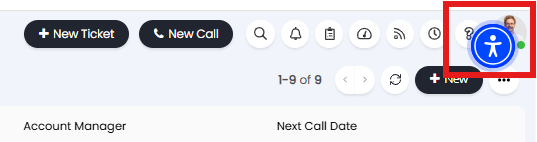
Fig 4. UserWay widget
If you click into the widget you will see the Accessibility menu, options in the menu can be selected and applied to Halo to make the platform more accessible.
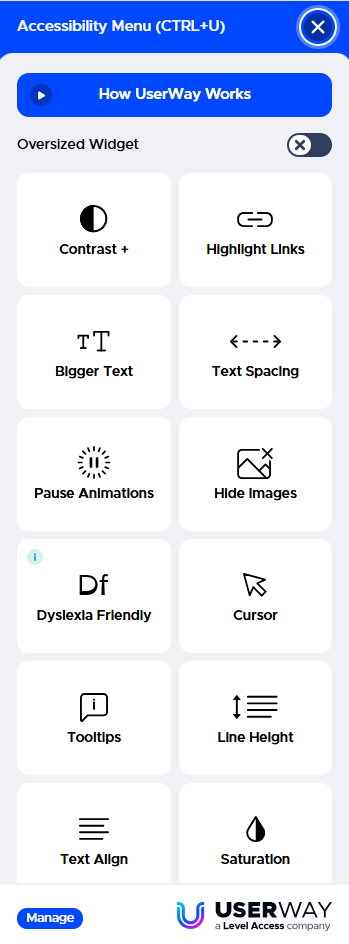
Fig 5. UserWay Accessibility menu
The location of your Userway Widget can be changed in your Userway account. To do this click into your site, head to the "Customize" tab and set your button type and location.
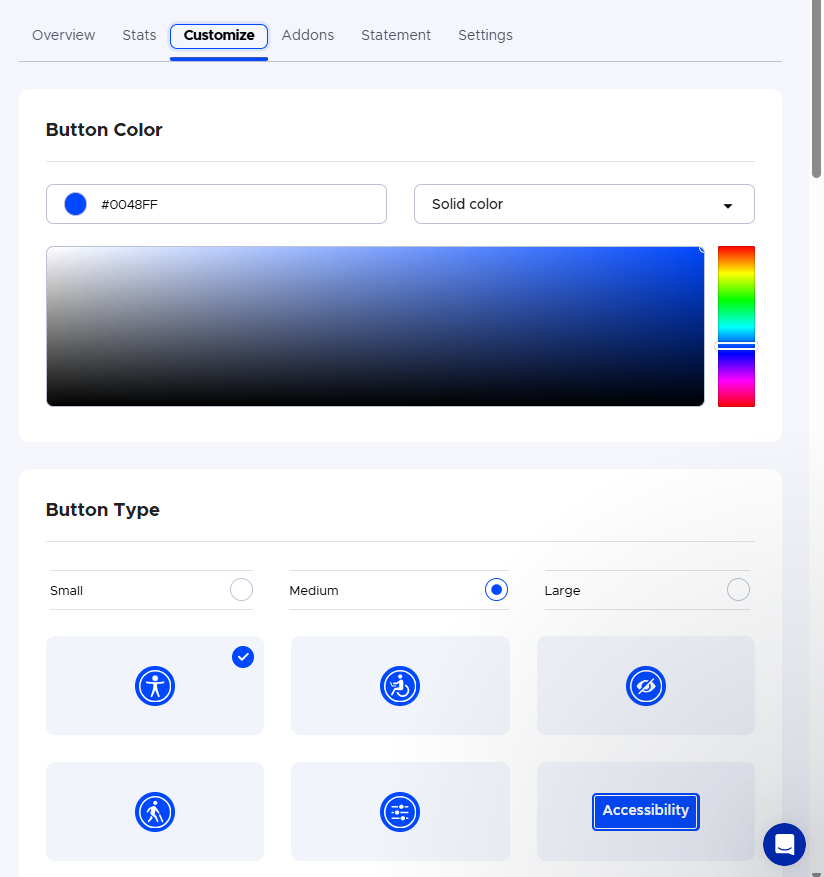
Fig 6. Customising your UserWay Widget