Nagios XI Integration
- integration
- Alerting
- nagios
- nagios xi
- alert
In this guide we will cover:
- What is the Nagios XI Integration?
- Connecting to Nagios XI
- Receiving Alerts
What is the Nagios XI Integration?
Nagios XI can be integrated with Halo to create tickets for alerts sent from Nagios XI, matching these to assets to provide easy to digest information on the issue presented.
Connecting to Nagios XI
Navigate to Configuration > Integrations, and hover over the Nagios XI module. Click the "plus" icon to enable it.
Fig 1. Enabling the Nagios XI integration.
Clicking into this, you will see a "Password" field near the top. Create your own password, and remember this. It will need to be added to the curl in Nagios XI to validate the request.

Fig 2. Creating a password.
Mappings
Underneath, you can set the Ticket Type that the Alerts will be logged under, and the End-User to log the Alerts against.
You can also map different states from Nagios XI into Halo Priorities. Each status mapped here will create a Ticket of the corresponding Priority if detected.
Fields to use for Asset matching can be set if "ip_address" and/or "hostname" is included in the JSON of the curl. This is the field in Halo that will be scanned for the matching data. This will also create a "faultdevice" record within Halo, and if the field "Asset" is added to the Ticket Type, it will appear as a "Related Asset".
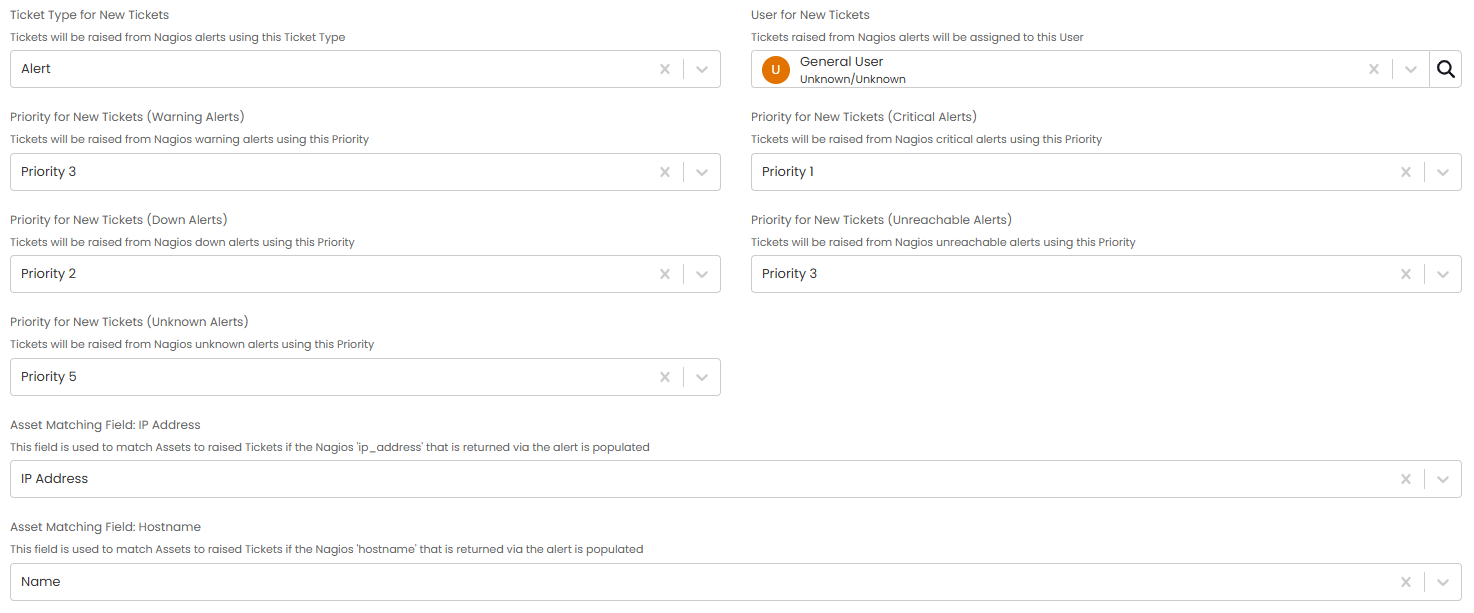
Fig 3. Setting Priority mappings and matching fields.
Receiving Alerts
In Nagios XI, an outgoing webhook will need to be created for the "Host-Alert" and "Service-Alert" events. Nagios XI will then send this curl to Halo to create the Alert when any of the mapped statuses are detected.
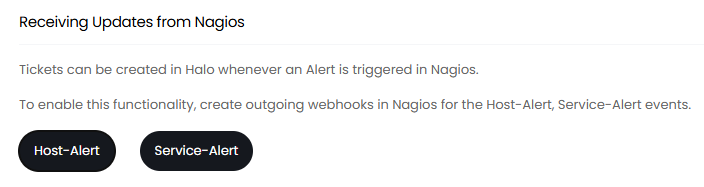
Fig 4. Alert events.
The password created previously will need to be added to both curls to authorise them, in the gap shown here "Authorization: {Use Password token here without these brackets}"
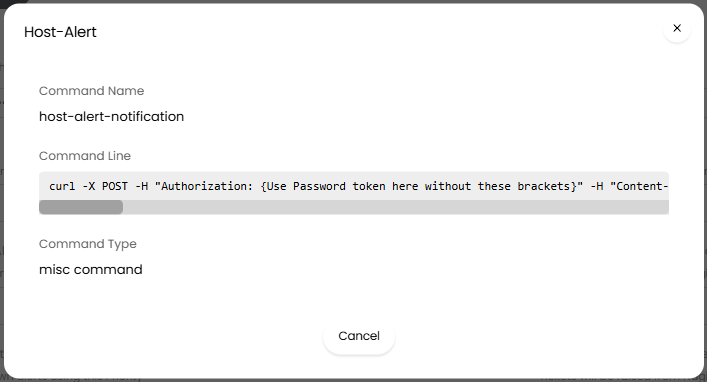
Fig 5. Curl request for the Host-Alert.
When Alert Tickets are created, "description" will be used as the Ticket Summary by default. If this is not populated, "hostname" will be used.
Alerts match on "metric_name", "problem_id" and "hostname". If these are all the same it will relate to the same ticket, and Alert updates will be added as Actions on the raised Ticket. Status updates will be posted as Actions to the same Ticket.
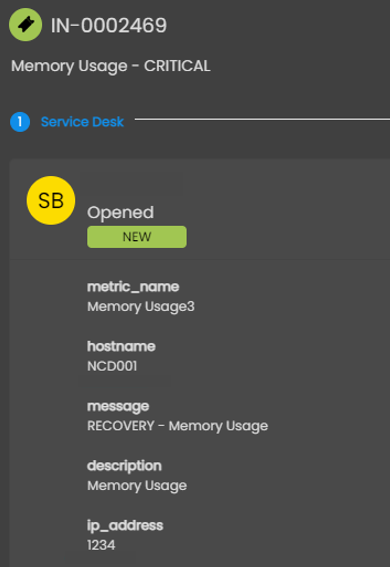
Fig 6. Alert ticket logged.
"Up" and "Ok" are statuses that will resolve an Alert with a detailed Action to close the Ticket. If another Alert is then triggered with "metric_name", "problem_id", and "hostname" all the same, another Ticket will be created.