AuthRocket Integration
- integration
- Users
- authrocket
In this guide we will cover:
- What is the AuthRocket Integration?
- Enabling the AuthRocket Module - Connecting to AuthRocket
- Using the Runbook
What is the AuthRocket Integration?
The AuthRocket integration can be used to import users from AuthRocket into Halo using a scheduled runbook.
Enabling the AuthRocket Module
In Configuration > Integrations > Asset Management and Alerting, you will find the AuthRocket module. Hover over it, and click the plus (+) icon to enable it.
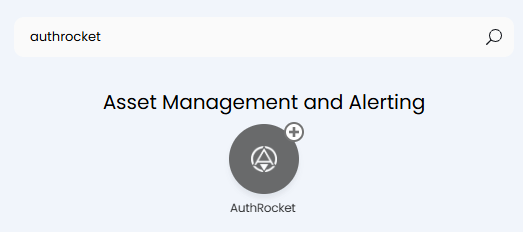
Fig 1. Enabling the AuthRocket module.
Upon enabling the module, the "AuthRocket" runbook will automatically download into your list in Configuration > Integrations > Custom Integrations > Integration Runbooks.
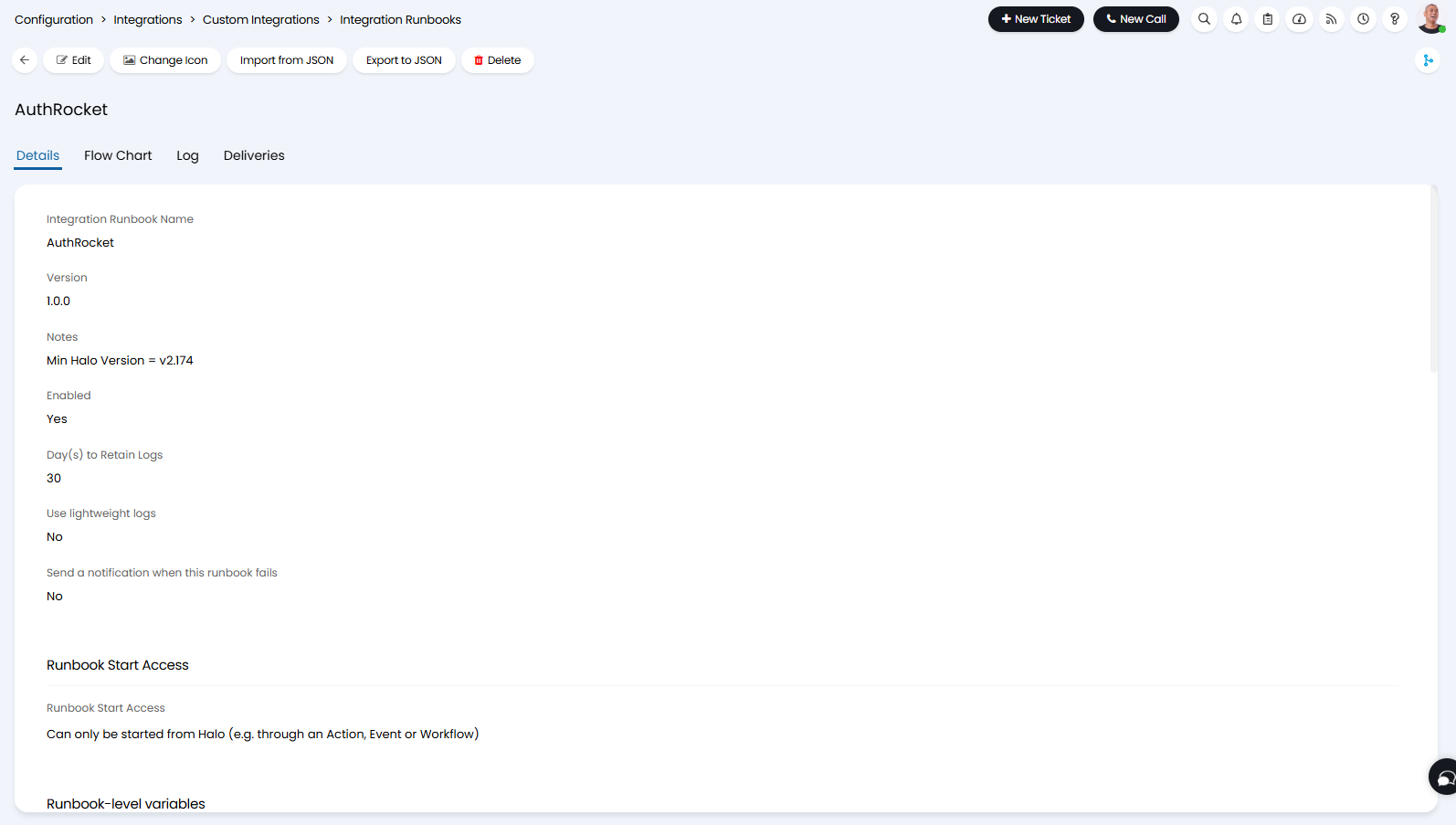
Fig 2. AuthRocket runbook.
The runbook can also be accessed by clicking the "AuthRocket Runbook" button within the module.

Fig 3. AuthRocket Runbook shortcut.
Connecting to AuthRocket
In AuthRocket, navigate to the realm of choice, and go to the "Integration" tab. Here you can then go to the "API keys" section, and click "Add API key". Give the key an appropriate name, and "Read/write/admin" permissions. Click "Save".
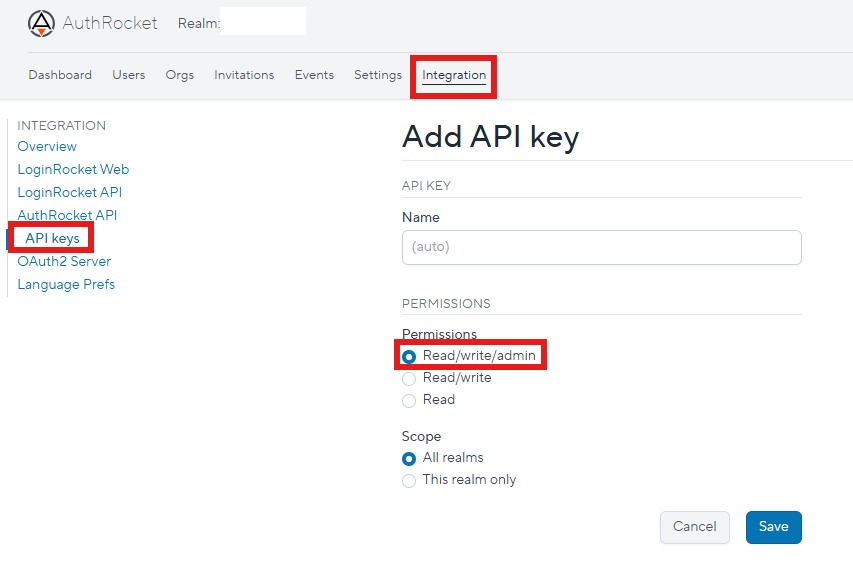
Fig 4. Creating an AuthRocket API key.
Upon saving, the API key and endpoint URL will be available to copy. Store these somewhere safe, and save.
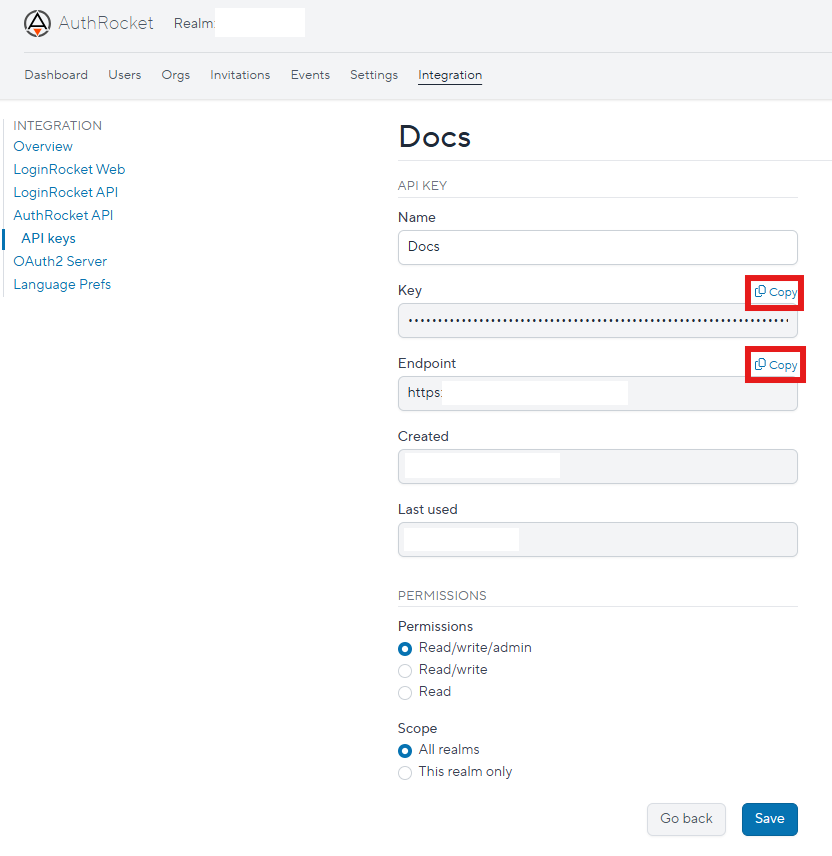
Fig 5. Copying the key and endpoint.
Back in Halo, click into the module. You will see these three fields at the top of the page. Enter the URL and API key your stored into the first two respective fields.

Fig 6. Setup in the AuthRocket module.
The third field, "Realm", is set from the URL of your AuthRocket realm. When viewing your realm in the "Dashboard" tab, it will be the last string of text after the final slash "/", where the red box is below, or if viewing another tab like "Users", it will be the string before the ending "/users" - i.e. /realms/[realm here]/users

Fig 7. Realm URL.
Using the Runbook
Upon connection, the runbook that downloaded automatically can now be used to import users from AuthRocket into Halo.
A schedule is set against the runbook, but this can be altered depending on how frequently/when you wish this to run. Clicking "Run now" can also manually run this in addition to the schedule set.
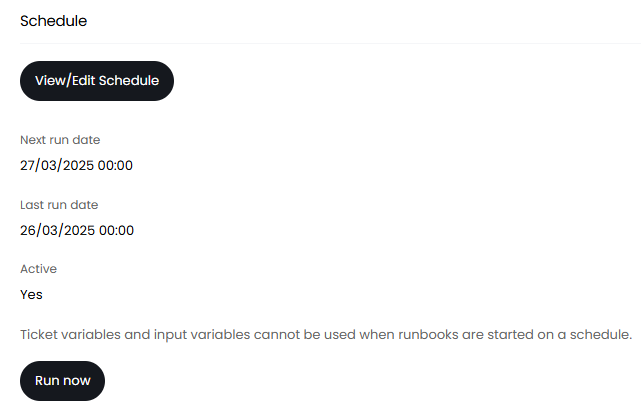
Fig 8. Schedule on the runbook.
For instance, upon running the runbook the user "Jim Shorts" has been created with his relevant information such as his email and default site.
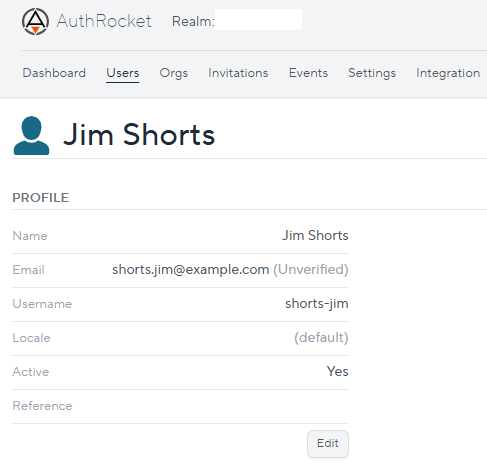
Fig 9. User example in AuthRocket.
As below.
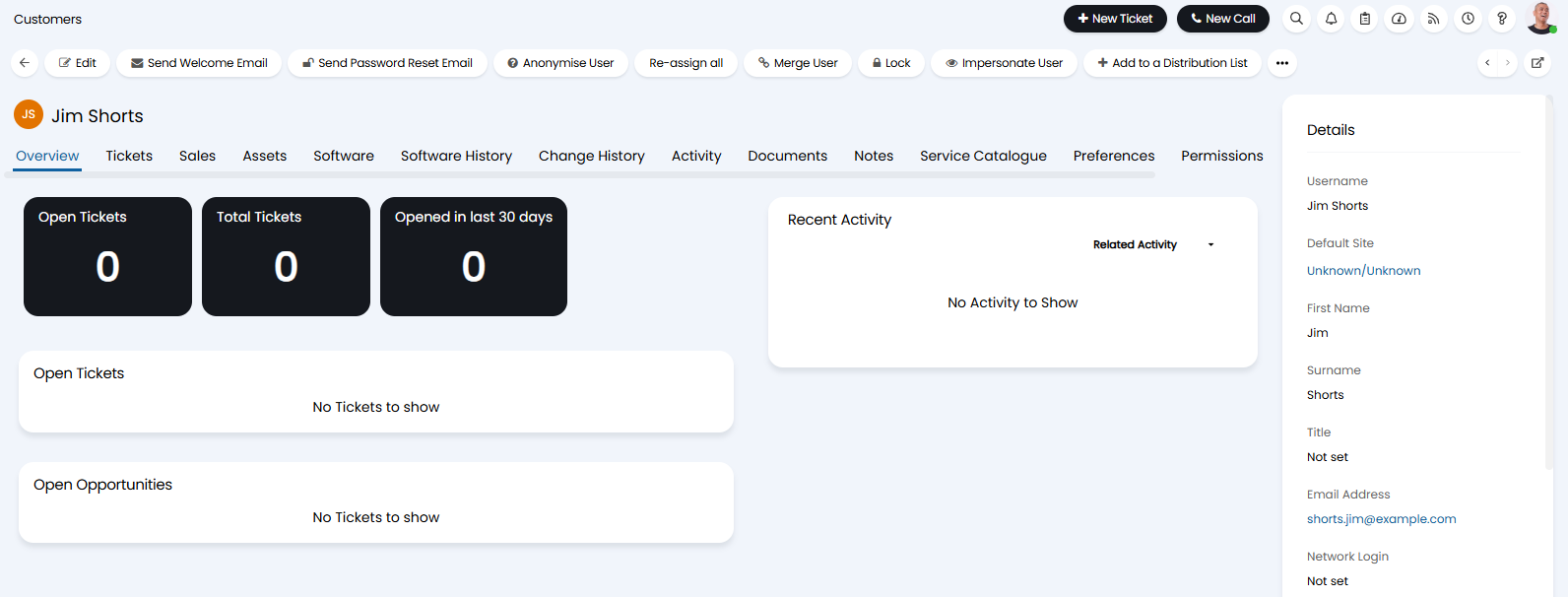
Fig 10. User imported into Halo.