Vorboss Integration
- integration
- vorboss
- product catalogue
In this guide we will cover:
- What is the Vorboss Integration?
- Enabling the Integration
- Connecting to Vorboss
- Using the Integration
What is the Vorboss Integration?
Vorboss can be integrated with Halo to browse Vorboss services by postcode, and place orders.
Enabling the Integration
The Vorboss integration can be found in the 'Product Catalogs' integration group. Make sure to enable the module by hovering over the Vorboss module and clicking the "+" sign in the top right hand side:
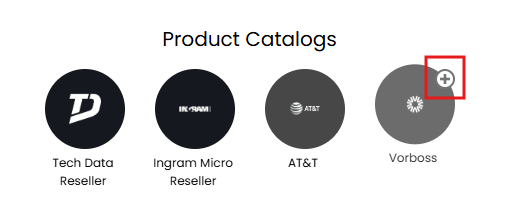
Fig 1. Enabling the module.
Connecting to Vorboss
An API key is required from Vorboss directly. A default vendor and product group must be selected to create new products under when adding Vorboss services to quotations.
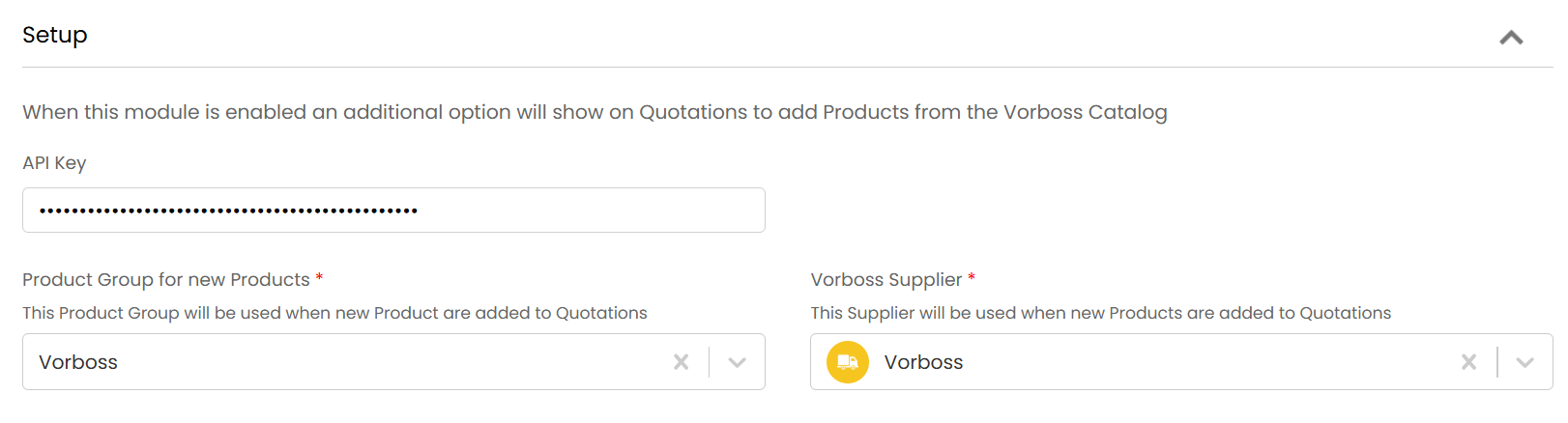
Fig 2. Setup.
Using the Integration
With the module enabled a new button to "Add Vorboss product" will appear on the quote details screen. This opens a search screen so that you can see what services Vorboss can offer at your customers specific postcode. This is filled out automatically if the postcode is already set on the quote.
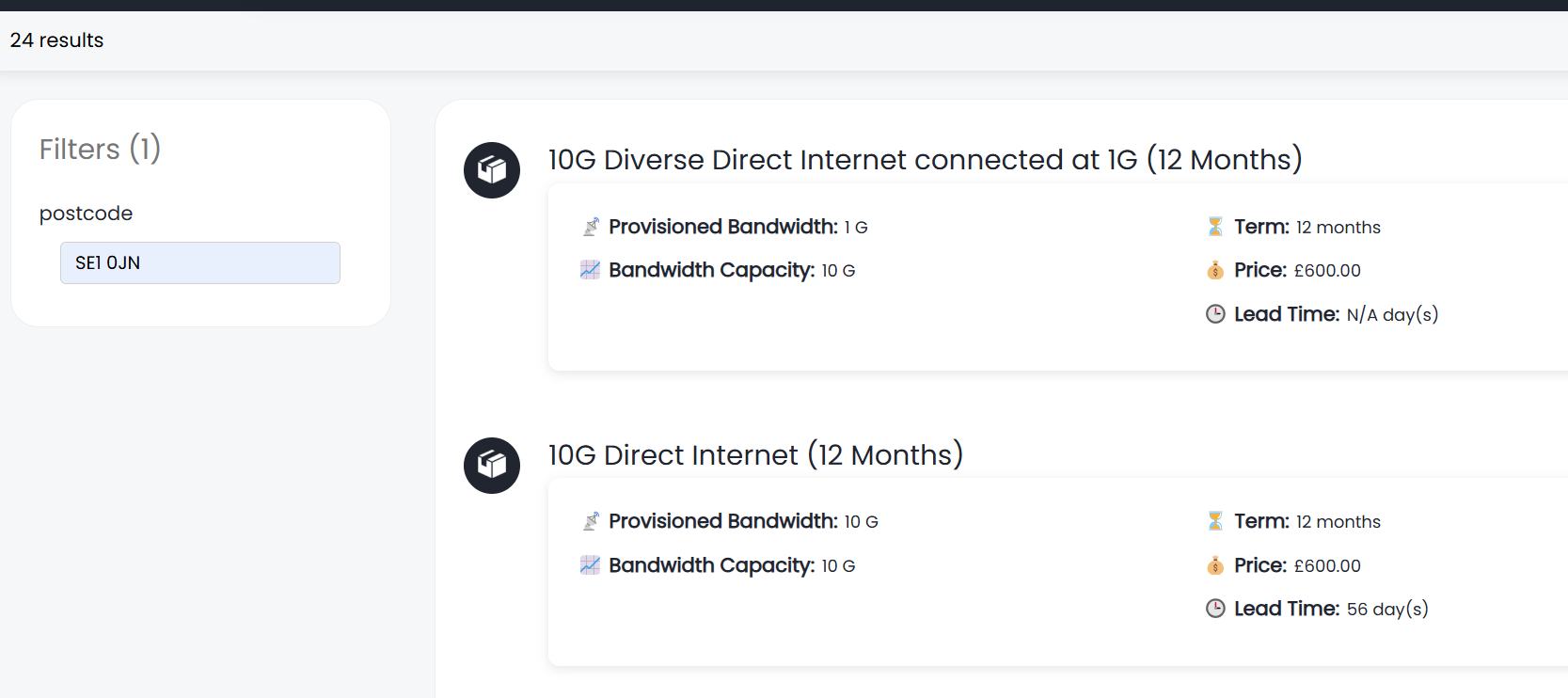
Fig 3. Search screen.
Once a Vorboss service has been selected, this will be added as a line to the quote and created in Halo as a recurring product based on the term duration from Vorboss.
There is also an option to enable automatic ordering of Vorboss services.

Fig 4. Enable automatic ordering.
Once synced, Vorboss order IDs are visible in the details section of the quote.
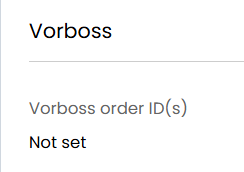
Fig 5. Order ID on a quotation.
All order requests can be viewed under the "Outbound Requests" tab.
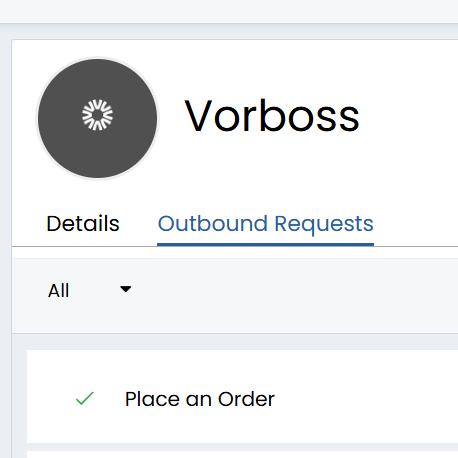
Fig 6. Order request in the outbound requests.