SQL Schema
- sql
- Database
- schema
- diagram
In this guide we will cover:
The Halo Schema
The Halo Schema can be found on our website, or using the following link https://www.usehalo.com/sqlschema.
Using the Schema
The schema consists of tabs which can be found by clicking the Schema name shown below.
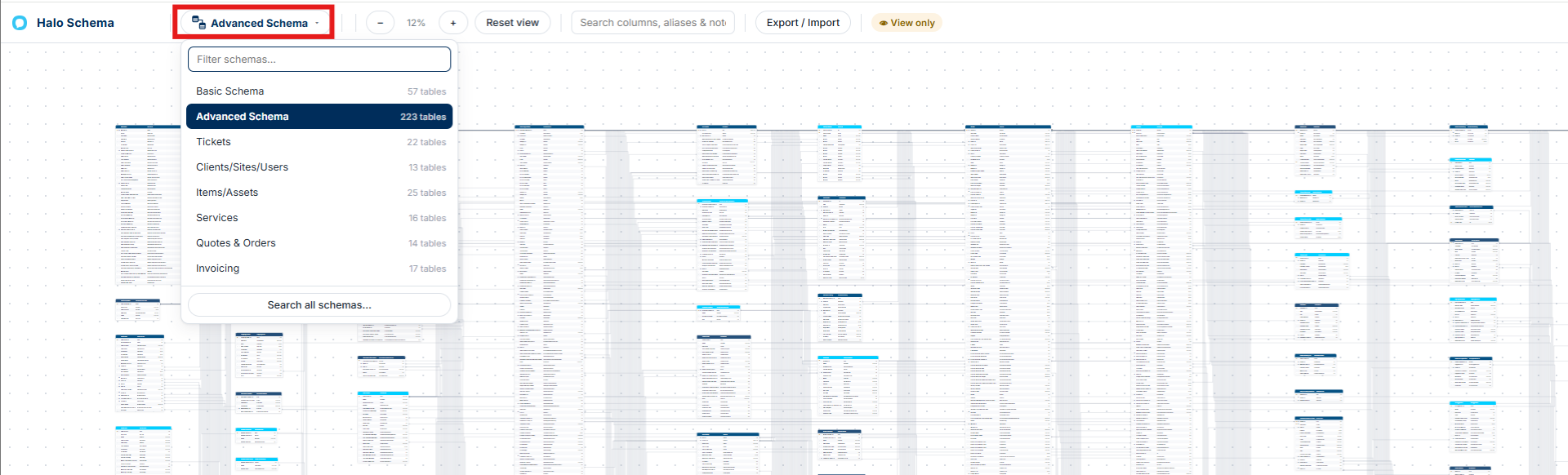
Note: The Advanced Schema is very large, and may struggle to load. All other schemas are far smaller and faster.
Hovering over a line will highlight it in red, and clicking it will hold this red colour even when dragging around the page. You will need to click off the line to deselect it.
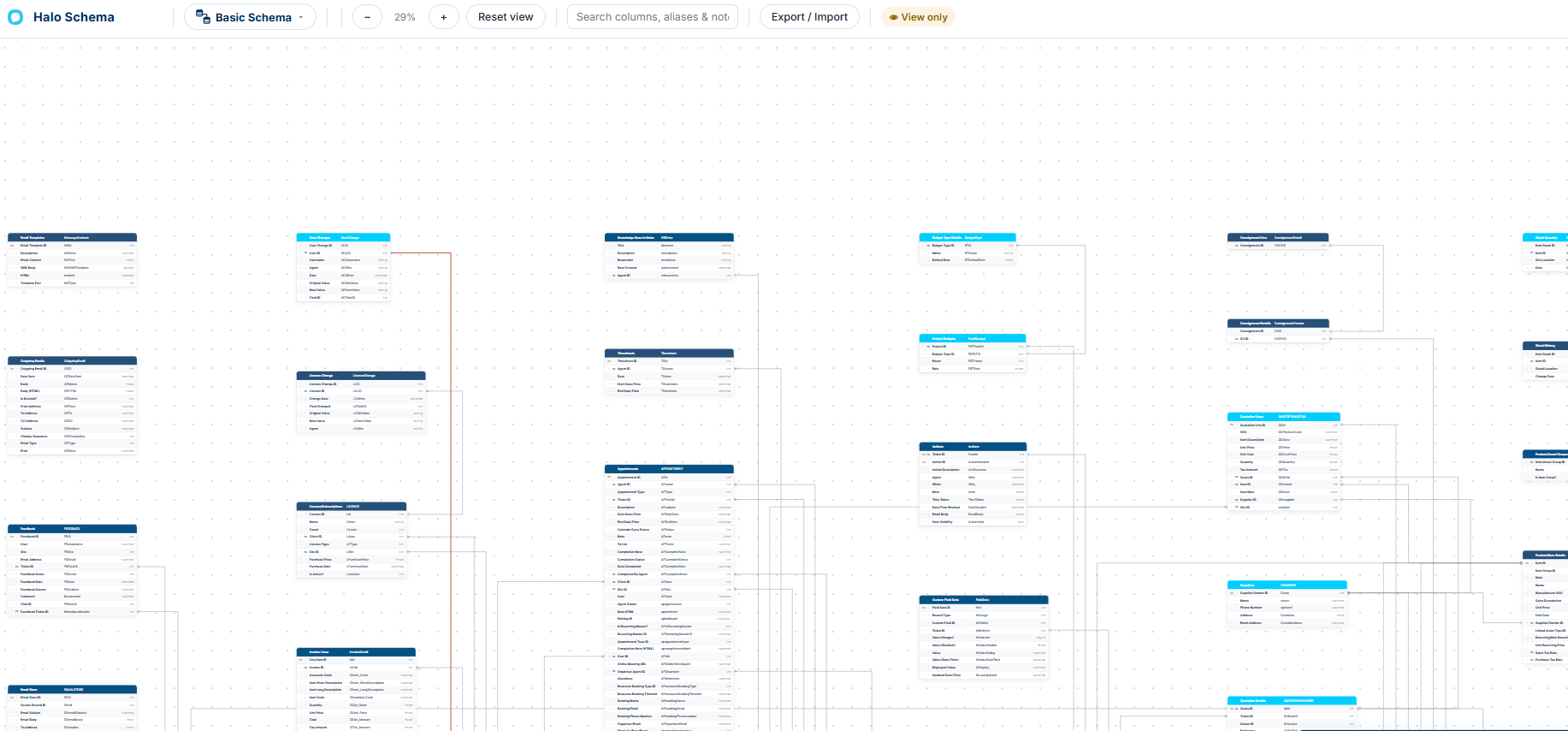
Clicking on the top of a table will highlight all the joins relevant to the table, again this will hold this red colour even when dragging around the page. You will need to click off the table to deselect it.
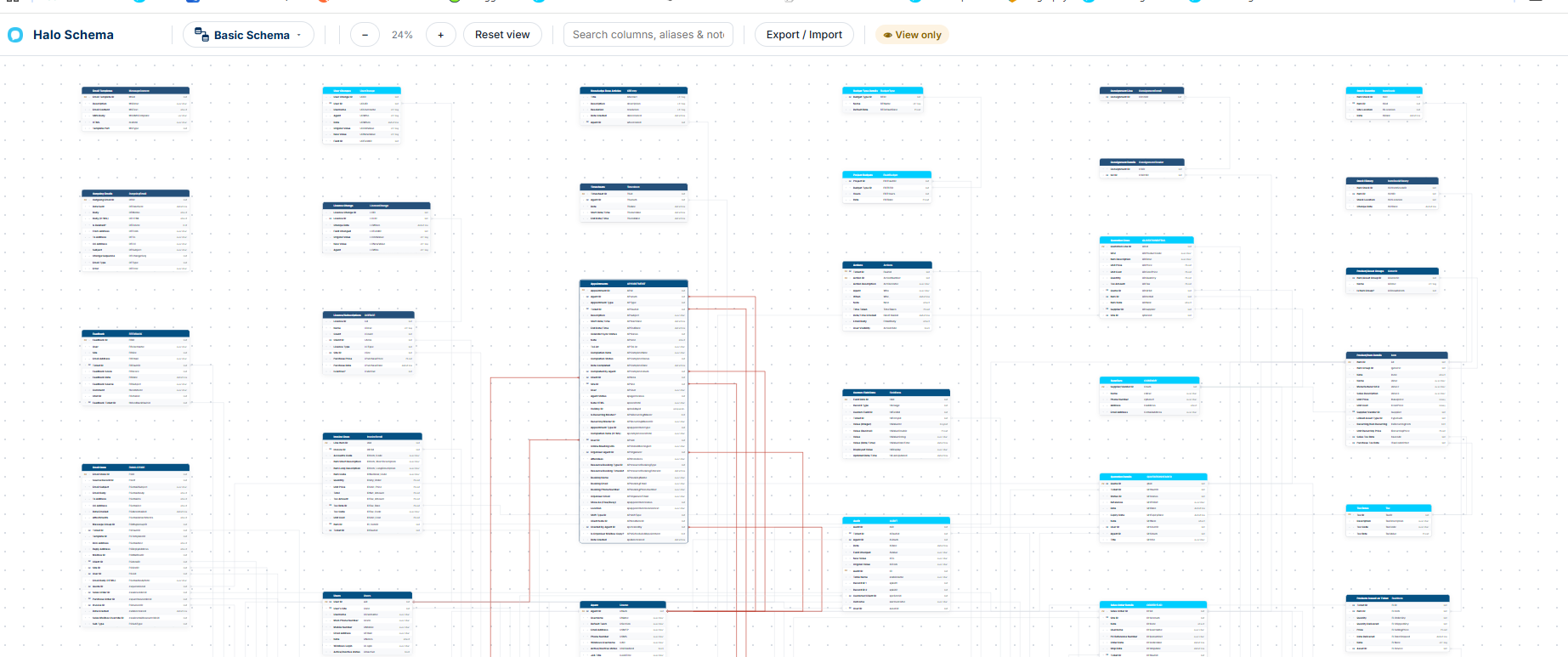
Clicking on a Column within the table, will highlight the row and any joins to the selected column.
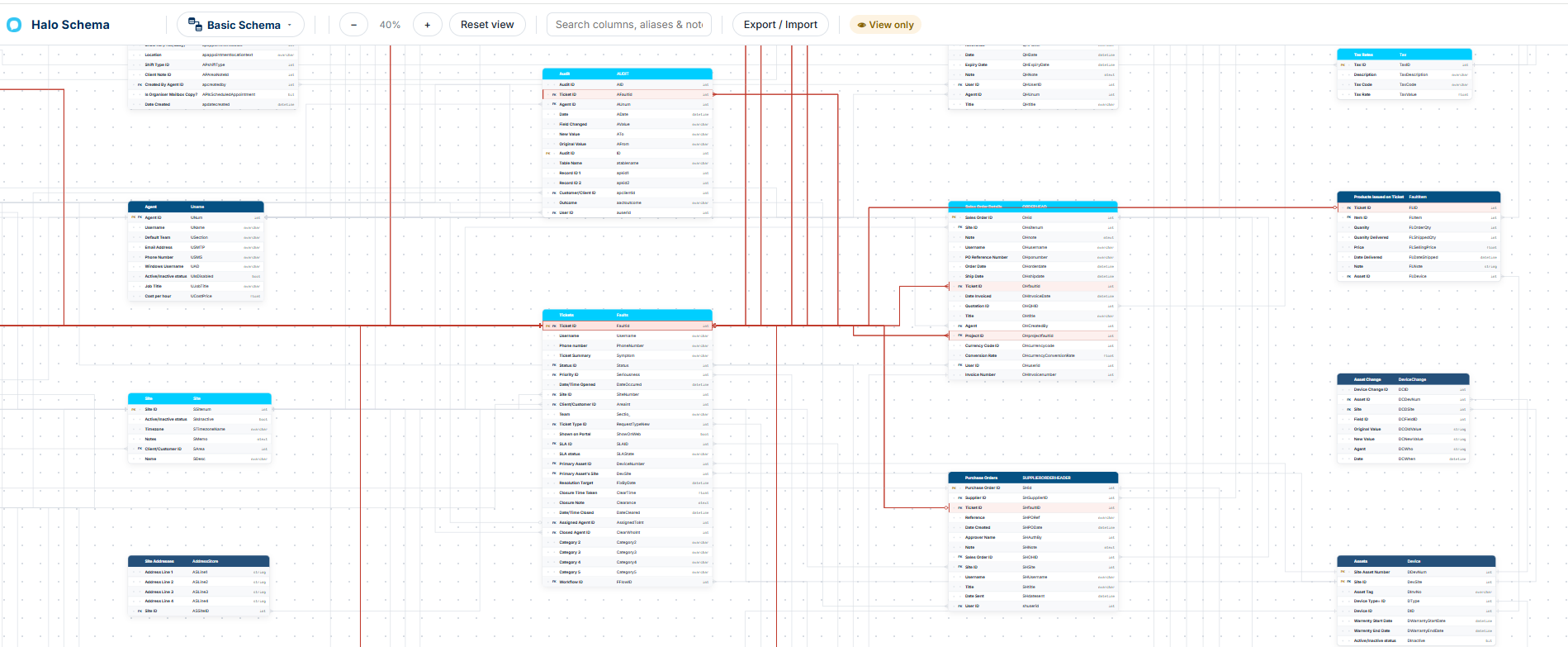
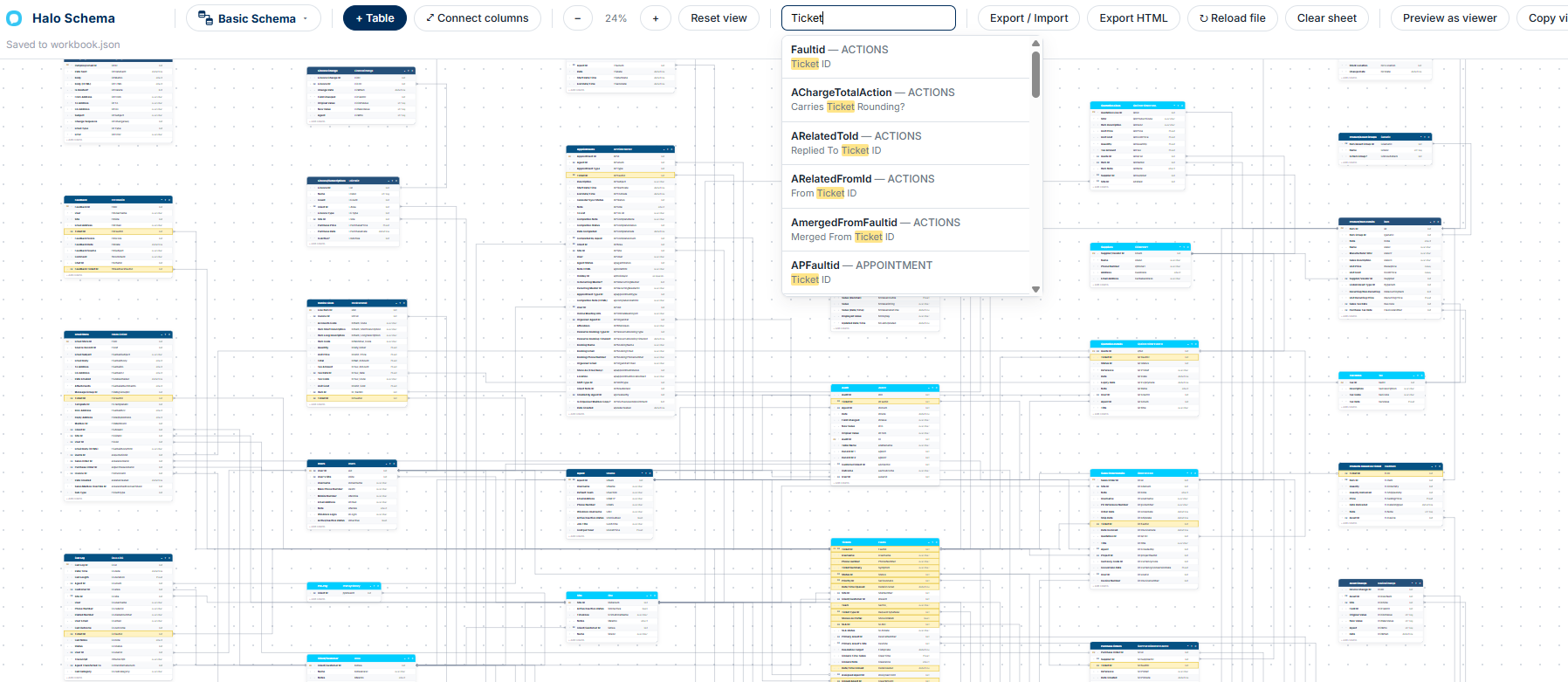
The search bar at the top allows you to search on the table name, column name, alias, and notes.
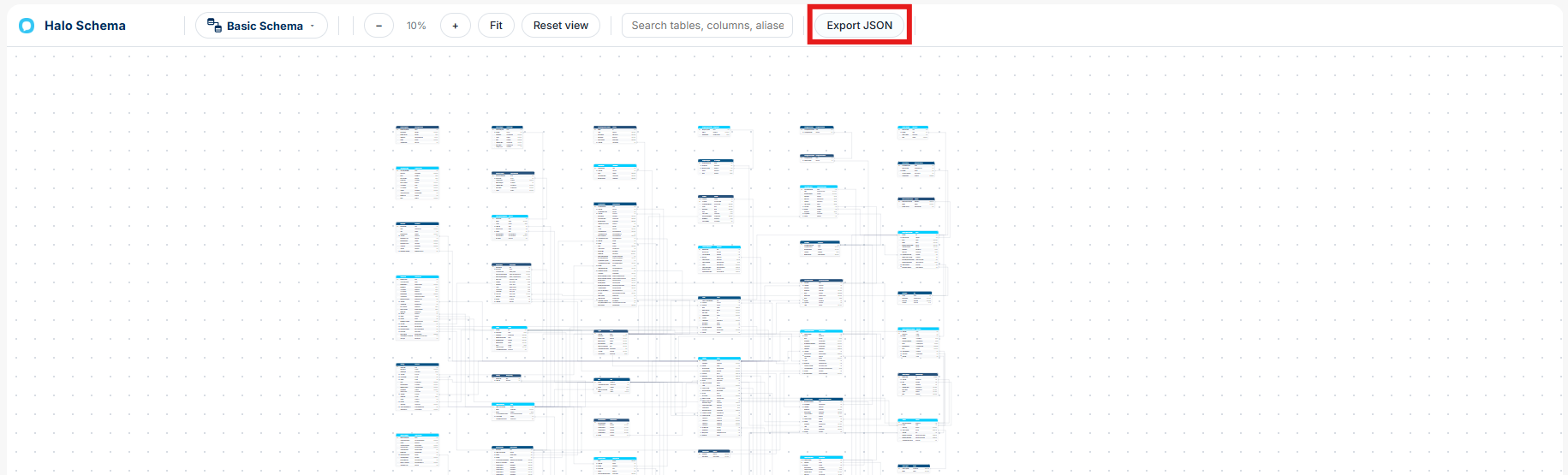
The JSON for each tab can be obtained by clicking the "Export JSON" button.
The Key at the bottom right can be used to jump to a table. This can be dragged out from the corner to expand the section.